Utilities
Discord Voice Panel for XENEON Edge
by PackRat 🐀
Overview
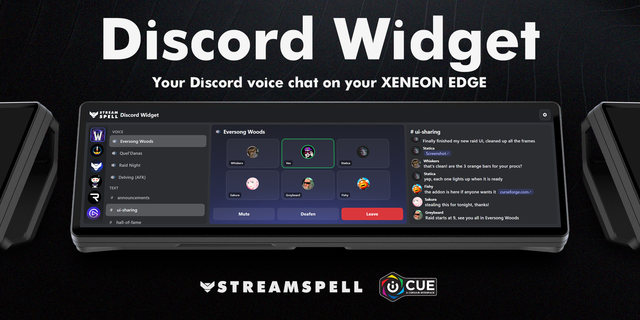
PackRat Voice Panel turns your CORSAIR XENEON Edge into a live voice dashboard for Discord Desktop.
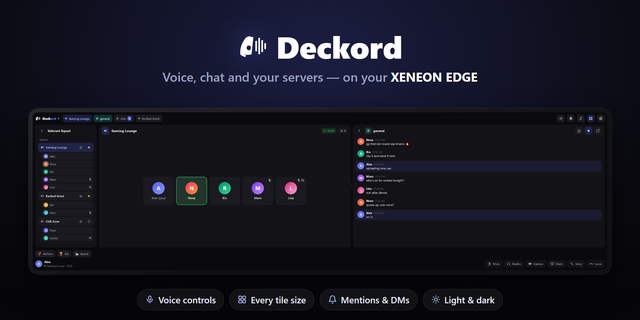
See the voice channel you are currently in, the people connected with you, and who is speaking without bringing Discord back to the foreground. Active speakers are highlighted and promoted so the conversation stays readable at a glance.
Touch controls put Mute and Deafen directly on XENEON Edge. The panel follows you automatically when you join, leave, or switch voice channels, with no Server ID or Channel ID setup.
The interface is tuned for all eight XENEON Edge layouts, from compact horizontal and vertical slots through XL. Larger layouts add more roster space and recent speaking activity while smaller layouts keep the core channel, roster, and controls easy to read and touch.
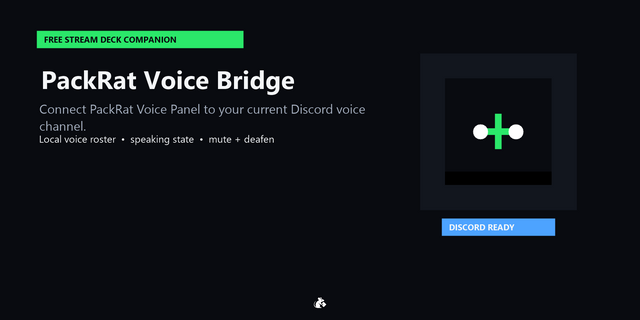
PackRat Voice Panel requires the free PackRat Voice Bridge companion for Stream Deck and Discord Desktop on Windows. The companion handles the Discord connection locally on your PC and sends only normalized voice state to the XENEON widget over localhost. Discord access credentials are never sent to the XENEON widget.
PackRat Voice Panel is an independent third-party product and is not affiliated with, endorsed by, or sponsored by Discord Inc. Discord is a trademark of Discord Inc.
Part of the PackRat 🐀 collection for XENEON Edge.
Added a quick install link for the required free Discord Voice Bridge.
Added a dismissible setup prompt when the Voice Bridge is offline.
Improved first-time setup guidance and connection flow.
Version 1.0.1
Sep 24, 2026
Details
Type
Utilities
Device
XENEON EDGE
OS
Windows
Size
74.56 KB
Version
1.0.1
Language
English
Support
Dashboard Sizes
Extra large
Large
Medium
Small
Interactive
Yes
You might also like