Utilities
PC Power Meter Pro
by PackRat 🐀
Overview
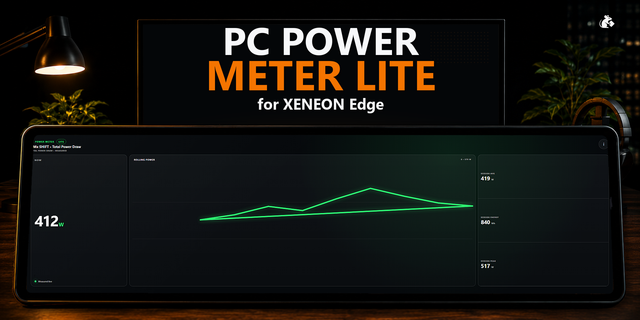
PC Power Meter Pro turns the power sensors already exposed by iCUE into a deeper electricity and energy dashboard for XENEON Edge.
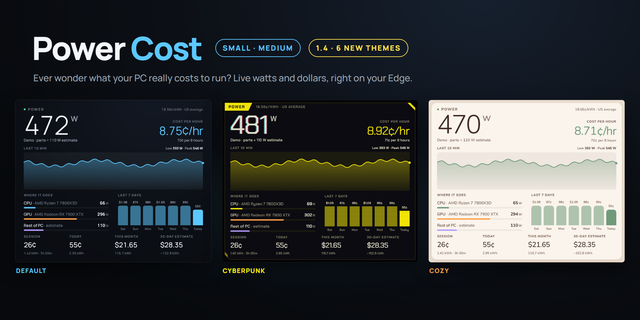
Choose one primary power sensor for the authoritative session. See live watts, a rolling graph, time weighted session average, observed peak, integrated Wh or kWh, today's measured energy and estimated electricity cost. Cost is calculated from the primary sensor's measured energy and your own electricity rate.
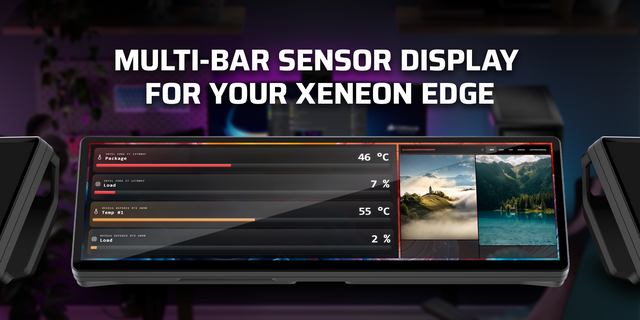
Add additional iCUE power sensors as separate comparison traces. CPU package, GPU related and PSU sensors can sit beside each other without being silently added together. Comparison sensors never change the scope of the primary energy total.
Session energy uses the actual elapsed milliseconds between valid readings and trapezoidal integration. Irregular samples are supported. Missing, disconnected and stale intervals are not filled with guessed power. Short widget restarts can resume a stored session without integrating the offline gap.
Pro keeps local daily energy buckets and a rolling history of finalized sessions. Set a graph window from 60 seconds to 10 minutes, configure a high power threshold, choose per-sensor comparison colors through iCUE and customize the main meter appearance.
The measurement label always follows the actual iCUE sensor metadata. CPU package power is not called total PC power. PSU input and output remain distinct. A whole-system label is used only when iCUE exposes that scope.
Idle versus active is intentionally not claimed in V1 because iCUE does not expose a universal workload-state signal that would make the classification reliable across PCs.
No account, helper app or external service is required. All history stays local to the widget instance.
Part of the PackRat 🐀 collection for Corsair XENEON Edge.
- Improves iCUE importer compatibility and sensor setup by replacing fragile multi-sensor and numeric slider metadata with standard sensor selectors and text-parsed numeric settings
- Improves Sensors provider initialization and Custom Style responsiveness
- Improves comparison handling, energy tracking, cost calculations, thresholds, history, and reconnect behavior
Version 1.0.1
Sep 1, 2026
Details
Type
Utilities
Device
XENEON EDGE
OS
Windows
Size
18.64 KB
Version
1.0.1
Language
English
Support
Dashboard Sizes
Extra large
Large
Medium
Small
Interactive
Yes
You might also like