Gaming
PC Spec
by Kron
Overview
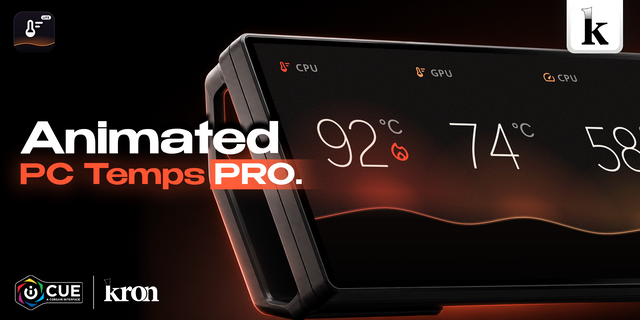
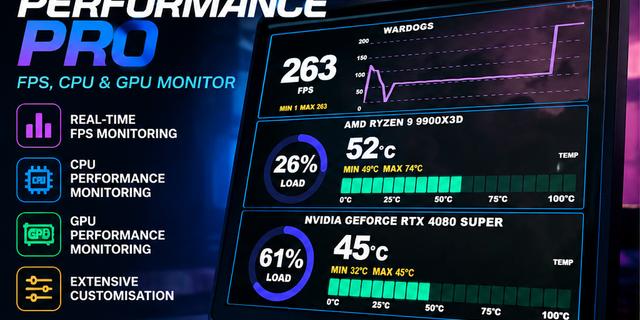
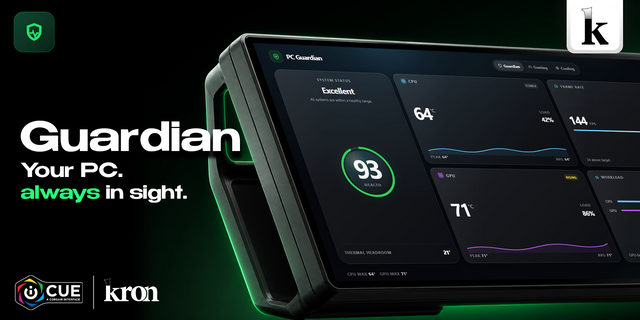
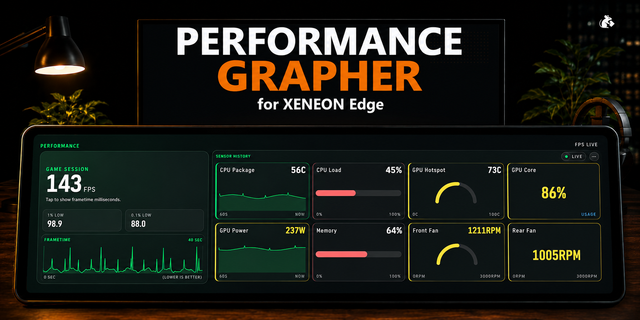
PC Spec shows your CPU and GPU temps and use, your game FPS and your fan or pump speed on your CORSAIR XENEON EDGE, so you know how hot your PC runs at a glance. It finds the right CPU and GPU readings on its own, turns amber and red at the alert level you choose, and works in all 8 sizes.
What makes it different: 45 styles, each with its own layout. Not just new colors: race car gauges with moving needles, glowing nixie tubes, VU meters, lab thermometers, an oscilloscope, a terminal, an aquarium and more. Pick one in the settings, or turn on the Style Button and switch with one tap on the screen.
Instruments: Race Dash · Cockpit · Nixie Tubes · Studio VU · Oscilloscope · Lab Thermometers · LCD Segments · Blueprint · Radar
Inspired by games: Souls-like (Dark Souls) · Fighting Game (Street Fighter) · Console Dark (PlayStation 5) · Pixel Arcade (8-bit arcade games) · Starship HUD (sci-fi games)
Inspired by anime: Ninja and Crimson Cloud (Naruto) · Power Level (Dragon Ball) · Cursed Energy (Jujutsu Kaisen) · Magical Girl (Sailor Moon) · Anime Sky (Your Name) · Anime Cute
Minimal: Dark UI · All Black · All White · Liquid Glass · Swiss Poster · Native Dark
General: Cyberpunk · RPG · Retro OS · Terminal · Synthwave · Neon Signs · Tactical · Neo Brutalism · Sticky Notes · Chalkboard · Aquarium · Lava Lamp · Deep Space · Samurai · Sakura
Christmas: Christmas Lights · Snowy Night · Gingerbread
The styles are fan-made and only inspired by these games and anime: original art, colors and fonts, no logos and no characters. Not affiliated with or endorsed by their owners.
Good to know: FPS appears while iCUE has a game frame rate to show. If a reading shows a dash, pick the matching sensor in the widget settings. Requires iCUE 5.47 or newer.
What's New in PC Spec 1.3.0
- 40 new styles, 45 in total, each with its own layout: minimal looks, instrument panels (race gauges, cockpit dials, nixie tubes, VU meters, thermometers, oscilloscope), tech and game-inspired screens, anime-inspired scenes and Christmas themes.
- PC Spec now finds the right CPU and GPU temperature and use readings on its own, even when iCUE suggests the wrong ones. A reading you choose yourself is always kept.
- The preview in the iCUE settings now shows the same layout as your XENEON EDGE in every size.
- Optional Style Button on Screen: tap it to try the next style. Optional Help Button on Screen with a quick guide. Both are off by default.
- Temperatures now turn red when they go well past your alert level, not only amber.
- Readings stay steady when a sensor skips a beat, and the trend lines keep their history.
- Dark UI, Cyberpunk, RPG, Retro OS and Anime Cute are refined: every panel keeps its proper shape in every size.
- Smaller download.
Your chosen style, sensors, alerts and text settings are kept when you update.
Version 1.3
Nov 3, 2026
Details
Type
Gaming
Monitoring
Productivity
Streaming
Utilities
Device
XENEON EDGE
OS
Windows
Size
2.53 MB
Version
1.3
Language
English
Support
Dashboard Sizes
Extra large
Medium
Small
Recommended Orientation
Horizontal
Vertical
Interactive
Yes
Additional links
You might also like