Gaming
Ping and Lag Check for Windows
by GRAMSHIFT
Overview
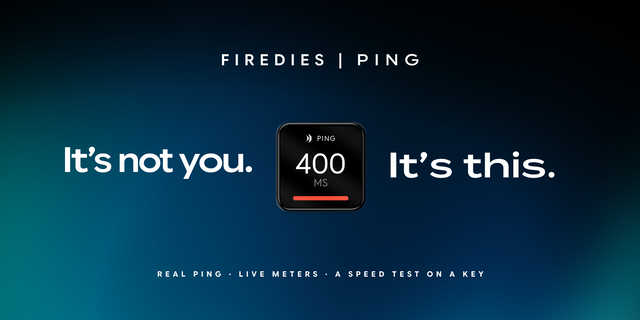
Show your ping on Stream Deck: live latency in ms to your router, 1.1.1.1, 8.8.8.8 or your game server, with a graph, packet loss and jitter. Lag Check pings your router and the internet together and points to where lag starts: at home (Wi-Fi, router) or past it (your ISP or beyond), so you know where to look.
Two keys
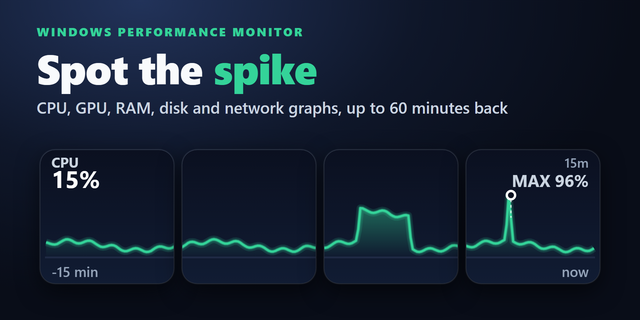
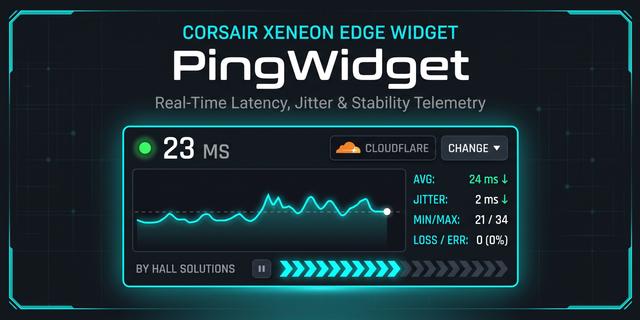
Ping Graph: ms now, loss, jitter and a 1 to 60 minute graph
Lag Check: HOME, INTERNET or ALL GOOD
NO REPLY when pings stop; lost pings marked red
Keys side by side join into one long graph
Press for the numbers; hold to switch the period
Yellow and red at the ms you pick
Ready in seconds
Your router is found automatically; any IP or host name works
No extra software, account or admin rights
Pings only your router and the addresses you pick; results stay on your PC
Five looks: Classic, Neon, Bars, Solid, Grid. English and Japanese.
FAQ How do I show my ping on Stream Deck? Drag Ping Graph onto a key. It shows ms to 1.1.1.1 right away; pick your router or game server in settings. Is my lag from Wi-Fi or my internet? Add Lag Check. HOME means Wi-Fi, cable or router; INTERNET, your ISP or beyond; ALL GOOD, the internet is fine.
Limitations
IPv4 addresses and names
Servers that ignore pings read NO REPLY. If your router ignores them or there is none, Lag Check judges the internet side
Windows 10+, Stream Deck 6.9+. Tested on Windows 11
Idea or bug? Use the Support link. Every message is read.
First release. Show your ping in ms to your router, 1.1.1.1, 8.8.8.8 or any address on your keys, with a graph, packet loss and jitter. Lag Check pings your router and the internet together and points to where lag starts: at home (HOME: Wi-Fi, router) or past it (INTERNET: your ISP or beyond); ALL GOOD while the internet is fine. Keys side by side join into one long graph. Press for the numbers, hold to switch the period. Five looks, English and Japanese.
Version 1
Oct 13, 2026
Details
Type
Gaming
Monitoring
Utilities
OS
Windows
Compatibility
Stream Deck 6.9 or later
Size
818.07 KB
Version
1
Language
English
Japanese
Support
Profiles
No
Dial support
No
Neo Infobar support
No
Additional links
You might also like