Productivity

PinTop

Overview

PinTop keeps any active window on top of every other window with a single press of an Elgato Stream Deck key. It is built for streamers, video editors, and multitaskers who need to keep chat, reference material, tools, or a webcam feed visible while they work in another application on Windows.

How it works Assign the Toggle Pin action to any Stream Deck key. Press the key to pin the window you are currently using to the top of the stack; press it again to release. The key face shows Pinned or Unpinned, so the on-key state always matches the real window the moment you switch.

What is included

One Toggle Pin action with two key states (Pinned and Unpinned).

Live status that updates instantly when the foreground window changes.

A small background helper that runs while the key is in use, keeping the key instant and the status accurate.

A Property Inspector page confirming the action and tooltip.

Requirements

An Elgato Stream Deck and the Stream Deck app (software 6.9 or later).

Windows 10 or 11.

No account, no subscription, and nothing else to install.

Fix the displayed text error

Version 1.2.10

Oct 9, 2026

Details

Type

Productivity

Utilities

OS

Windows

Compatibility

Stream Deck 6.9 or later

Size

1.48 MB

Version

1.2.10

Language

Chinese

English

Support

Profiles

No

Neo Infobar support

No

Dial support

No

You might also like
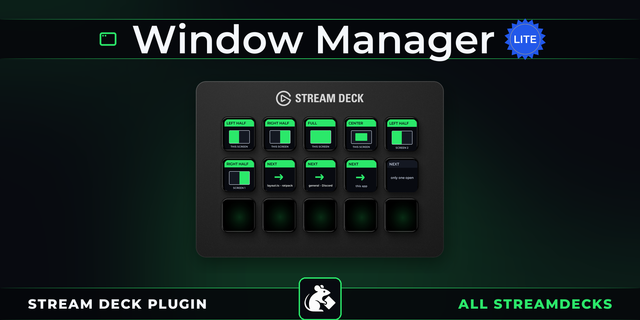
  • Window Manager Lite
    Window Manager Lite app icon

    Window Manager Lite

    by PackRat 🐀

    ∙

    Productivity

    Window Manager for Stream Deck: snap the window you are working in to the left half, the right half, the middle or full ...

    Free

  • Just Monitor Control
    Just Monitor Control app icon

    Just Monitor Control

    No more fumbling with monitor buttons or digging through Windows display settings for a simple tweak. Adjust brightness,...

    Free

  • Rentman Deck
    Rentman Deck app icon

    Rentman Deck

    by Packlist One

    ∙

    Business

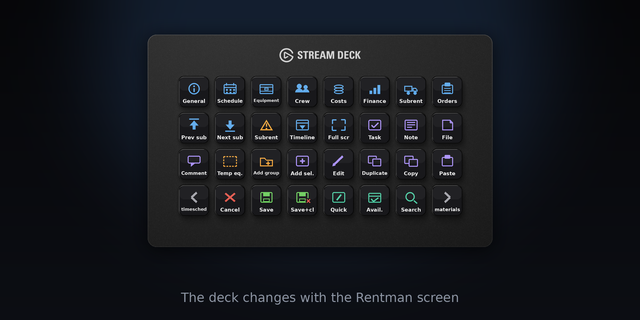
    Follows the Rentman screen you are on, dynamically switching the deck to the matching pages shortcuts. Includes a launch...

    Free

  • TranscriTranslator
    TranscriTranslator app icon

    TranscriTranslator

    by Felipe Drummond

    ∙

    Productivity

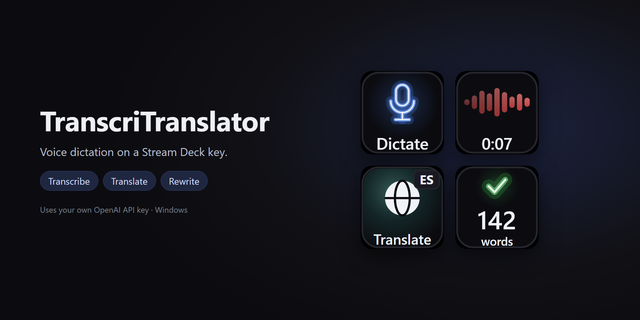
    Voice dictation with or without translation: records the microphone, transcribes it at OpenAI and pastes the text into t...

    Free

  • Shortcuts for Windows
    Shortcuts for Windows app icon

    Shortcuts for Windows

    by MMontanarii

    ∙

    Productivity

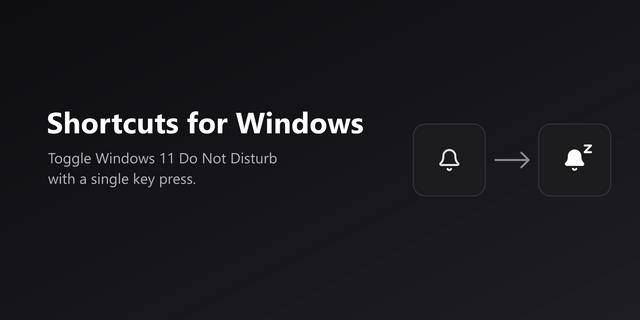
    Turn Windows 11 Do Not Disturb on or off with a single Stream Deck key. The key always shows the real Windows state, so ...

    Free

  • ClipFlow
    ClipFlow app icon

    ClipFlow

    by neverweep

    ∙

    Development

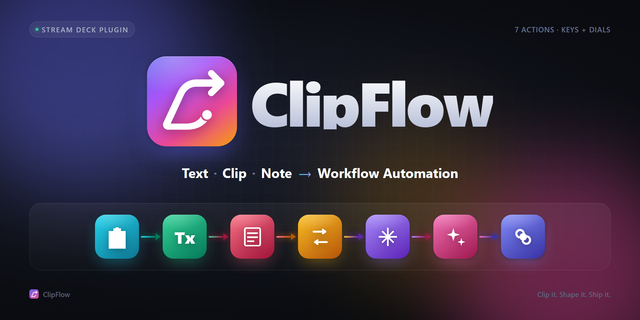
    ClipFlow — Text Automation for Stream Deck ClipFlow turns your Stream Deck into a complete text workstation. Copy, trans...

    Free

  • Random Hero
    Random Hero app icon

    Random Hero

    by Gzhavve

    ∙

    Gaming

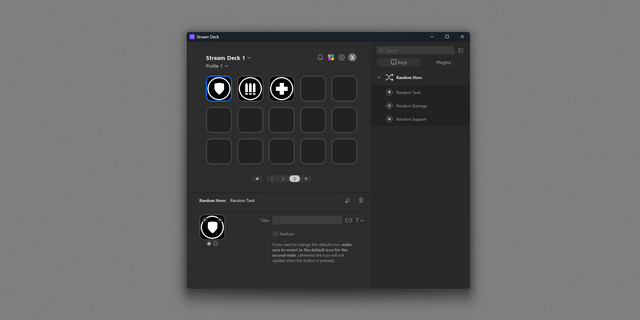
    If you never know which hero to play in Overwatch or simply want to shakes things up, use Random Hero. A simple plugin t...

    Free

  • Deckify
    Deckify app icon

    Deckify

    by MARTIN.G

    ∙

    Audio

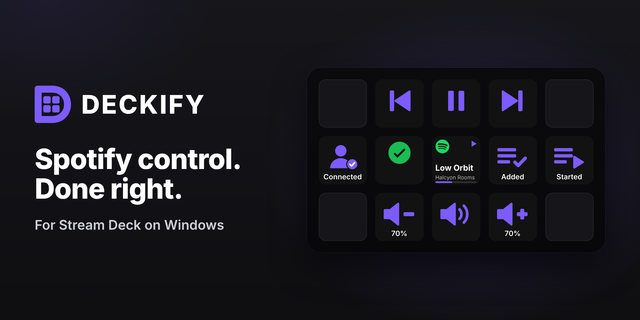
    Deckify brings fast, focused Spotify control to your Stream Deck. Control playback, volume, Like, Now Playing and playli...

    Free