Utilities
Pixel Clock
by AGG SOFTWARE
Overview
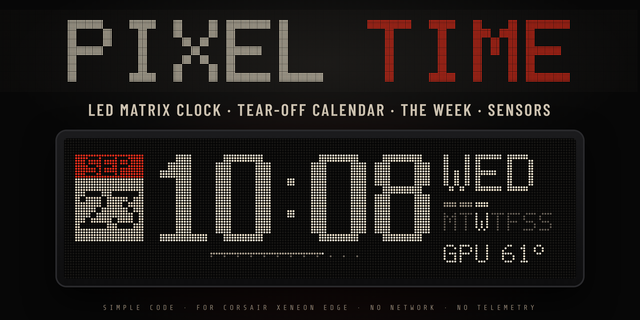
Turn your Xeneon Edge into a sleek, customizable pixel clock built to show more than just the time.
Designed to stay clean at a glance while still giving you control over the details, Pixel Clock lets you tailor exactly what appears on your display
Choose how much information you want on screen and configure the clock around your setup:
Calendar Display - Show or hide the calendar whenever you want a cleaner look.
Week Dashes - Add a visual row of weekday indicators to keep track of where you are in the week.
Week Progress - Automatically fill completed weekdays so you can see your progress through the week at a glance.
Seconds Display - Toggle seconds on or off depending on how detailed you want your clock to be.
Week Start Day - Choose which day your week begins on to match your preferred calendar layout.
Timezone Selection - Display the time for the timezone that matters to you.
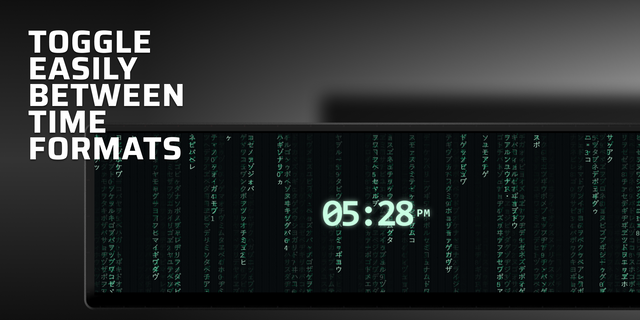
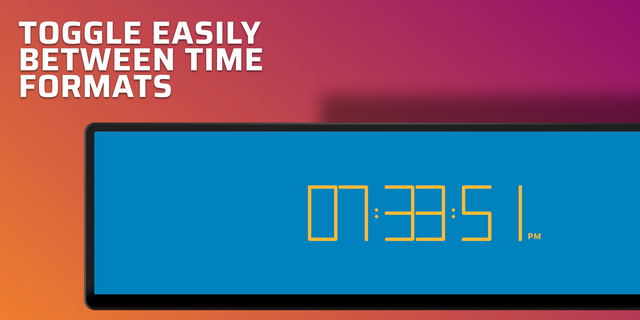
Time Mode - Switch between the available time formats to match how you prefer to read the clock.
1.0.0 - Pixel Clock
Version 1
Sep 14, 2026
Details
Type
Utilities
Device
XENEON EDGE
OS
Windows
Size
23.06 KB
Version
1
Language
English
Support
Dashboard Sizes
Extra large
Large
Medium
Small
Recommended Orientation
Horizontal
Vertical
Interactive
No
You might also like