Music

Playback - Sonos

Overview

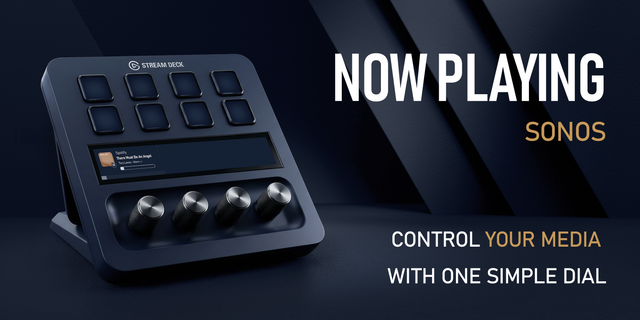
Put live Sonos playback and dedicated controls on any Stream Deck with keys. See artwork, title, progress, and volume, then use focused keys for play/pause, previous, next, volume down, and volume up. Works on Mac and Windows with Stream Deck 7.1 or later.

Choose the Sonos room or group each action controls. Add multiple room or group configurations to one Stream Deck profile, and customize the main and accent colors for every action.

Highlights:

• Live now-playing key with artwork, title, progress, and volume • Play/pause, previous, next, volume down, and volume up • Target individual Sonos rooms or groups • Keep multiple Sonos configurations in one profile • Custom main and accent colors per action • Works with every Stream Deck model that has keys, including Stream Deck + • One-time plugin purchase; no additional plugin subscription

Works with Sonos speakers and soundbars, and with services playing through Sonos—including Spotify, Apple Music, TIDAL, Amazon Music, YouTube Music, Plex, SoundCloud, Sonos Radio, TuneIn, Deezer, Qobuz, Audible, and Pandora. A working Sonos system and access to your chosen music service are required.

Small bug fixes.

Version 1.8

Jul 14, 2026

Details

Type

Music

OS

Mac

Windows

Compatibility

Stream Deck 7.1 or later

Size

666.63 KB

Version

1.8

Language

English

Support

Profiles

No

Dial support

No

Additional links

You might also like
  • Sonos Control
    Sonos Control app icon

    Sonos Control

    Sonos Control brings your Sonos system to Stream Deck: two core playback actions plus two experimental Spotify-sync acti...

    $11.00

  • Now Playing - Sonos
    Now Playing - Sonos app icon

    Now Playing - Sonos

    See what’s playing and control Sonos rooms and groups from one Stream Deck + dial. Now Playing combines live track feedb...

    $9.99

  • SONOS Controller
    SONOS Controller app icon

    SONOS Controller

    Control your Sonos system directly from your Stream Deck — playback, volume, favorites, and whole speaker groups, always...

    Free

  • Volume for AirPlay Sonos
    Volume for AirPlay Sonos app icon

    Volume for AirPlay Sonos

    by Danila

    ∙

    Audio

    Volume for AirPlay Sonos turns three Stream Deck keys into a live remote for any Sonos speaker on your network — whether...

    Free

  • Playback - Windows
    Playback - Windows app icon

    Playback - Windows

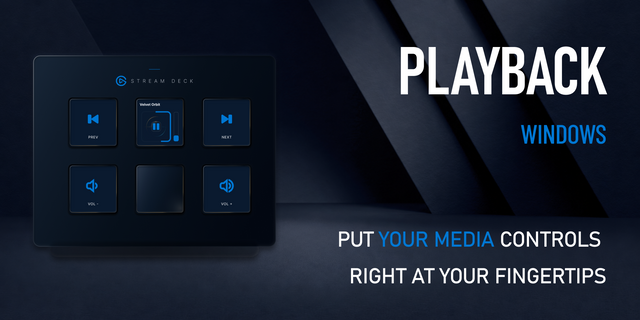
    Turn any keyed Stream Deck into a live Windows media controller. See artwork, title, progress, and volume, then use focu...

    $4.99

  • Now Playing - Windows
    Now Playing - Windows app icon

    Now Playing - Windows

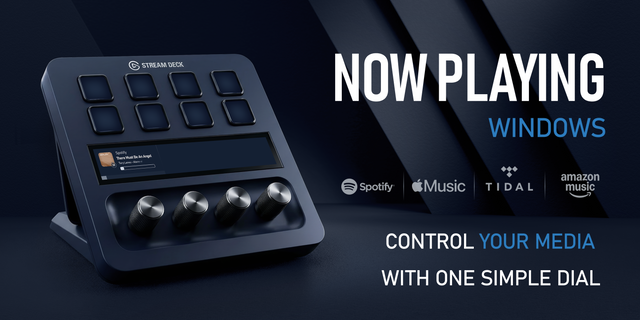
    See what’s playing and control Windows media from one Stream Deck + dial. Now Playing shows live artwork and progress, t...

    $9.99

  • Now Playing & Volume for macOS
    Now Playing & Volume for macOS app icon

    Now Playing & Volume for macOS

    by Luluberlu

    ∙

    Artistic

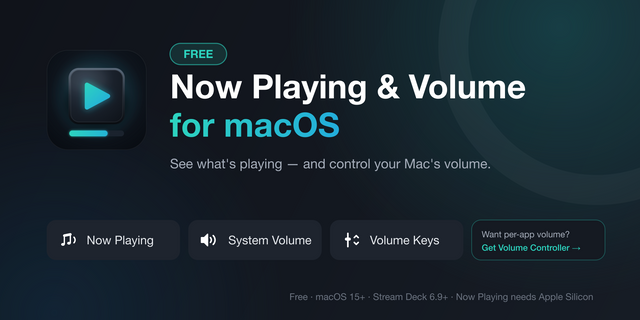
    Your Mac's music, on your Stream Deck. Now Playing dial (Stream Deck+): the touchscreen shows what's playing right now (...

    Free

  • iLuLives
    iLuLives app icon

    iLuLives

    by iLuLives

    ∙

    Audio

    Take full control of iLuLives from your Stream Deck. This plugin gives you quick, reliable actions for live playback and...

    Free