Development
Pocket AI Usage for Codex
Overview
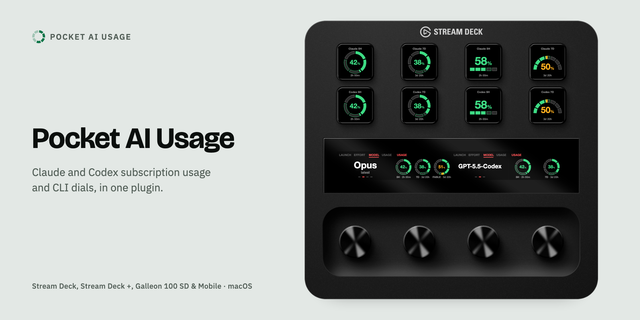
Pocket AI Usage for Codex shows your Codex subscription usage and pace on any Stream Deck key. On Stream Deck + and Galleon 100 SD, a dial sets the Codex CLI model and reasoning effort and starts new sessions. For ChatGPT plans with Codex on macOS.
Usage keys
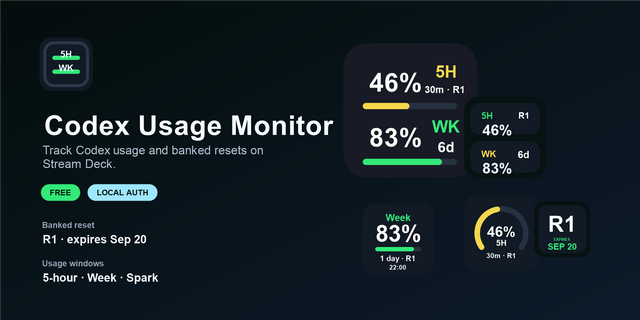
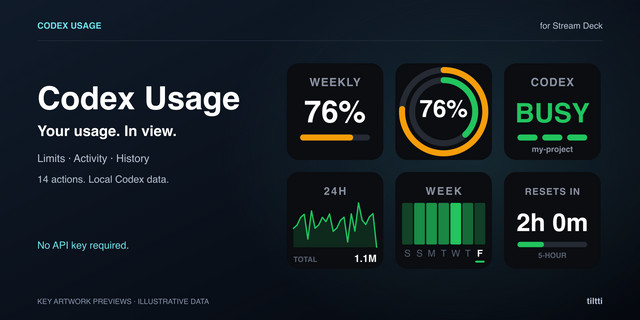
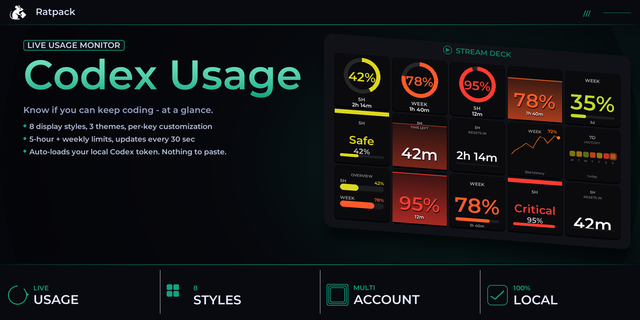
Session and weekly windows as your account reports them, with time to reset
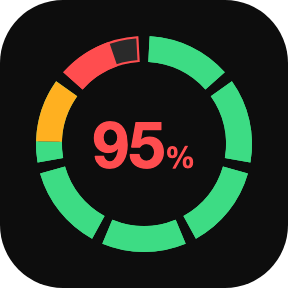
Pace colors: green to your pace, amber ahead of it, red into a later day or hour
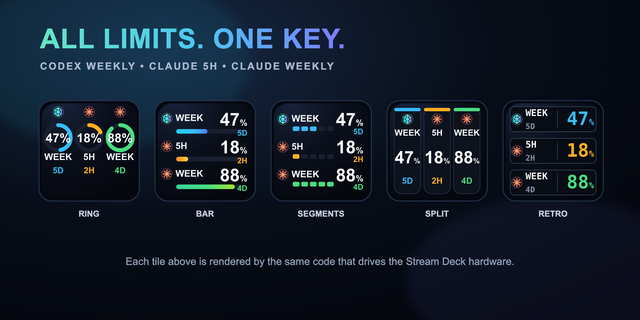
Five charts: ring, bar, half gauge, all windows on one key, focus + others
At 100%, eight countdown styles to the reset, including split-flap tiles
Custom colors, titles, units; press to refresh, hold for the usage page
Codex CLI Dial (Stream Deck + and Galleon)
Turn to pick a model from your Codex catalog and a supported effort, press to apply in the front app
Works in Terminal, iTerm, Ghostty, Warp, VS Code and Cursor; launches Codex CLI or the desktop app
Optional strip usage view, five layouts
Works on
Every Stream Deck, Stream Deck Mobile and Corsair Galleon 100 SD; dials on Stream Deck +, + XL and Galleon
No touch on Galleon: use single-purpose dials
Requirements
macOS 13 or later, Stream Deck 7.1 or later (7.2 for Galleon), and the Codex CLI signed in with ChatGPT (codex login).
Privacy
The plugin talks to the Codex CLI installed on your Mac and never reads or copies its credentials. Not affiliated with OpenAI.
Use Claude too? Pocket AI Usage has both.
Support
support@pocketmoney.freshdesk.com. Please mention the plugin name.
Version 1.3.0
New pace colors: the chart stays green up to your pace and only the part above it turns amber, so you see how far ahead you are
Red now means you have started on a later day's (or hour's) share, and grows from there; before, it started 10 points over pace
Between 90% and 99% the colors follow your pace; the chart turns all red only at 100%
New icon
Requires macOS 13 or later and Stream Deck 7.1 or later, and the Codex CLI signed in with ChatGPT.
Version 1.3
Nov 6, 2026
Details
Type
Development
Monitoring
Utilities
OS
Mac
Compatibility
Stream Deck 7.1 or later
Size
200.77 KB
Version
1.3
Language
English
Support
Profiles
No
Neo Infobar support
No
Dial support
Yes
You might also like