Audio
Pocket Audio & Display
Overview
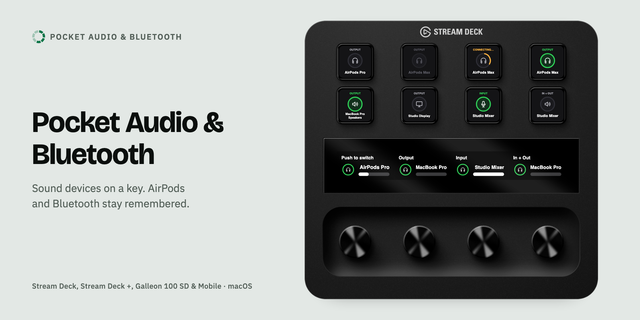
Pocket Audio & Display switches your Mac's sound output and input, changes the screen resolution, and brings up your iPad as a second screen, from Stream Deck keys and dials. Bluetooth devices such as AirPods stay remembered while they are away. For macOS.
Audio Device
One device per key, for output, input or both, lit when it is the one in use
A press on a device that is away asks it to connect, and switches as soon as it arrives
On a dial: turn to browse the devices you ticked, push to switch
Resolution
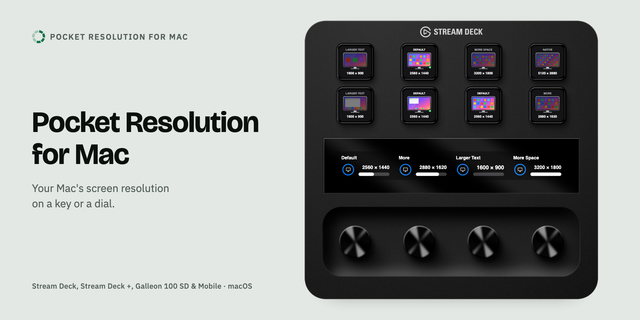
One resolution per key, or a dial that steps through the ones you ticked
Larger Text, Default, More Space and Native work on every screen
iPad Display
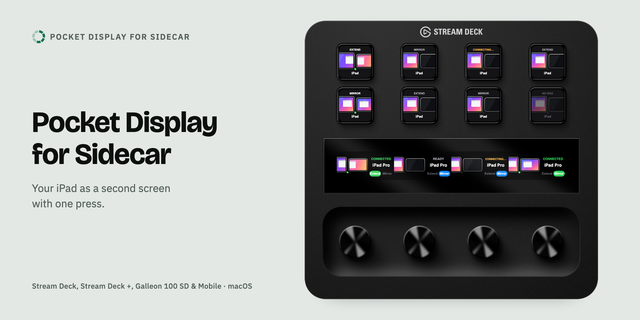
Connects your iPad as a second screen, extended or mirrored. Press the lit key again to disconnect
iPad Dial: turn left for Extend, right for Mirror, push to connect, switch or disconnect
macOS offers no official way for apps to start this, so a macOS update may stop this action working until the plugin is updated
Blank Dial
An empty place on the touch strip, or a picture, a label or a clock
Works on
Every Stream Deck, Stream Deck Mobile and Corsair Galleon 100 SD; dials on Stream Deck +, + XL and Galleon
Requirements
macOS 13 or later and Stream Deck 7.1 or later (7.2 for Galleon). iPad Display needs an iPad that supports Sidecar. macOS asks once to allow Bluetooth.
Support
support@pocketmoney.freshdesk.com. Please mention the plugin name.
Version 1.1
• New iPad Dial for Stream Deck +: turn left for Extend, right for Mirror; push or tap to connect, switch or disconnect. The touch strip shows the iPad's name, whether it is connected and the mode
• Connecting the iPad no longer changes the resolution of your other screens. macOS gave them the resolution it had kept for "with the iPad"; the plugin now puts back the one you had
Requires macOS 13 or later and Stream Deck 7.1 or later.
Version 1.1
Oct 26, 2026
Details
Type
Audio
Business
Music
Productivity
Utilities
Video
OS
Mac
Compatibility
Stream Deck 7.1 or later
Size
350.44 KB
Version
1.1
Language
English
Support
Profiles
No
Neo Infobar support
No
Dial support
Yes
You might also like