Development
Pocket Dashboard for Mac
Overview
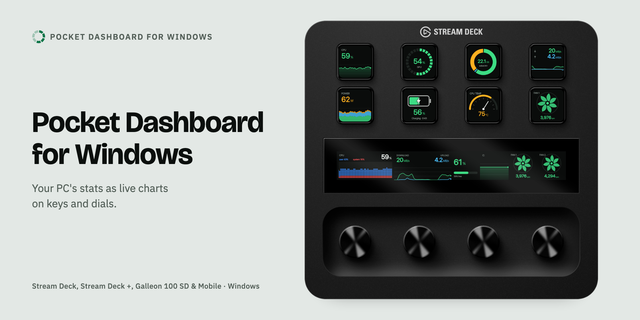
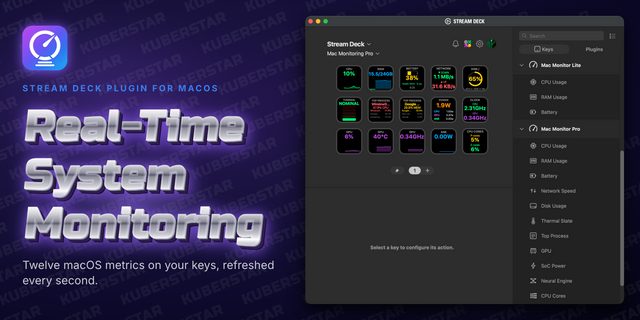
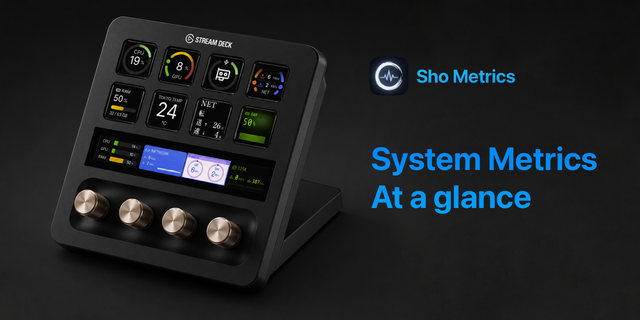
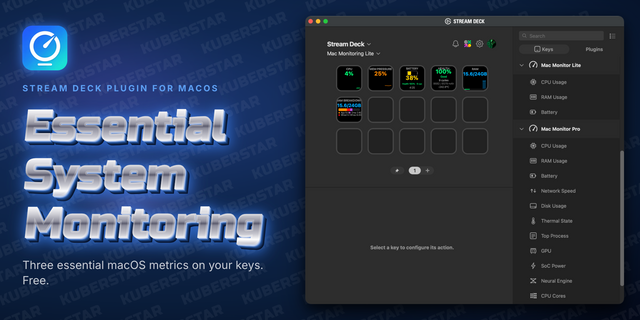
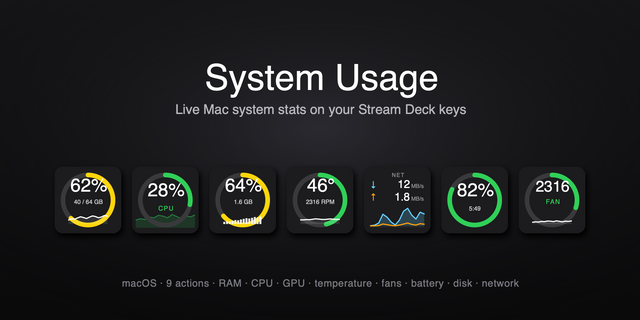
Pocket Dashboard for Mac turns your Stream Deck into a live dashboard of your Mac: CPU, GPU, memory, network, power, battery, temperatures, fans and disk, drawn as animated charts on keys and on the touch strip of Stream Deck + and Galleon 100 SD. For Apple Silicon Macs.
Charts
A gallery of chart styles for every metric: graphs, big numbers, rings, gauges, half gauges and more
Two readings on one key, from the same metric or from different ones, such as CPU usage against CPU temperature
Wide charts: join identical neighboring keys into one chart, in rows or blocks, and along the touch strip
An address card with your local and public address
Controls
Press to step through the styles of a chart, turn a dial to step through readings or CPU cores
A key can open one of your profiles
Unit, scale, averaging and history length per key
Appearance
Themes, color modes and glow, with every color adjustable
Text size sliders for numbers, units, titles, names and values
Works on
Every Stream Deck, Stream Deck Mobile and Corsair Galleon 100 SD; dials on Stream Deck +, + XL and Galleon
Requirements
macOS 13 or later on Apple Silicon, and Stream Deck 7.1 or later (7.2 for Galleon).
Support
support@pocketmoney.freshdesk.com. Please mention the plugin name.
Version 1.2
Corsair Galleon 100 SD: each dial now draws its own chart, since the Galleon's dial screens are separate segments; dials on Stream Deck + and + XL still join as before
Requires macOS 13 or later on Apple Silicon and Stream Deck 7.1 or later.
Version 1.2
Nov 2, 2026
Details
Type
Development
Monitoring
Utilities
OS
Mac
Compatibility
Stream Deck 7.1 or later
Size
11.56 MB
Version
1.2
Language
English
Support
Profiles
No
Neo Infobar support
No
Dial support
Yes
You might also like