Utilities
Power Toybox Deck
by Chromus
Overview
Power Toybox Deck is an unofficial Stream Deck plugin compatible with Microsoft PowerToys. It lets you place PowerToys utilities, shortcuts, Run aliases, Command Palette commands, and Keyboard Manager mappings on Stream Deck keys from one synchronized action.
What is included:
- One configurable "Toybox Command" action.
- A PowerToys-inspired Property Inspector with search, filters, command details, and title controls.
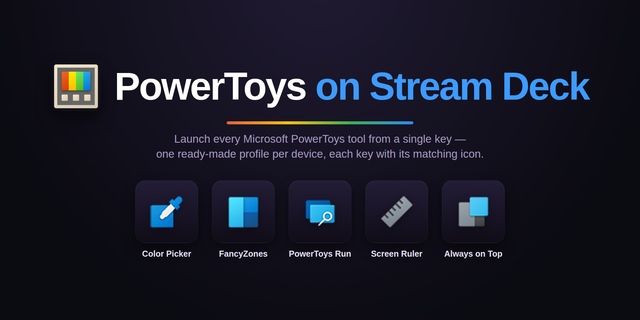
- Quick Access utilities such as Color Picker, FancyZones Editor, PowerToys Run, Command Palette, Text Extractor, Screen Ruler, Shortcut Guide, Workspaces, and more when available.
- PowerToys global hotkeys, PowerToys Run action keywords, Command Palette aliases and command hotkeys, plus Keyboard Manager mappings.
How it works: the plugin reads the current user's local PowerToys settings files and stores a stable command ID for each Stream Deck key instead of copying the shortcut text. When PowerToys settings change, visible keys can refresh their title, icon, shortcut, alias, and execution behavior. Pressing a key signals a PowerToys event when available, or falls back to the current hotkey or typed alias.
Requirements: Windows 10 or 11, Stream Deck 6.9 or newer, and Microsoft PowerToys installed and opened at least once for the current Windows user. Power Toybox Deck reads local settings only and does not require a separate .NET runtime for the packaged plugin.
## Power Toybox Deck 0.1.0
Initial public release.
- Added a Stream Deck action for Microsoft PowerToys commands.
- Syncs Quick Access utilities, PowerToys hotkeys, PowerToys Run aliases, Command Palette entries, and Keyboard Manager mappings.
- Keeps configured keys updated when local PowerToys settings change.
- Uses stable command IDs, so keys resolve the latest shortcut/title/icon at runtime.
- Added PowerToys-like Property Inspector with search, filters, command details, and custom title controls.
- Added native Windows bridge for PowerToys events, hotkey fallback, and alias typing.
- Added clear “PowerToys not found” handling when PowerToys settings are missing.
- Added marketplace media, screenshots, documentation, and local packaging support.
Version 0.1
Jun 22, 2026
You might also like