Productivity
PowerToys Shortcut Profile + Icon Pack
by Adx.cool
Overview
The complete PowerToys keyboard shortcut pack for Stream Deck.
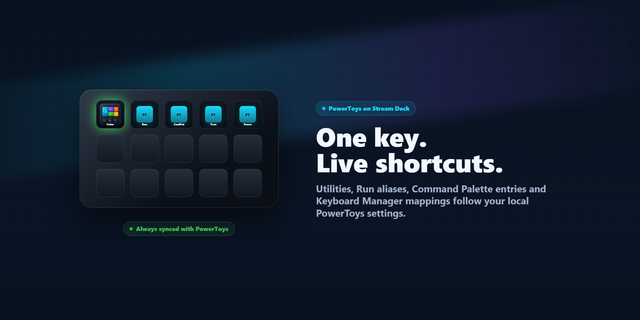
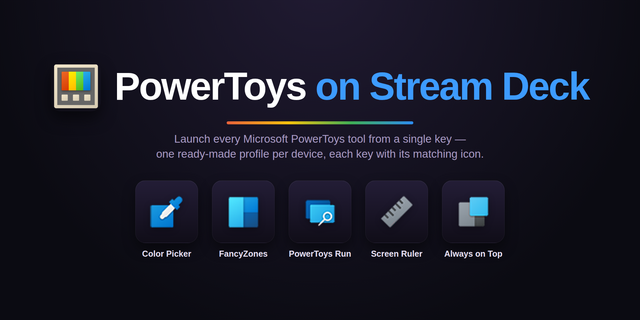
35 shortcuts across 7 categories — organized, scored by importance, and ready to install on Stream Deck Mini, Neo, Classic / MK.2, XL. Stop memorizing key combos. One tap, one action.
What's included:
• Windows (9): Always On Top, On Top: More Opaque, On Top: More Transparent, FancyZones Layout Editor, Workspaces Editor, and 4 more • ZoomIt (7): ZoomIt: Zoom, ZoomIt: Draw, ZoomIt: Break Timer, ZoomIt: Live Zoom, ZoomIt: Record, and 2 more • Launch (6): Command Palette, PowerToys Run, Peek, Shortcut Guide, Advanced Paste, and 1 more • Mouse (4): Mouse Jump, Mouse Crosshairs, Gliding Cursor, Mouse Highlighter • Copilot (4): Screen to Copilot, Window to Copilot, Copy Screen, Open Copilot • Capture (3): Color Picker, Text Extractor, Screen Ruler • Help (2): PowerToys Documentation, PowerToys Releases
Features: • 33 PowerToys keys in 6 folders — Windows (9), Capture (3), Launch (6), Mouse (4), ZoomIt (7), Copilot (4) — plus Help • New: a Copilot folder — the screen under your mouse into Copilot in one press, via ZoomIt • Always On Top with opacity, Crop and Lock, FancyZones, Workspaces and the Light Switch theme toggle • Color Picker, Text Extractor and Screen Ruler; Command Palette, Peek and Advanced Paste; all seven ZoomIt keys • Read out of PowerToys' own settings defaults — the keys a fresh install answers to
Install: double-click any .streamDeckProfile to import, then in the Stream Deck app open Preferences → Profiles → App and pick PowerToys.
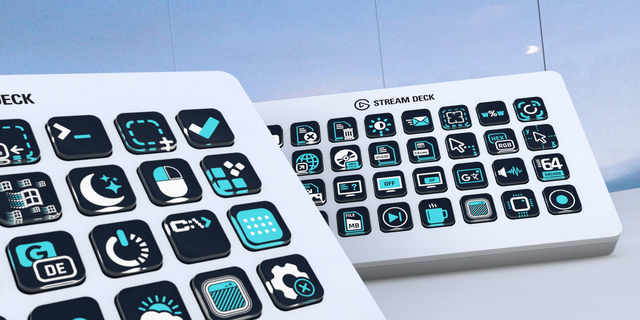
Also included: the 210-icon PowerToys icon pack (35 icons in 6 finishes), as a .streamDeckIconPack you can install with a double-click. Every key in this profile, available to drop on any action you like.
Try it first: press the keys of this profile in your browser, no install — https://streamdeck.adx.cool/try/powertoys/
Learn more about PowerToys: https://learn.microsoft.com/windows/powertoys/
v1.1 — 2026-10-28. A Copilot folder, checked against PowerToys v0.102.
Screen to Copilot — your screen into Copilot
Window to Copilot — the active window into Copilot
Copy Screen — ZoomIt full-monitor capture
Open Copilot — Win+C, Microsoft's shortcut
PowerToys v0.102 — every default re-checked
Screen to Copilot captures the monitor under your mouse with ZoomIt, opens Copilot and pastes, in one press. 33 keys across 6 folders plus Help. Turn ZoomIt on in PowerToys Settings (it is off by default).
Version 1.1
Oct 28, 2026
Details
Type
Productivity
Utilities
Device
Stream Deck Mini
Stream Deck MK
Stream Deck Neo
Stream Deck XL
OS
Windows
Compatibility
Stream Deck 6.4 or later
Size
3.73 MB
Version
1.1
Language
English
Support
Icons
Yes
Additional links
You might also like