Creative Tools
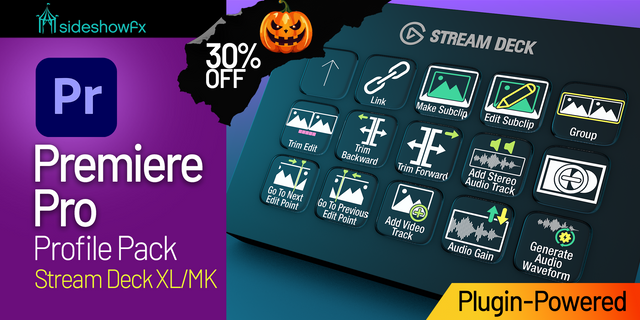
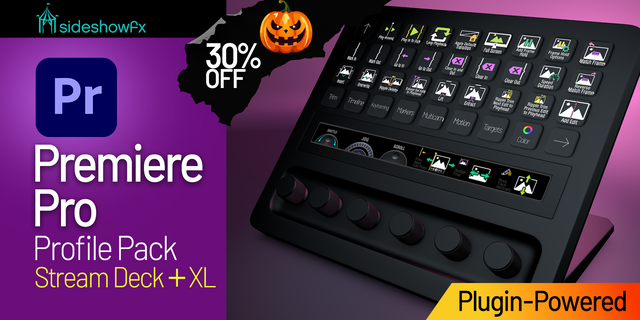
Premiere Pro Profiles Stream Deck +
by SideshowFX
Overview
🎃🎃🎃SAVE 30% UNTIL NOV 1 DURING OUR HALLOWEEN SALE!🎃🎃🎃 ENTER THE DISCOUNT CODE SPOOKY AT CHECKOUT
🎬 PUT PREMIERE PRO AT YOUR FINGERTIPS
Built exclusively for Stream Deck + • Mac & Windows
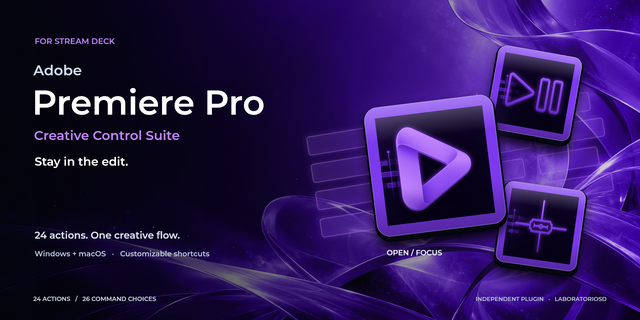
Turn your Stream Deck + into a powerful Premiere Pro editing console with 14 interconnected profiles, 400+ programmed controls and 49 rotary dial controls designed around real post-production workflows. Go beyond traditional shortcut profiles with native parameter control and plugin-powered functionality developed specifically for Premiere Pro.
⚡ POWERED BY OUR PREMIERE PRO STREAM DECK PLUGIN
At the heart of this pack is our proprietary SideshowFX Premiere Pro Stream Deck Plugin, giving your Stream Deck capabilities that go far beyond keyboard shortcuts. Control Premiere parameters, access built-in effects and customize your profiles with the tools you use most.
49 PROGRAMMED ROTARY DIAL CONTROLS
Put the Stream Deck + dials to work throughout your editing workflow. Pressing a dial can change its assigned action, while multiple commands are programmed into individual dials. Many workspaces include multiple pages of dial controls that you can simply swipe through.
🌈 NATIVE LUMETRI COLOR CONTROL
Adjust essential Lumetri Color parameters directly with your Stream Deck +: Temperature • Tint • Saturation • Exposure • Contrast • Highlights • Shadows • Whites • Blacks • Faded Film • Sharpen • Vibrance • Blur • Tint Balance • Vignette Amount • Feather • Roundness These controls work natively through our Premiere Pro plugin and are not dependent on keyboard shortcuts.
🎥 NATIVE MOTION CONTROL
Control key Motion parameters for your selected clip using dedicated rotary dials: Position • Scale • Rotation • Anchor Point • Crop • Opacity Make precise adjustments while keeping your attention on your edit.
⚡ 180 VIDEO EFFECTS AT YOUR FINGERTIPS
Access all 180 built-in Premiere Pro Video Effects directly from your Stream Deck. Powered by our Premiere Pro plugin, effects are organized just as they appear in Premiere Pro's Effects panel. Move or copy your favourites to any page to create your own personalized effects workflow.
🔊 66 AUDIO EFFECTS AT YOUR FINGERTIPS
Access all 66 built-in Premiere Pro Audio Effects directly from your Stream Deck. They're plugin-powered, organized into familiar Premiere Pro categories and can be moved or copied wherever you want them.
🎬 14 INTERCONNECTED PROFILES
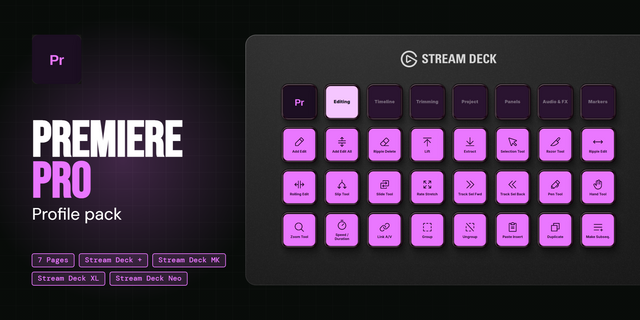
The profiles link seamlessly through the Main Profile, putting the right collection of editing tools within easy reach throughout your workflow. With 400+ programmed controls, everything is organized to help reduce menu searching and keep you focused on your edit.
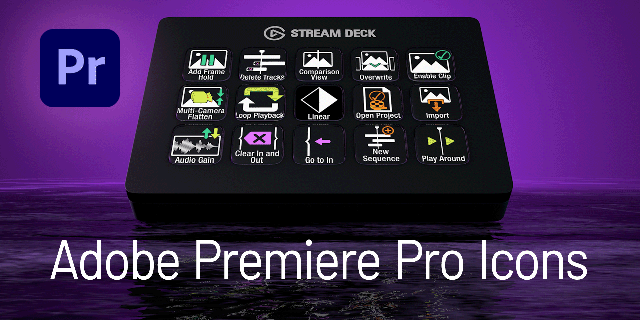
🎨 870+ INCLUDED ICONS
Customize the supplied profiles or build your own layouts using 870+ included Premiere Pro shortcut icons in multiple sets.
WHAT YOU GET
✓ SideshowFX Premiere Pro Stream Deck Plugin ✓ 14 interconnected profiles ✓ 400+ programmed controls ✓ 49 programmed rotary dial controls ✓ Native Lumetri Color control ✓ Native Motion parameter control ✓ All 180 built-in Video Effects ✓ All 66 built-in Audio Effects ✓ 870+ shortcut icons ✓ Fully customizable profiles ✓ Free updates
BEFORE YOU BUY
• English version of Premiere Pro required • English operating system required • Some keys require an English QWERTY keyboard layout • Lumetri and Motion controls work with any keyboard language
Download the complete PDF guide: https://www.dropbox.com/t/ZQJruNdEOesPDp5U
V2.0.5 - July 2026 - Plugin fixes
Fixed an issue where No Clip may appear on some dials
Version 2.0.5
Jul 15, 2026
Details
Type
Creative Tools
Video
Device
Stream Deck +
OS
macOS
Windows
Compatibility
Stream Deck 7.1 or later
Size
205.37 MB
Version
2.0.5
Support
Dial support
Yes
Icons
Yes
Additional links
You might also like