Productivity
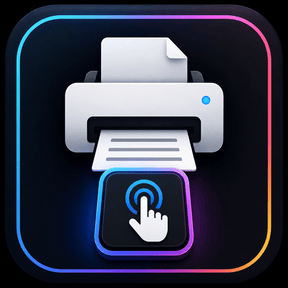
Press to print
by OrgaFlow
Overview
Print frequently used documents instantly with a single press on your Stream Deck.
Press to Print lets you assign PDF, Word, Excel, and other printable documents directly to individual Stream Deck keys. Simply select your document, configure your preferred settings, and press the key whenever you need a copy.
Customize each key with your preferred color and choose how many copies should be printed. Press to Print is ideal for frequently used forms, checklists, templates, office documents, and other files you need to print regularly.
Features:
Print documents with a single key press
Assign a different document to each Stream Deck key
Support for common document formats such as PDF, Word, and Excel
Choose the number of copies
Customize key colors
Save time by eliminating repetitive opening and printing of documents
Version 1.0 – Bug Fixes & Improvements
Fixed Special Characters: Resolved an issue where files containing special characters (e.g., ä, ö, ü, &, $, ;) in their names could not be printed correctly.
Fixed PDF Printing: Resolved an issue where PDF printing failed on some Windows computers due to a missing dependency.
Improved Compatibility: PDF printing now works independently of locally installed development dependencies, improving reliability across different systems.
Version 1
Oct 13, 2026
Details
Type
Productivity
OS
Mac
Windows
Compatibility
Stream Deck 7.1 or later
Size
6.41 MB
Version
1
Language
English
Support
Neo Infobar support
No
Profiles
No
Dial support
No
You might also like