Music
PrismMusic Live
by PrismLabs OÜ
Overview
Run your live PrismMusic song queue straight from your Stream Deck — no alt-tabbing mid-stream.
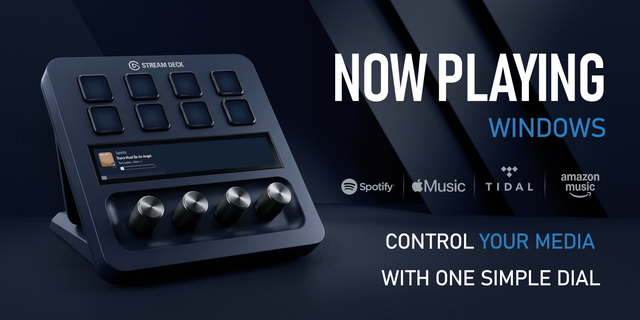
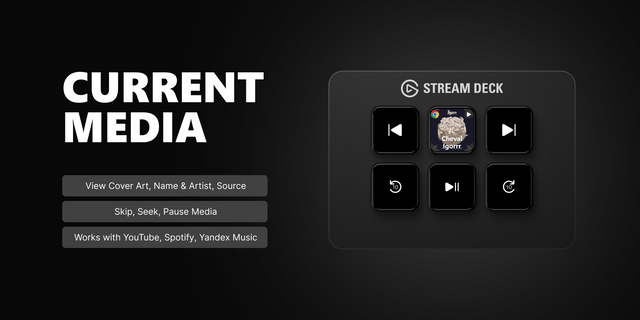
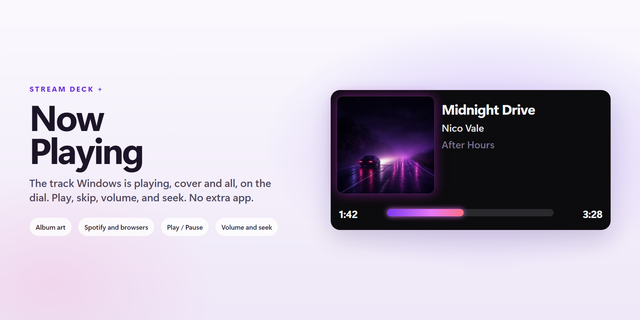
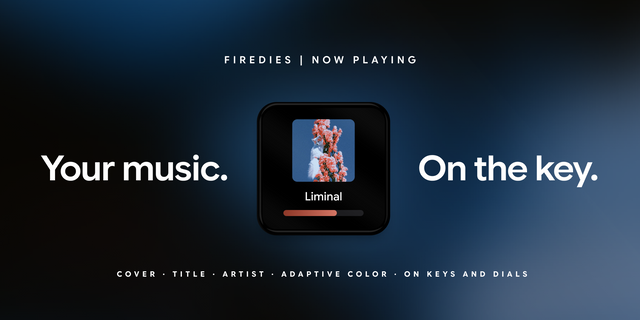
PrismMusic Live gives you one-press control over the fan song queue you run on PrismPoster: go live, play or pause the current track, skip forward and back, and end your session. On Stream Deck +, a dial fine-tunes your OBS music-widget volume and a press mutes it; a Now Playing key shows the current song at a glance.
Setup takes seconds: generate a scoped access token in PrismPoster (Creator Tools → Song Queue → Stream Deck plugin access), paste it into the plugin, and every key is live. The token only controls your music queue and can be revoked any time.
Requires a free PrismPoster creator account. Works alongside the PrismMusic OBS overlay.
First release!
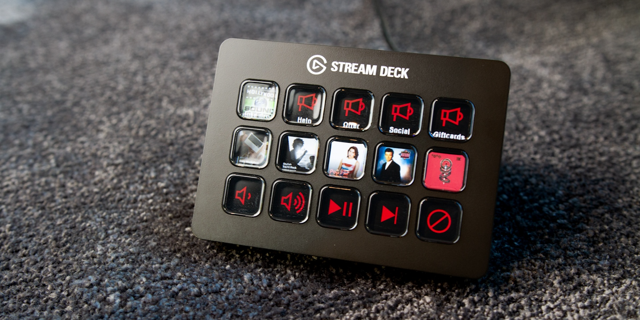
Control your live PrismMusic song queue from your Stream Deck: Go Live, End Session, Play/Pause, Next, Previous, a Now Playing display, and — on Stream Deck + — a volume dial with press-to-mute (plus a keypad volume tile). Generate a token in PrismPoster, paste it in, and every key is live.
Version 1
Jul 7, 2026
Details
Type
Music
OS
Mac
Windows
Compatibility
Stream Deck 6.9 or later
Size
147.97 KB
Version
1
Language
English
Support
Profiles
No
Dial support
Yes
Additional links
You might also like