Creative Tools
Protools - Pro Workflow - Profile
by Nico Essig
Overview
Pro Tools: Audio Sweetener – Ultimate Workflow Profile
Stop memorizing keys. Start Sweetening your sound.
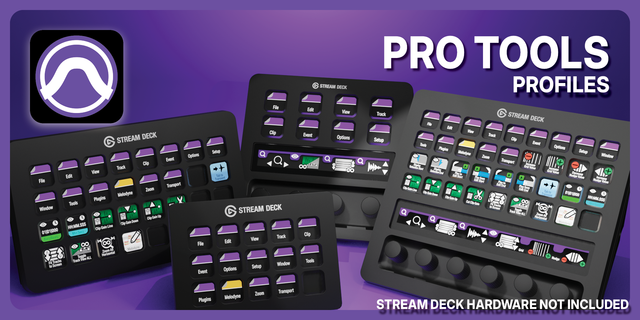
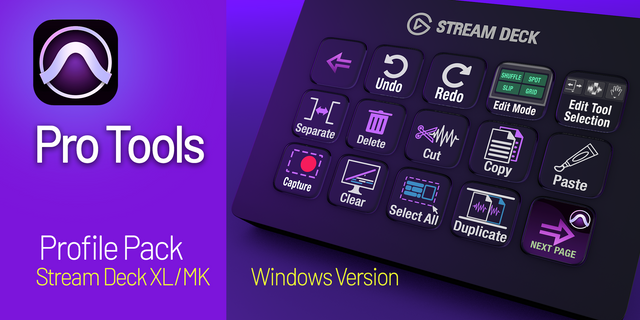
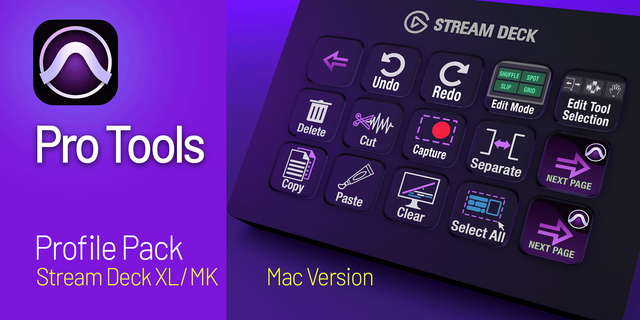
The Audio Sweetener Pro Tools Profile is a precision-engineered Elgato Stream Deck interface (15-key) designed to transform your DAW experience.
This isn't just an icon pack—it is a comprehensive, plug-and-play .streamDeckProfile that maps over 60 of the most critical Pro Tools commands into a logical, hardware-style layout.
Built for professional mixers, editors, and producers, this profile eliminates "finger-twisting" shortcuts and hidden menus, putting the power of a $50,000 Avid console right under your fingertips.
Why?
Zero Setup: Import the profile and start creating immediately. All hotkeys are pre-mapped to industry standards.
Intuitive Hierarchy: Organized into "Smart Folders" (Zoom, Edit, Modes, Transport) so your most-used tools are never more than two taps away.
"Set & Forget" Toggles: Dedicated sub-folders for session behaviors like Tab to Transient and MIDI Merge, keeping your main workspace clean.
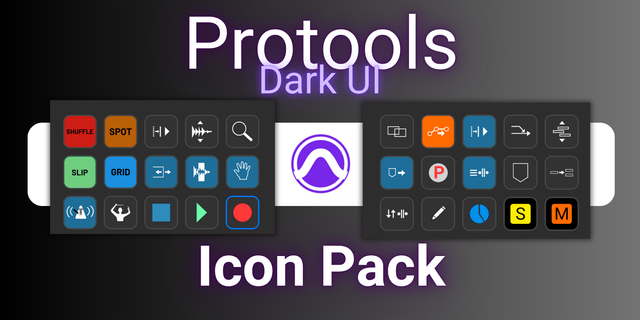
Professional Aesthetic: Featuring the signature Audio Sweetener dark-mode design—sleek, minimalist icons that look stunning on your desk.
Shortcut Master List (Included in Profile):
Main Console (Home Page)
Edit Modes: Shuffle, Spot, Slip, Grid.
Edit Tools: Smart Tool, Trim, Select, Grabber, Scrub Tool.
Core Transport: Play, Record, Return to Zero.
View Toggle: Instant Mix/Edit Window switch.
The Zoom Station (Sub-Folder)
Memory: Instant recall for Zoom Memories 1–5.
Visual Control: Zoom In/Out, Audio Waveform Zoom In/Out.
Total Reset: Fit Session (Horizontal) and Fit All Tracks (Vertical)—the "panic buttons" to find your place instantly.
Precision: Zoom Toggle (E) and the Zoom Tool.
The Edit & Processing Bay
Clip Management: Separate Clip (B), Consolidate, Heal Separation.
Precision: Quantize Selection, Fades Dialog (Cmd+F).
Session Utility: New Track, Clear Peak Meters (Alt+C), Strip Silence.
The Modes & Behaviors Folder
Toggles: Tab to Transient, Link Timeline/Edit, Link Track/Edit, Insertion Follows Playback.
Recording Prefs: Count Off, Click/Metronome Toggle, MIDI Merge.
Resolution: Dedicated Grid Resolution + / - sub-folder for ultra-fast rhythmic editing.
Transport & Windows
Playback Modes: Loop Play, Loop Record, Punch Mode, 1/2 Speed Play.
Nav: Go to End, Forward, Backward.
Floating Windows: Session Setup, Big Counter, Automation Window, Marker Window, Video Universe.
What’s in the Download?
1x .streamDeckProfile: The master file containing all folders and mappings.
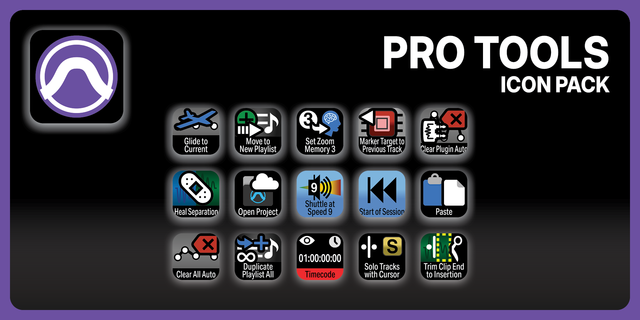
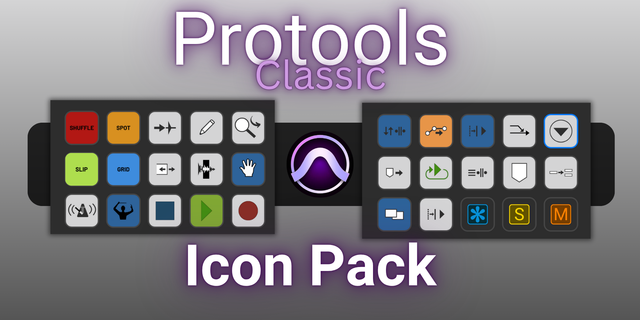
Audio Sweetener Icon Set: Pre-loaded into the profile for a seamless look.
System Requirements:
Elgato Stream Deck (15-key, MK.2, or XL).
Avid Pro Tools
Community-Driven Updates
The Audio Sweetener philosophy is built on constant refinement. This profile was designed to be the ultimate workflow, but every engineer has their own unique "secret sauce."
Have a Suggestion? If there is a specific Pro Tools workflow or custom button you’d like to see included in a future version, I want to hear from you!
Growing with You: I am committed to updating this profile. Buyers will receive free access to future updates, including expanded sub-folders, etc...
Your feedback shapes the future of Audio Sweetener. Contact me via
V1.0
Version 1
Feb 19, 2026
Details
Type
Creative Tools
Music
Productivity
Device
Stream Deck MK
OS
macOS
Compatibility
Stream Deck 7.1 or later
Size
1.01 MB
Version
1
Language
English
Support
Icons
Yes
Additional links
You might also like