Gaming
RaceLab
by RaceLab
Overview
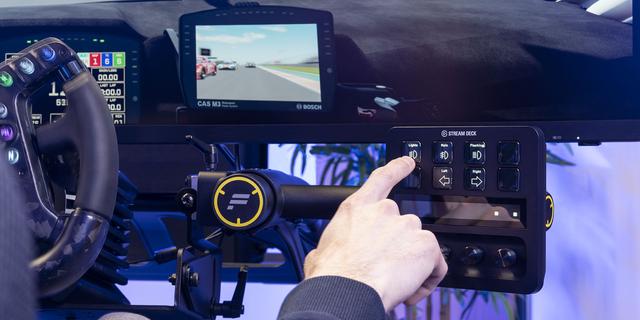
Control RaceLab overlays and features from your Stream Deck.
Actions included:
Toggle Overlay - Show or hide any of 34 individual overlays (Leaderboard, Relative, Fuel Calculator, Radar, Delta Bar, Track Map, and more)
Show / Hide All Overlays - Toggle all overlays at once
Lock / Unlock Overlays - Prevent accidental overlay repositioning
Activate Overlay Set - Jump to a specific overlay set (A–J)
Cycle Overlay Set - Step forward or backward through overlay sets
Cycle Delta Bar - Switch between delta comparison modes (Session Best, Personal Best, Last Lap, Friend Best, All Best)
Start / Stop VR - Toggle VR mode
Recenter VR - Recenter your VR headset position
Race Events - Place review marks and navigate incidents during replays
Start / Stop Layouts - Enter or exit overlay layout editing
Reset G-Force - Recalibrate the G-force meter
Launch RaceLab - Start or close RaceLab (short press to launch, long press to close)
Features:
Real-time button state - buttons update live to reflect overlay and app status
4 icon themes (Flat, Glass, Glow, Plain) with customizable colors
Requires RaceLab v7.2.0+
Adding Buttons for Delta Trace Overlay
Version 1.0.2
Jun 8, 2026
Details
Type
Gaming
OS
Windows
Compatibility
Stream Deck 6.9 or later
Size
24.41 MB
Version
1.0.2
Support
Profiles
No
Dial support
No
Additional links
You might also like