Gaming
Rank Showcase
Overview
You spent a season earning that badge. Now it's buried on a profile page.
Rank Showcase puts it on your desk.
An engraved plaque on a key: your badge, your tier, your number. Type it in and it stays there, or connect an account and it keeps itself current without you touching it.
What the key can carry
Sixty badges: five premium finishes across twelve tiers, Wooden up to Legendary Radiant
Your own image: drop in a PNG and the plaque builds itself around it
Your own ladder: name every tier in your own words and choose the badge for each
Live from seven services: Chess.com, Lichess, Dota 2, Old School RuneScape, RuneScape 3, Tibia and Guild Wars 2
Every game works
There is no list to be on. Type your rank and it stays, which cannot break when a service changes its API. Those seven simply save you the typing.
The color comes off the badge
The header, the number and the plaque all take their palette from whatever badge the key is wearing, including one you uploaded yourself. Climb a tier and the entire key moves with you.
Works as a key or a dial, laid out differently on purpose: a wide strip has room for your name to lead, where a square does not.
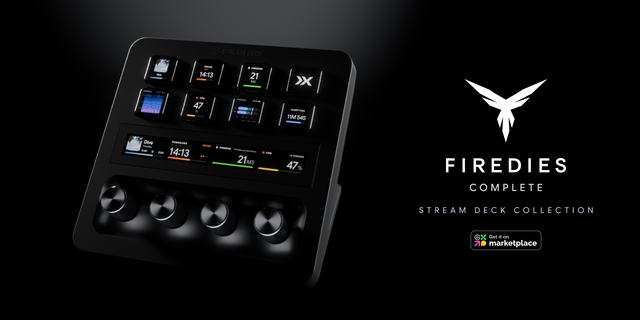
Rank Showcase is also part of Firedies Complete: all seven Firedies plugins in one, with the same features as each on its own. Until 30 November, Complete is 20% off with code FIREDIES20.
Windows 10 or later, and macOS 13 or later.
Rank Showcase now runs on macOS as well as Windows.
New in 1.1.0
macOS 13 or later, alongside Windows 10 or later
The badges, your own uploads, live ranks and the tactile click work the same on both
On a Mac, an uploaded badge is kept in your Library folder, outside the plugin, so an update never removes it
There is no permission to grant on either system.
Existing keys need no changes.
Version 1.1
Oct 9, 2026
Details
Type
Gaming
OS
Mac
Windows
Compatibility
Stream Deck 6.9 or later
Size
31.52 MB
Version
1.1
Language
English
Support
Neo Infobar support
No
Profiles
No
Dial support
Yes
Additional links
You might also like