Artistic
REAPER Control Room
Overview
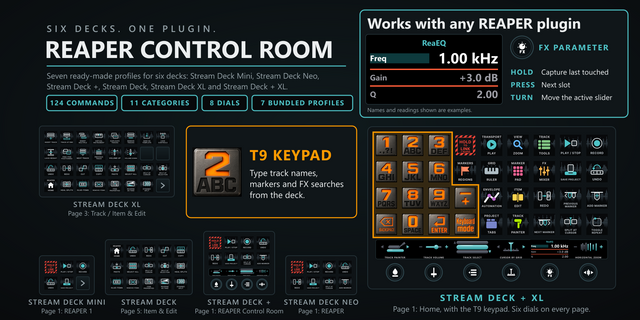
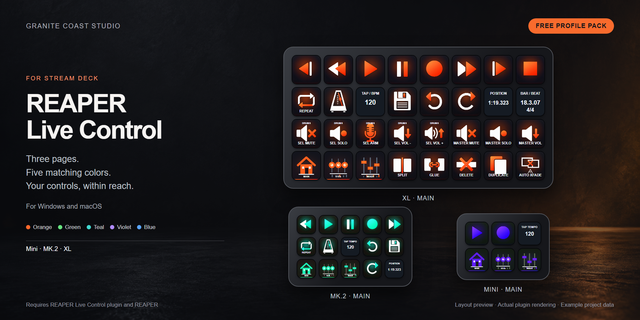
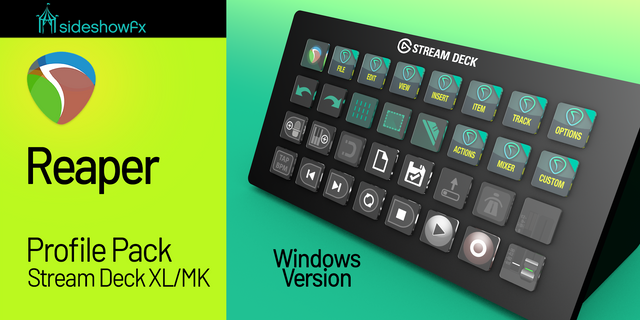
REAPER Control Room turns your Stream Deck into a REAPER control surface on Windows and macOS: 124 commands on labeled keys across 11 categories, most sent as REAPER's own command ids, plus eight dials for zoom, track volume, track browsing, edit cursor, track heights, markers, track colour and FX parameters.
SETUP
Install it and every key works, and six of the eight dials. Nothing to bind, no MIDI, no extension.
One optional press adds live readings. On a Stream Deck + or + XL, press the Track Select dial while it reads "no REAPER feed: press to set up". The plugin adds its surface to REAPER's preferences, with a backup of reaper.ini, only while REAPER is closed: the strip asks you to close REAPER, press again, then start it. It never replaces a surface you already have. Track Select and FX Parameter need this feed. On macOS this setup runs by itself whenever REAPER is closed.
Other decks, or a busy port: Copy Pathfinder.ReaperOSC from the plugin's osc folder into %APPDATA%\REAPER\OSC (macOS: ~/Library/Application Support/REAPER/OSC), then in REAPER: Preferences > Control/OSC/web > Add > OSC, Mode "Configure device IP+port", Device IP 127.0.0.1, Device port 9000, Local listen port 8000, Pattern config Pathfinder.ReaperOSC, OK. No restart.
HOW IT WORKS
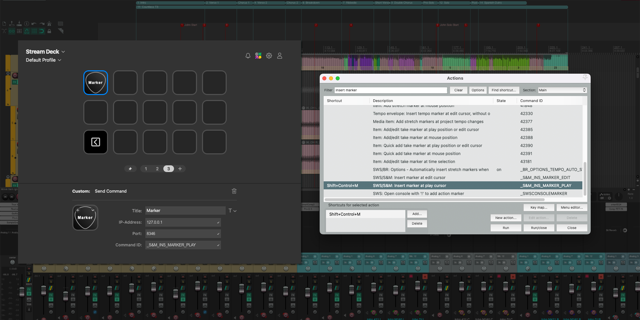
79 of the keys send REAPER's own command ids, and 34 of those run actions REAPER ships with no default shortcut. The other 31 send the real shortcut to the window in front. A Custom Action key runs any action id you type in.
KEYS THAT READ REAPER
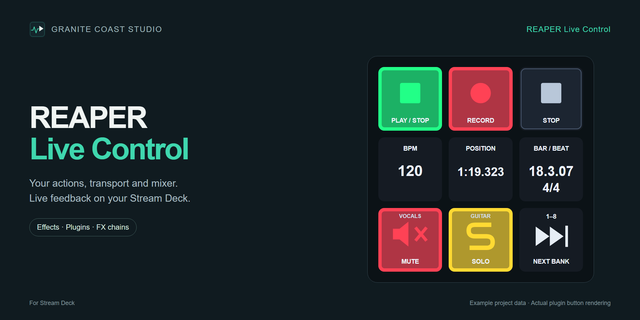
With the OSC surface up, Play/Stop, Play/Pause, Record, Repeat and Metronome light from REAPER's own state; the Mixer key reads REAPER's setting. A face that loses its reading goes dark.
EIGHT DIALS
- Horizontal Zoom: turn zooms, press resets to the project default, tap fits the time selection.
- Track Volume: turn rides the selected track's volume; with OSC up the strip shows REAPER's own dB.
- Track Select: turn browses REAPER's track names, past the eighth track too, press commits (or an option selects as you turn), tap scrolls that track into view, hold and turn rides its volume.
- Cursor By Grid: turn walks the edit cursor by the project grid, press drops a marker there, tap scrolls the view to the play cursor without playing.
- Track Heights: turn sizes every track, press collapses all, tap expands all.
- Marker Nav: turn steps between markers, press drops one at the cursor.
- Track Painter: turn arms a colour, press paints the selected tracks, tap a swatch paints at once.
- FX Parameter: three slots. Press steps through them, a still hold captures the last touched parameter, or type its number or name in the settings. Turn moves it; pick a step of 1/100, 1/1000 or 1/10000 of range.
COLOUR, EASY LINK AND SOUNDS
14 colour keys and the painter dial drive a small script the plugin installs in a folder it owns. Easy Link is built in: hold its key about a second with REAPER in front and the deck binds this profile to REAPER. Every key can play a press sound, 33 in the box or your own from our free Sound Sampler.
WHAT'S INCLUDED
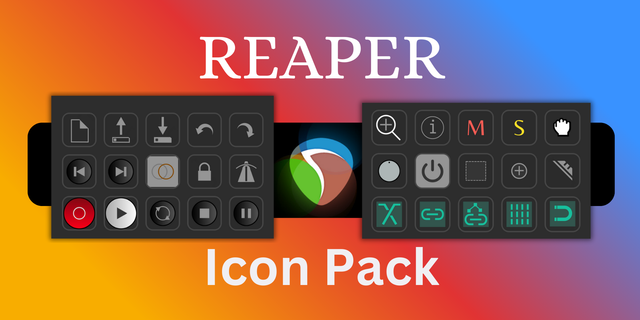
- 11 remappable category actions: Transport, View & Zoom, Track, Item & Edit, Markers & Regions, Marker Pad, Grid & Ruler, Envelopes & Automation, Project & Tabs, FX & Mixer, and Track Painter.
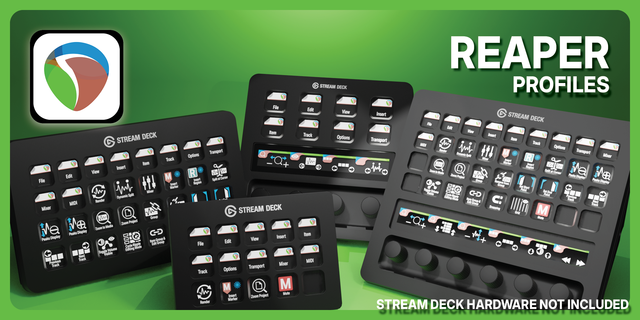
- Seven bundled profiles for six decks: Stream Deck + XL, Stream Deck XL, Stream Deck, Stream Deck +, Stream Deck Mini and Stream Deck Neo. The + XL seats six dials at a time; the + seats Track Painter, Track Volume, Track Select and Horizontal Zoom. Every XL and + XL command page has a Home key.
- A T9 keypad that types into REAPER text fields is on both big decks' hubs; one key opens it on the 15-key Stream Deck.
REQUIREMENTS
Windows 10 or 11, or macOS 13 or newer. Stream Deck software 6.9 or newer. Tested against REAPER 7.82 and 7.84 on Windows, 7.84 on macOS. On macOS the Stream Deck app needs Accessibility and Automation, asked on the first key press. Local only: no account, no telemetry.
3.1.1.0: new dial options, a Custom Action key, an easier command picker and fixes. Still 124 commands, eight dials and seven profiles.
Track Select pages past the first 8 tracks, and a "Select on turn" option in its settings lets REAPER's selection follow the dial. A track picked from the dial past 8 no longer blanks the volume strip.
FX Parameter: pin a parameter by its number or name, for plugins whose window reports another control on touch. A "Turn step" setting offers 1/100, 1/1000 or 1/10000 of range. A plugin that reports a sibling control after a write no longer stops the dial.
Custom Action: a new key runs any REAPER action id you type; named ids need the OSC feed.
Pick by face: a command key's settings show its category as a grid of key art.
Keys that open a dialog (Open Project, Render) no longer alert while it is open. Next and Previous Marker send REAPER's own ids. On Windows the Mixer key reads REAPER's own setting, so a floating mixer and any language pack read right.
Fixed: a Windows hotkey captured with an arrow or numpad key never fired (capture it again); Easy Link shows the app's icon, keeps a new link across a profile switch and is a key action only; a refused profile switch no longer stops the plugin; the by-hand OSC steps had the ports swapped (REAPER listens on 8000, sends to 9000); Cursor By Grid's tap scrolls to the play cursor without playing.
macOS: shortcut letters and punctuation now go out as characters, not US key positions.
Version 3.1.1
Nov 6, 2026
Details
Type
Artistic
Audio
Monitoring
Music
Productivity
Streaming
Video
OS
Mac
Windows
Compatibility
Stream Deck 6.9 or later
Size
4.61 MB
Version
3.1.1
Language
English
Support
Neo Infobar support
No
Profiles
Yes
Dial support
Yes
Additional links
You might also like