Gaming

Restart Pending for Windows

Overview

See on your Stream Deck whether a Windows Update restart is waiting. Before you go live, one look tells you if Windows has a pending restart (reboot required), whether you are inside your active hours, and how long the PC has been up. It only reads, so updates and settings stay as they are.

Features

Restart Pending: OK, or RESTART with the reason (Windows Update or component servicing). Press: open Windows Update

Check it before a shutdown or a stream: RESTART means Windows is waiting for a restart

Active Hours: the hours Windows holds, and INSIDE or OUTSIDE now. Press: open that Settings page

Uptime: time since Windows started; another color after the days you choose

Reads again every 2 seconds while visible

English and Japanese

Safety

An unreadable mark shows ? instead of OK

Files installers leave waiting to be replaced stay out of the count

Requirements and limits

Windows 10+, Stream Deck 6.9+. Tested on Windows 11

It cannot stop or delay a restart, or tell when Windows will restart

OK means no mark at the time shown; Windows can add one later

Active hours are not a lock: Restart now, or another program, still restarts the PC

With Fast Startup on, Shut down may not reset Uptime; Restart does

Automatic active hours may differ from Settings

Privacy

Reads a few registry values and the Windows tick counter. Nothing is written, logged or sent.

Idea or bug? Use the Support link. Every message is read.

First release with three read-only actions. Restart Pending shows whether Windows has marked a restart as pending and why. Active Hours shows the active hours Windows holds and whether the time now is inside them. Uptime shows the time since Windows started. Nothing is restarted, paused or changed. RESTART was tested with simulated answers only. English and Japanese.

Version 1

Oct 8, 2026

Details

Type

Gaming

Productivity

Utilities

OS

Windows

Compatibility

Stream Deck 6.9 or later

Size

813.35 KB

Version

1

Language

English

Japanese

Support

Profiles

No

Dial support

No

Neo Infobar support

No

Additional links

You might also like
  • App Priority Keys for Windows
    App Priority Keys for Windows app icon

    App Priority Keys for Windows

    by GRAMSHIFT

    ∙

    Gaming

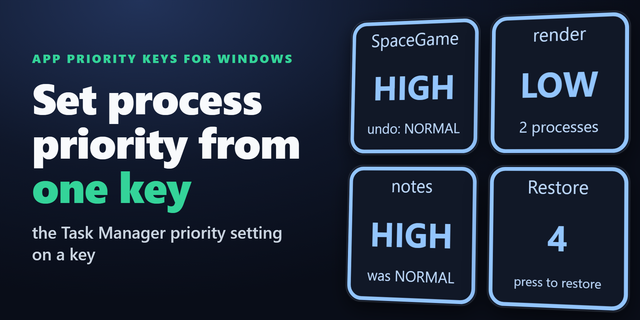
    Set process priority from your Stream Deck. On Windows, these keys put the Task Manager priority setting on a key: high ...

    $780.00

  • Cursor Lock Keys for Windows
    Cursor Lock Keys for Windows app icon

    Cursor Lock Keys for Windows

    by GRAMSHIFT

    ∙

    Gaming

    Lock the mouse cursor to one monitor from your Stream Deck. On a dual monitor Windows PC, one key press keeps the mouse ...

    $780.00

  • On Air: Mic In Use for Windows
    On Air: Mic In Use for Windows app icon

    On Air: Mic In Use for Windows

    by GRAMSHIFT

    ∙

    Productivity

    For meetings, calls and streams: see on your Stream Deck whether an app is recording from a microphone of your Windows P...

    $780.00

  • Force Close Keys for Windows
    Force Close Keys for Windows app icon

    Force Close Keys for Windows

    by GRAMSHIFT

    ∙

    Gaming

    Force close a frozen game or app from your Stream Deck when Task Manager is out of reach. On Windows, the keys show whic...

    $780.00

  • Startup Apps Keys for Windows
    Startup Apps Keys for Windows app icon

    Startup Apps Keys for Windows

    by GRAMSHIFT

    ∙

    Productivity

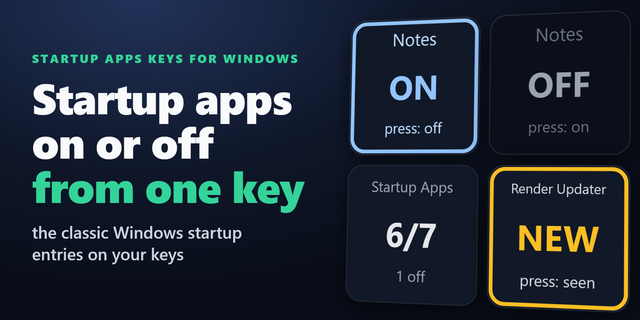
    Choose which apps launch at sign-in from Stream Deck: see and switch the classic Windows startup entries in the Run regi...

    $780.00

  • Borderless Fullscreen Keys
    Borderless Fullscreen Keys app icon

    Borderless Fullscreen Keys

    by GRAMSHIFT

    ∙

    Gaming

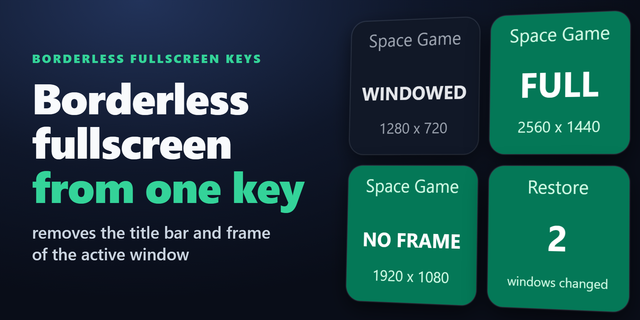
    Make a windowed game borderless fullscreen with one key on your Stream Deck. On a Windows PC, a press removes the title ...

    $780.00

  • Top Process for Windows
    Top Process for Windows app icon

    Top Process for Windows

    by GRAMSHIFT

    ∙

    Monitoring

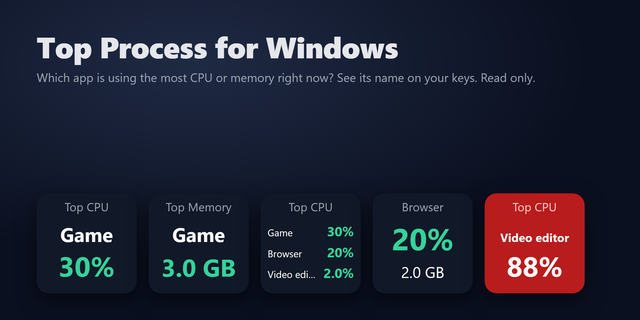
    See on your Stream Deck which app is using the most CPU or memory on your Windows PC right now. When the PC gets slow, t...

    $780.00

  • Windows Settings Manager Pro
    Windows Settings Manager Pro app icon

    Windows Settings Manager Pro

    by PackRat 🐀

    ∙

    Productivity

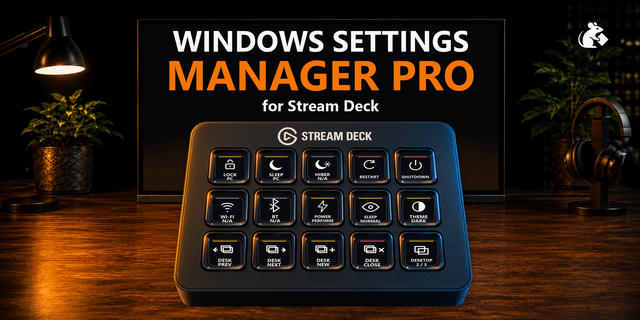
    Windows Settings Manager Pro is the complete Windows Control Center for Stream Deck. It takes the same everyday use case...

    $7.99