Lighting

RGBJunkie

Overview

Control RGBJunkie from your Elgato Stream Deck. Switch lighting effects, load saved scenes, adjust brightness, pause your lights, and open key app screens without leaving your desk. Built for PC builders and streamers who run RGBJunkie for LED layouts and device control.

Press a key to apply an effect or scene, step through your lists, dim or brighten master brightness, or temporarily turn LEDs off. On Stream Deck +, dials let you rotate through effects and scenes or fine-tune brightness while you stream or work.

What’s included:

Pick and apply installed effects (choose a canvas tab)

Previous / next effect and scene

Load saved scenes (layout + effect)

Brightness up, down, and toggle lights

Open Effect Browser, Hardware, Installed, Logs, and Plugins folder

Restart RGBJunkie

Stream Deck + dials: master brightness, cycle effect/scene, pause + brightness

Requirements:

Windows 10 or later

Elgato Stream Deck software 6.4 or newer

RGBJunkie installed and running

Tip: Keep RGBJunkie running in the tray so Stream Deck actions apply silently with no pop-ups. Assign Effect and Scene keys for the looks you use most, then use Previous/Next or dials to cycle.

Added support for Scenes within the app. Scene buttons can show the scene thumbnail from Lights3D.

Version 2.0.0.2

Sep 14, 2026

Details

Type

Lighting

OS

Windows

Compatibility

Stream Deck 6.9 or later

Size

40.53 MB

Version

2.0.0.2

Language

English

Support

Profiles

No

Dial support

Yes

You might also like
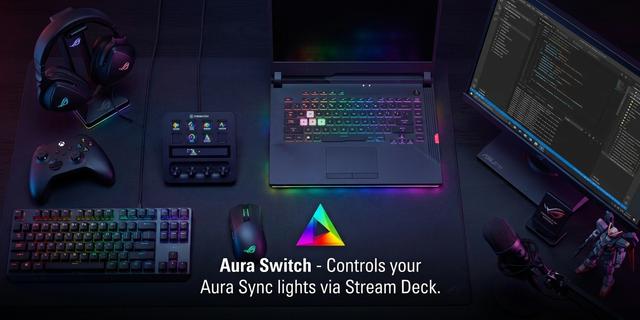
  • Aura Switch
    Aura Switch app icon

    Aura Switch

    by neverweep

    ∙

    Lighting

    Aura Switch controls your ASUS Aura Sync lighting from the Stream Deck. WHAT IT DOES Specify Aura Effect: apply one fixe...

    Free

  • Mach Control
    Mach Control app icon

    Mach Control

    by MachLabs

    ∙

    Productivity

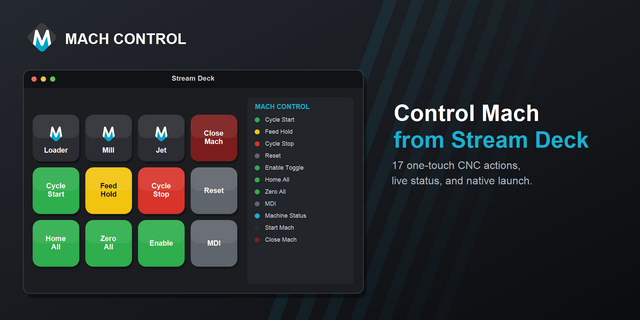
    Control Mach from Stream Deck via the mcBridge REST/WebSocket API. Cycle Start/Stop, Feed Hold, Reset, Enable/Disable, H...

    Free

  • Chroma Deck Lite
    Chroma Deck Lite app icon

    Chroma Deck Lite

    by Andy Smith

    ∙

    Lighting

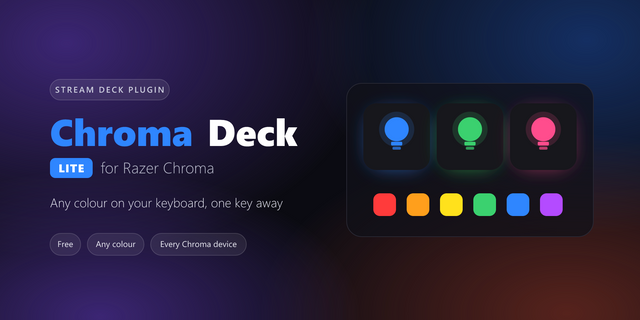
    Chroma Deck Lite puts your Razer Chroma lighting on your Stream Deck, free. Press a key to set your keyboard, mouse, mou...

    Free

  • VietSwitch Next
    VietSwitch Next app icon

    VietSwitch Next

    by Tati

    ∙

    Utilities

    Switch between English and Vietnamese typing with one Stream Deck key. VietSwitch Next connects your Stream Deck to UniK...

    Free

  • Steam Status
    Steam Status app icon

    Steam Status

    by derTom

    ∙

    Gaming

    Steam Status brings your Steam profile and games directly to your Stream Deck. Monitor your current presence, see which ...

    Free

  • Beam Eye Tracker Control
    Beam Eye Tracker Control app icon

    Beam Eye Tracker Control

    by Semi

    ∙

    Gaming

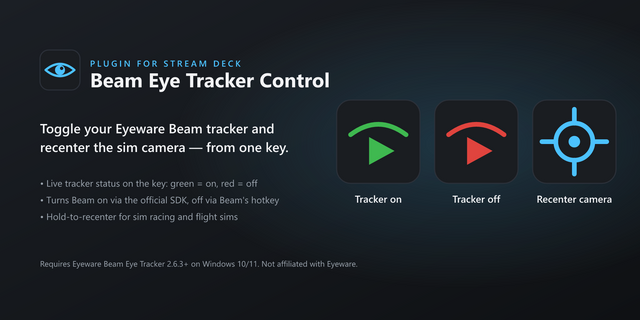
    Control the Eyeware Beam Eye Tracker from your Stream Deck: toggle the tracker on/off with live status, and recenter the...

    Free

  • XSplit Controller (Beta)
    XSplit Controller (Beta) app icon

    XSplit Controller (Beta)

    by SplitmediaLabs

    ∙

    Streaming

    Control XSplit Broadcaster from your Stream Deck. Requires the XSplit Broadcaster Public Beta. Do not use alongside the ...

    Free

  • Bedrock Voice Chat
    Bedrock Voice Chat app icon

    Bedrock Voice Chat

    by Alaydriem

    ∙

    Utilities

    Bedrock Voice Chat – Stream Deck Plugin This plugin integrates with Bedrock Voice Chat, a standalone voice communication...

    Free