Streaming
RiftBroadcast
by Astro
Overview
Connect your StreamDeck to your RiftBroadcast tenant.
VERSION 2.0
Now Supports a central API Key Setup.
New Buttons for Farsight management and recording status.
Features:
All Farsight features supported
Stop recording button
Badge: Set and clear texts
Badge: Set positions
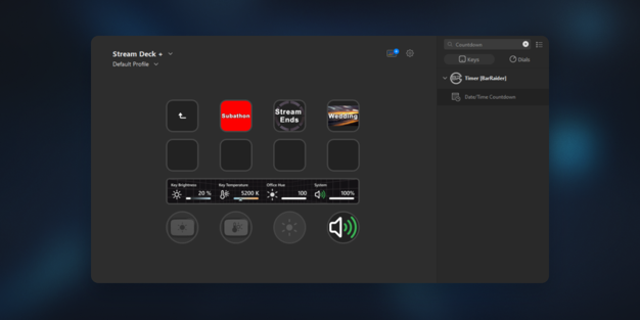
Timer: Start, stop, reset
Timer: Set time and add/subtract time
Scoreboard: Swap teams
Scoreboard: Add score for blue or red team
Scoreboard: Reset scores
Objectves: Start all objective videos
Objectives: Clear current video
You need to be registered at https://riftbroadcast.de/ and have an active tenant. There you can create an API key.
Connect your StreamDeck to your RiftBroadcast tenant.
VERSION 3.0
Made API Key setup easier!
Added Gamesense Features and removed Feats Of Strength
Features:
All Gamesense features supported
Stop recording button
Badge: Set and clear texts
Badge: Set positions
Timer: Start, stop, reset
Timer: Set time and add/subtract time
Scoreboard: Swap teams
Scoreboard: Add score for blue or red team
Scoreboard: Reset scores
Objectves: Start all objective videos
Objectives: Clear current video
You need to be registered at https://riftbroadcast.de/ and have an active tenant. There you can create an API key.
Version 3
Jul 6, 2026
You might also like