Audio
RME Controller for macOS
by FiO Networks
Overview
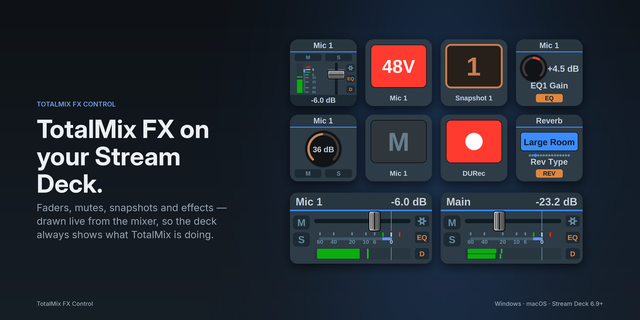
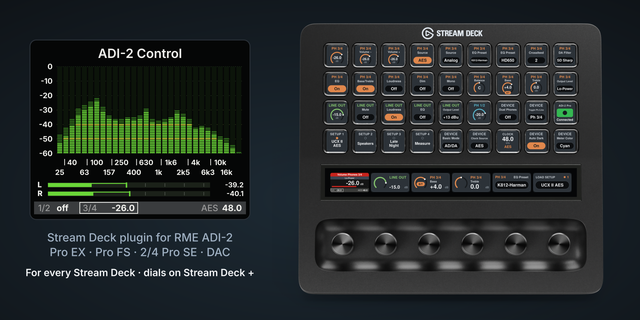
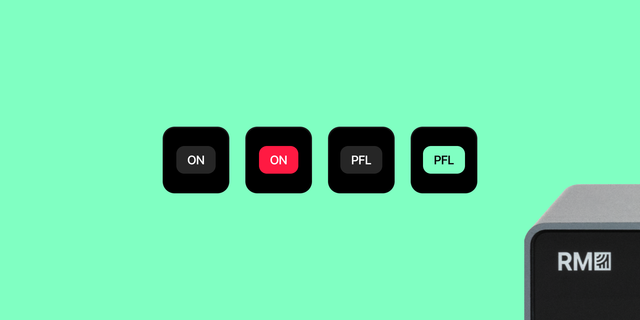
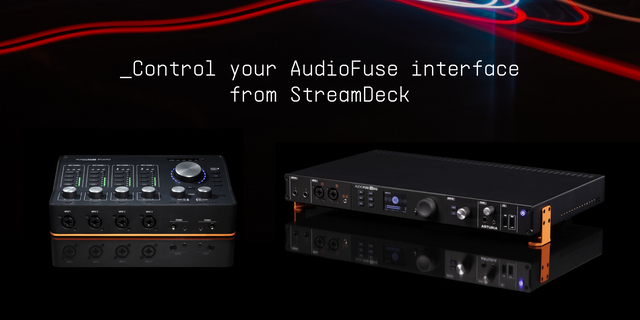
RME Controller for macOS puts TotalMix FX controls on Stream Deck using bidirectional Global OSC. Adjust hardware outputs and submix levels with Stream Deck + dials; use keys for mute, Dim, Mono, Talkback and snapshots 1–8.
Version 1.1.9 adds a continuous live audio peak meter spanning up to four vertically stacked keys, a local OSC connection monitor, configurable pan/balance and processing dials, and optional live channel names from TotalMix. Available advanced parameters include select EQ, dynamics, reverb and echo controls. Controls requiring hardware-specific feedback do not accept changes until matching state is received.
Includes editable starter profiles for Stream Deck, Mini, XL, Neo, + and + XL. Accept the profile installation prompt and select your RME Starter layout.
Requires macOS 13+, Stream Deck 7.1+, and an RME interface running Global OSC-capable TotalMix FX. Key actions work on compatible Stream Deck models; encoder actions require Stream Deck +. Hardware support and ranges for advanced processing functions vary by interface and channel. Audio peak meters require Send Level Messages in TotalMix. Default OSC ports: 7008 to TotalMix and 9008 for feedback.
Independent FiO Networks software; not affiliated with or endorsed by RME Audio or Elgato. AI assisted software development, testing, listing copy and media design under maker direction.
Version 1.1.9
• Added a continuous, live audio peak meter spanning 1–4 Stream Deck keys, using actual TotalMix Global OSC level feedback (not fader position).
• Added OSC Connection Monitor with read-only state refresh.
• Added Processor and Routing encoders for selected pan, balance, EQ, dynamics, reverb and echo parameters.
• Expanded EQ, Dynamics, Low Cut, Auto Level, Reverb and Echo enable-toggle presets.
• Added optional live channel-name discovery and configurable channel selection where TotalMix reports names.
• Updated mixer-console app icon, retained the accepted key design, and standardized active-red key indicators.
• Preserved existing output/submix, mute, snapshots and transport behavior.
• Restored six editable starter profiles; build 1.1.9.1 upgrades the 1.1.9.0 test candidate.
Hardware support for advanced parameters varies by interface; controls require corresponding Global OSC feedback before adjustments are enabled.
Version 1.1.9.1
Nov 2, 2026
Details
Type
Audio
OS
Mac
Compatibility
Stream Deck 7.1 or later
Size
136.06 KB
Version
1.1.9.1
Language
English
Support
Neo Infobar support
No
Profiles
Yes
Dial support
Yes
Additional links
You might also like