Gaming

Rust Server Status

Overview

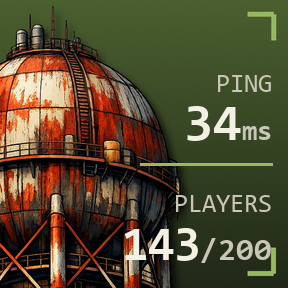
See your Rust server's player count, ping, and online status right on your Stream Deck - no account, no API key, just the server's address.

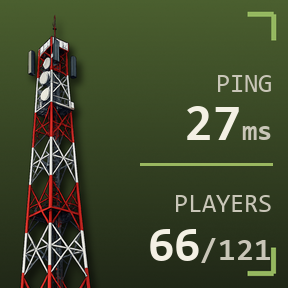
Rust Server Status queries your server directly over the network, using the same protocol Steam's own server browser uses. Paste in your server's IP and game port, and the key updates automatically - showing live ping, player count, and queue size, and switching color when the server is full or offline.

Click the key any time to refresh instantly instead of waiting for the next automatic check.

Note: some very large, high-population servers run their own queue/anti-scrape systems and may report numbers that differ slightly from third-party trackers like BattleMetrics - for the vast majority of self-hosted and community servers, the numbers match exactly.

Initial release.

Version 1

Jul 24, 2026

Details

Type

Gaming

OS

Windows

Compatibility

Stream Deck 6.9 or later

Size

189.99 KB

Version

1

Language

English

Profiles

No

Dial support

No

You might also like

  • Rust

    Rust

    by iConCity

    ∙

    Gaming

    The only aim in Rust is to survive. Everything wants you to die - the island’s wildlife and other inhabitants, the envir...

    $12.00

  • Rust for Galleon

    Rust for Galleon

    by iConCity

    ∙

    Gaming

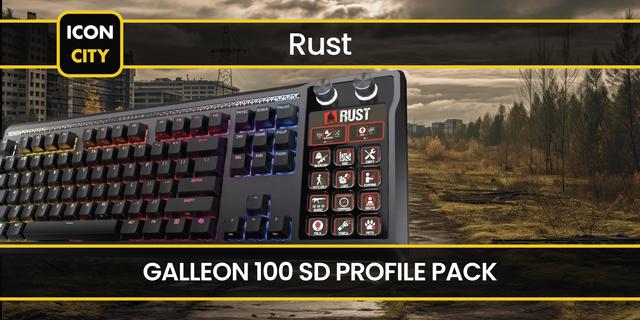
    Take control of Rust with this Corsair Galleon 100 SD profile, designed to streamline survival actions and reduce relian...

    $8.00

  • RustPlusBot
    RustPlusBot app icon

    RustPlusBot

    by JaviteSoft

    ∙

    Gaming

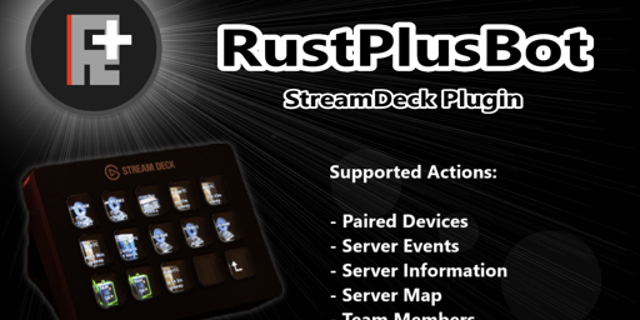
    Control your paired devices, view your cameras and server map, plus much more with the RustPlusBot plugin....

    Free

  • DayZ Server Status
    DayZ Server Status app icon

    DayZ Server Status

    by Wydrukuj

    ∙

    Gaming

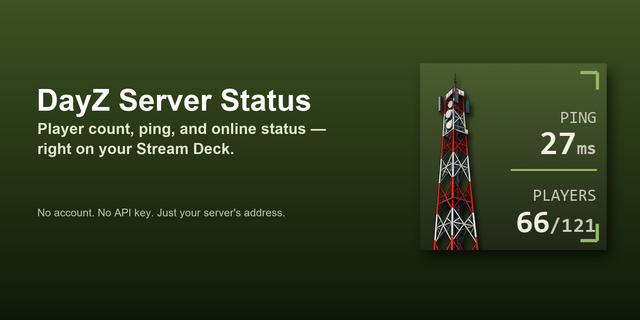
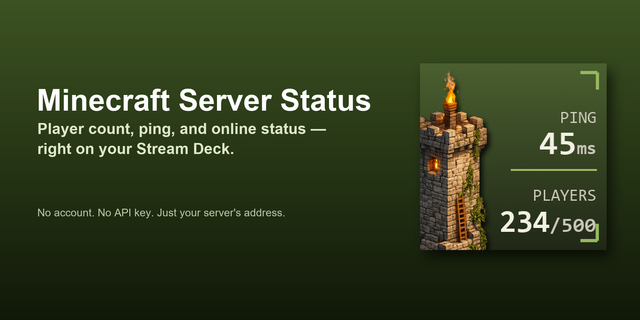
    See your DayZ server's player count, ping, and online status right on your Stream Deck — no account, no API key, just th...

    $9.00

  • Minecraft Server Status
    Minecraft Server Status app icon

    Minecraft Server Status

    by Wydrukuj

    ∙

    Gaming

    See your Minecraft server’s player count, ping, and online status directly on your Stream Deck. No account or API key re...

    $9.00

  • AMP Server Control
    AMP Server Control app icon

    AMP Server Control

    by TeaTime

    ∙

    Gaming

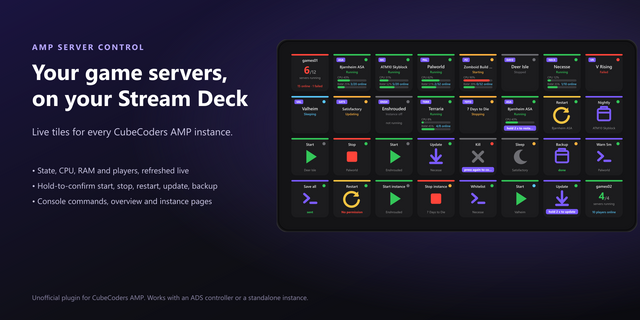
    AMP Server Control puts the game servers you run in CubeCoders AMP on your Stream Deck: live status on every key, and th...

    $8.00

  • Jellyfin Monitor and Control
    Jellyfin Monitor and Control app icon

    Jellyfin Monitor and Control

    by Design4web

    ∙

    Development

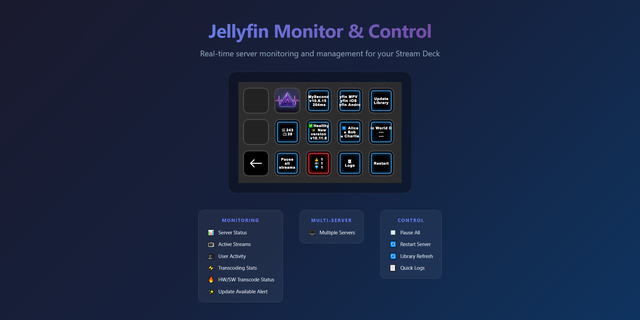
    Complete server monitoring and management at your fingertips 🌟 Key Features 🔗 Server Connection Connect to one or mult...

    $6.99

  • Server Watch
    Server Watch app icon

    Server Watch

    by kanade ishida

    ∙

    Development

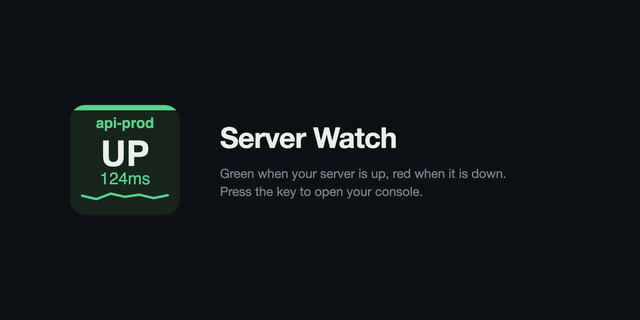
    Server Watch turns one Stream Deck key into a status light for a server you care about. The key stays green while the se...

    Free