Use code BLACKFRIDAY to save 30% on this product. Valid from Nov 16 through Nov 30.

Productivity

Screen Colors

Overview

With the NVIDIA Screen Colors Stream Deck Plugin, the color settings of a specific monitor can be modified and optimized on the fly. The nvidia control panel and windows display parameters are overwritten or reset if desired.

Available Options: Brightness, Contrast, Gamma, Vibration, Hue (All RGB Channels)

Metrics Enhancements

Privacy Protection Info

Version 1.2

Jul 28, 2025

Details

Type

Productivity

OS

Windows

Compatibility

Stream Deck 5 or later

Size

32.28 MB

Version

1.2

Language

English

Support

You might also like
  • Color Picker for Windows
    Color Picker for Windows app icon

    Color Picker for Windows

    by GRAMSHIFT

    ∙

    Artistic

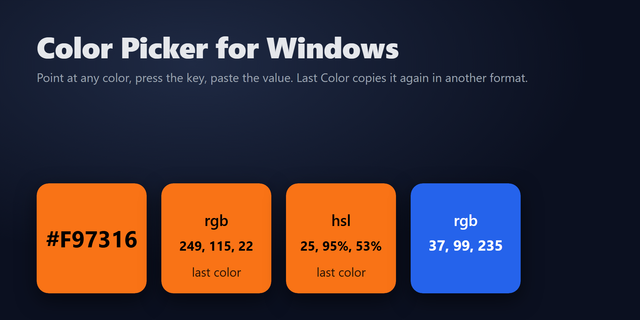
    A one-key color picker for Windows: point your mouse at any pixel on your screen, press the Stream Deck key, and its HEX...

    $550.00

    Discount eligible
  • Color Picker
    Color Picker app icon

    Color Picker

    by VIVRE-MOTION

    ∙

    Productivity

    With the Floating Color-Picker the current color code (HEX/RGB/CMYK) can be determined in realtime under the mouse point...

    Free

  • Mac Color Picker
    Mac Color Picker app icon

    Mac Color Picker

    by JonHoltMedia

    ∙

    Artistic

    Pick the color under the mouse, show values, and copy to clipboard. This color picker works for MacOS 12 and later! It d...

    Free

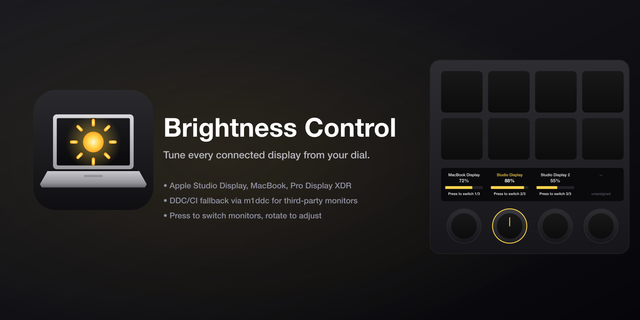
  • Brightness Control
    Brightness Control app icon

    Brightness Control

    Brightness Control turns the Stream Deck+ dials into a hardware brightness regulator for every Mac display — built-in Ma...

    Free

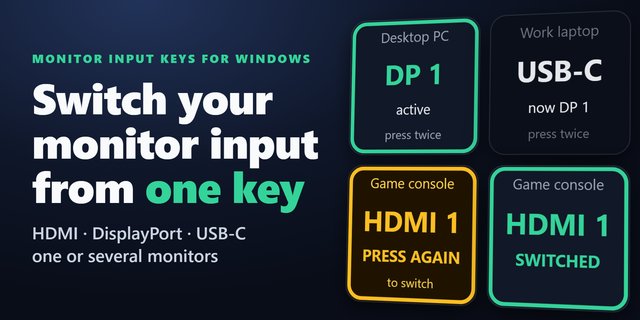
  • Monitor Input Keys for Windows
    Monitor Input Keys for Windows app icon

    Monitor Input Keys for Windows

    by GRAMSHIFT

    ∙

    Productivity

    Put your monitor input switch on a Stream Deck key. Switch input between HDMI, DisplayPort and USB-C from one key instea...

    $500.00

    Discount eligible
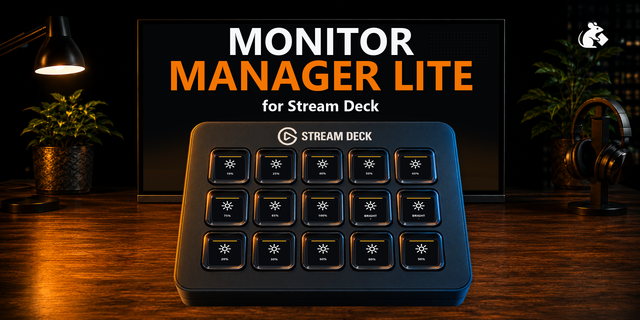
  • Monitor Manager Lite
    Monitor Manager Lite app icon

    Monitor Manager Lite

    by PackRat 🐀

    ∙

    Utilities

    Monitor Manager Lite is the free, focused version of Monitor Manager for Windows. It does one everyday job well: control...

    Free

  • Windows Display Settings
    Windows Display Settings app icon

    Windows Display Settings

    by GeekyEggo

    ∙

    Productivity

    Control your Windows display settings with ease, including HDR control, changing the resolution, and projection!...

    Free

  • Screen Dive
    Screen Dive app icon

    Screen Dive

    by VIVRE-MOTION

    ∙

    Productivity

    Screen Dive enables an instant fullscreen magnify zoom of the current monitor/desktop to the exact mouse position (simil...

    Free