Monitoring
SEMS Solar Monitoring
by Neave
Overview
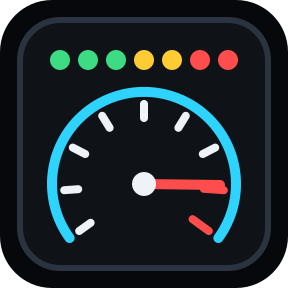
This plugin displays the current solar output from your GoodWe SEMS Portal on Stream Deck in the form of a power gauge. This is useful to monitor how much electricity is being generated and when it is the best time to make use of the generated power. This avoids having to log in to the app or read the value from the inverter directly. It can automatically refresh at set intervals or on key press.
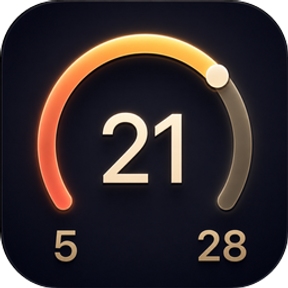
It can display the gauge in three forms
Gauge only - Displays the solar output as a gauge only. The maximum is your capacity for your inverter rather than the solar panel capacity.
Gauge with number - Displays the power gauge with output underneath and a percentage of maximum output generated for your inverter.
Number only - Displays the total kWs output as well as a percentage of the capacity of your inverter.
Set up: Requires a GoodWe inverter and account. You need your email address, password for the SEMS Portal and the Power Station ID.
To get your Power Station ID:
https://semsplus.goodwe.com
Click on 'Device List' and click on your inverter.
In the URL there is a base64 encoded value starting with 'eyJzdGF0aW9uSWQiOiI...'. Decode that value with https://www.base64encode.org
The decoded value will have the value stationId equal to a UUID. The unique code is your Power Station ID.
This plugin is not officially affiliated with or endorsed by GoodWe.
Initial Release - adds a simple gauge to monitor your solar output
Version 0.1
Mar 19, 2026
Details
Type
Monitoring
OS
Mac
Windows
Compatibility
Stream Deck 6.9 or later
Size
338.39 KB
Version
0.1
Language
English
Support
Profiles
No
Dial support
No
You might also like