Utilities
Sensor Bar
by Corsair
Overview
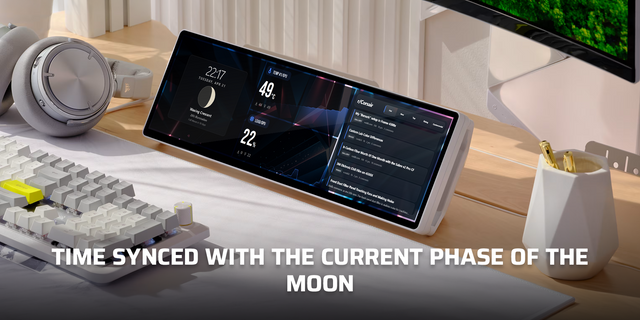
Sensor Bar displays real-time hardware monitoring data, CPU usage, GPU usage, temperatures, fan speeds, and more, directly on your iCUE Xeneon Edge LCD. Build a scrollable stack of sensors from any hardware your iCUE Sensors plugin can read. Live bar graphs make it readable at a glance.
How It Works The widget reads sensor data through the iCUE Sensors data provider plugin. Add sensors in the widget settings, choose their swatch colors, and Sensor Bar plots each reading as a live bar graph with inline device and sensor labels.
Getting Started
Install the Sensors widget — drag the widget into the installation area or select it via the file explorer.
Open the Sensor Bar widget settings, tap the + button to add sensors, and pick the readings you want to display.
Optionally toggle decimals or icons to match your preferred layout.
What's Included
Sensor Bar widget (dashboard LCD, Pump LCD, and keyboard LCD)
Dynamic scrollable hardware sensor list
Live bar graph visualization for each sensor
Per-sensor color swatches
Inline device and sensor labels
Multi-device support
Troubleshooting If sensors do not appear, confirm the iCUE Sensors data provider is available, then re-open the widget settings and select the readings again.
Removed the row glow setting and glow rendering layers to keep live sensor graphs stable across device screens.
Updated marketplace troubleshooting copy now that glow is no longer user-toggleable.
Version 1.0.6
May 1, 2026
Details
Type
Utilities
Device
AIO LCD Screen
iCUE LINK XC7 ELITE LCD
iCUE LINK XD5 ELITE LCD
VANGUARD 96
VANGUARD AIR 99 WL
VANGUARD PRO 96
VANGUARD PRO 96 WL
XENEON EDGE
OS
Windows
Size
23.7 KB
Version
1.0.6
Language
English
Support
Dashboard Sizes
Extra large
Large
Medium
Small
Recommended Orientation
Horizontal
Interactive
Yes
You might also like