Development
seshi
Overview
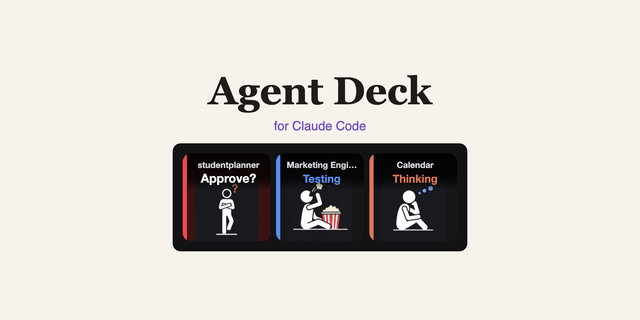
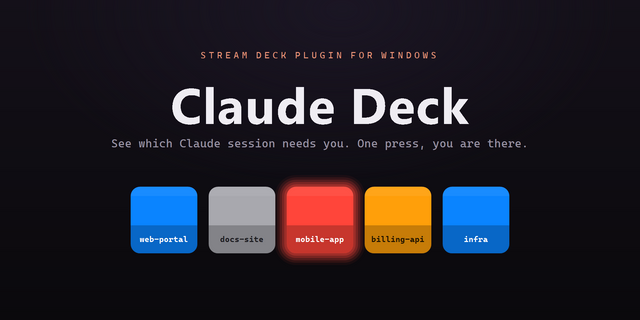
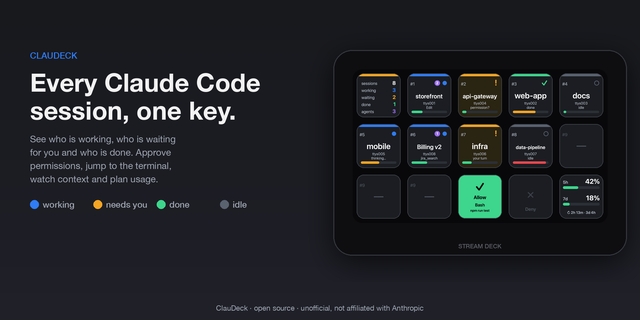
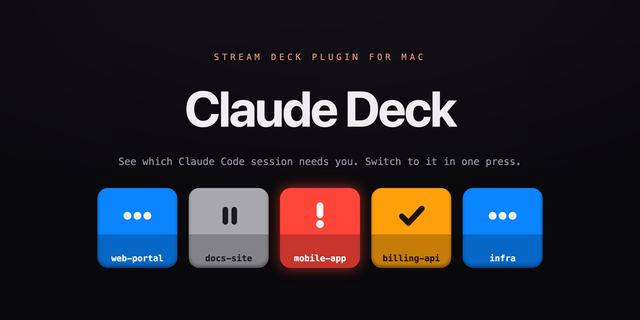
seshi turns your Stream Deck into a command center for Claude Code. When you run several Claude Code sessions at once, each one gets its own key showing its name and its state, so a glance tells you which session is working, which is waiting on an answer from you, which has finished, and which hit an error. Press a key to jump straight back into that session.
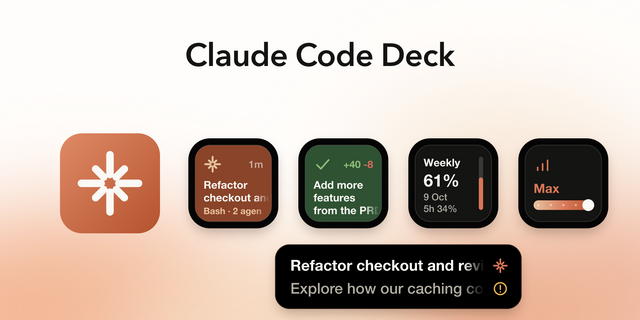
Place any combination of three keys:
- Session: binds to one live session, named and color-coded. Grey working, blue reply waiting, yellow needs your answer, red error. A dot tracks its pull request, green open, purple merged.
- Attention: one key watching every session at once, showing whichever needs you most, with dots counting how many are waiting.
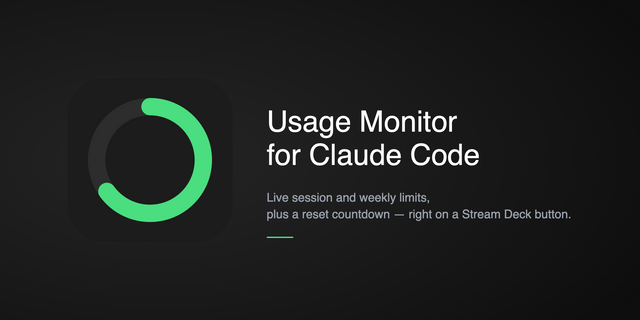
- Usage: a gauge that fills as you use up your 5-hour or weekly Claude limit, with a live countdown to the reset.
Any key can blink and play a sound the moment a session needs input or fails, so you can walk away from a long run.
Setup tip: seshi changes nothing until you press Install in a key's settings panel. That adds Claude Code hooks which write one small status file per session, never your conversation. Remove puts your settings back. The Usage key needs a Claude setup token, held in your macOS Keychain.
Requires macOS, Claude Code, and Stream Deck 6.9 or later. Free, no account, no telemetry.
Unofficial. Not affiliated with, endorsed by, or sponsored by Anthropic.
Fixed Session keys showing the same session on more than one key when you have more Session keys on your deck than active Claude sessions; the extra keys now stay empty.
Version 1.0.5
Sep 16, 2026
Details
Type
Development
Utilities
OS
Mac
Compatibility
Stream Deck 6.9 or later
Size
305.23 KB
Version
1.0.5
Language
English
Support
Profiles
No
Dial support
No
Additional links
You might also like