Gaming
Sid Meier's Civilization VI Shortcut Profile
by Adx.cool
Overview
The complete Sid Meier's Civilization VI keyboard shortcut pack for Stream Deck.
34 shortcuts across 6 categories — organized, scored by importance, and ready to install on Stream Deck Mini, Neo, Classic / MK.2, XL. Stop memorizing key combos. One tap, one action.
What's included:
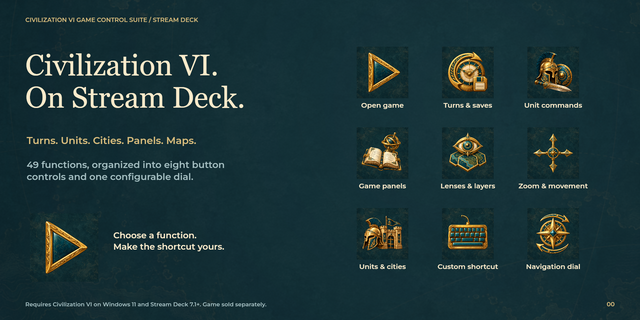
• Units (11): Next Ready Unit, Previous Ready Unit, Move To, Ranged Attack, Fortify, and 6 more • Screens & Reports (11): Technology Tree, Civics Tree, Religion Screen, Great People Screen, Rankings Screen, and 6 more • Lenses (4): Religion Lens, Continent Lens, Appeal Lens, Settler Lens • Menus (4): QuickSave, QuickLoad, In-Game Menu, Pause • Cities (3): Capital City, Next City, Previous City • General (1): Next Action / End Turn
Features: • 34 deck-worthy shortcuts across 6 categories — Units, Screens & Reports, Lenses, Menus, Cities, General. • One tap for every action — stop memorizing Sid Meier's Civilization VI hotkeys. • Works on Stream Deck MK.2, XL and +.
Install: double-click any .streamDeckProfile to import, then in the Stream Deck app open Preferences → Profiles → App and pick Sid Meier's Civilization VI.
Learn more about Sid Meier's Civilization VI: https://civilization.com
v2.0 — Every key now carries its own glyph.
Twelve shortcuts previously shipped as bare labels and eleven more shared an icon with another key; all twenty-three are drawn distinctly.
Adds eight keys: Attack, Skip Turn, Great Works, and a new Map & Camera folder for the yield, resource, grid, strategic-view and full-map toggles.
Version 2
Sep 10, 2026
Details
Type
Gaming
Device
Stream Deck Mini
Stream Deck MK
Stream Deck Neo
Stream Deck XL
OS
Windows
Compatibility
Stream Deck 6.4 or later
Size
3.67 MB
Version
2
Support
Icons
Yes
Additional links
You might also like