Music
Sidekick For Apple Music
Overview
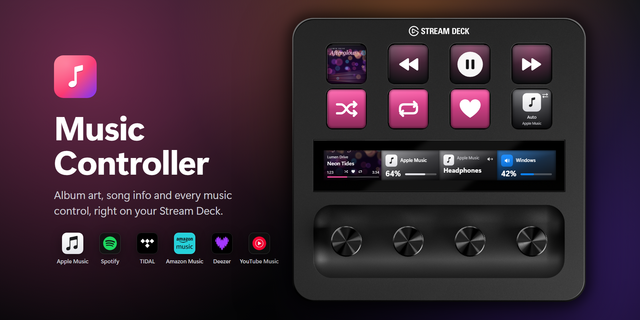
Bring your music to your touchscreen with Sidekick, an interactive XENEON EDGE widget. Browse your library, find your next song, and control your desktop player directly from your display.
What's Included
Browse your songs, playlists, albums, artists, and recently added music. Search for songs beyond your saved library and tap a result to start listening.
Add songs to your player's queue with the + button. The Queue tab displays its actual Playing Next list, with album artwork and a Remove option for upcoming tracks. Open Queue or press Refresh to update the list.
Playback controls, favorites, a progress bar, and a volume slider stay within reach while browsing. Volume changes sync with your desktop player's own slider, including while minimized.
Customization
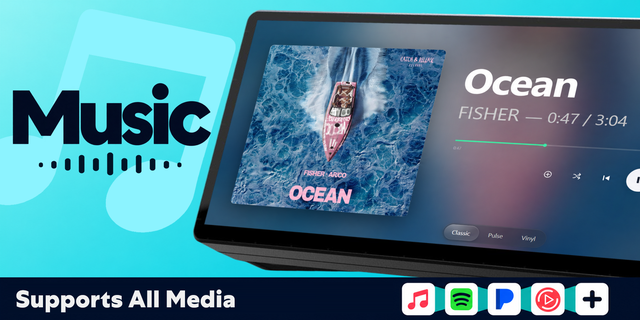
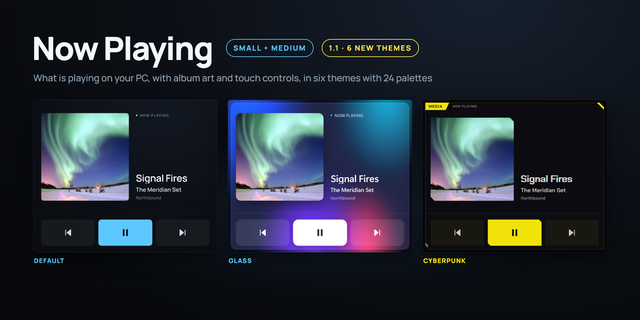
Choose between Classic, Pulse, and Vinyl layouts. Classic highlights your album artwork, Pulse adds an audio visualizer, and Vinyl features a spinning record with the album cover at its center. A blurred artwork background complements the current song.
Swipe across the player to skip tracks, double tap its open surface to play or pause, and drag the record in Vinyl mode to seek. Controls can hide after inactivity, while long song titles scroll with a brief pause between loops.
Adjust background transparency, corner curvature, artwork visibility, visualizer settings, and the progress bar accent color through iCUE.
Supports horizontal and vertical layouts, and all widget sizes. Choose from English, Spanish, French, German, Italian, Portuguese, Russian, and Simplified Chinese.
Data and Connectivity
Sidekick requires our Respawn Companion app and will only work with the Apple Music Desktop app for Windows.
An Apple Music subscription is required to stream its subscription catalog. Internet access is needed for online search, streaming, and artwork downloads.
No Apple Developer account, Client ID, or API key is required. Sidekick connects locally through Respawn Companion and controls the installed desktop app. Music plays through that app on your PC.
Compatibility
Designed for XENEON EDGE with iCUE 5.47 or later on Windows. Supports touchscreen browsing, playback controls, swipe gestures, and adjustable widget sizes.
Desktop app support only. Some features may be unavailable depending on the content, account, or controls exposed by the installed player. Desktop app updates may affect compatibility.
Disclaimer
Sidekick is independently developed by Respawn Icons and is not endorsed by, sponsored by, or affiliated with Apple or Corsair.
Sidekick relies on the installed desktop player and its services for music information and playback. Features and availability may change if those applications or services are modified. Purchasing this widget does not include an Apple Music subscription.
All music, artwork, artist names, trademarks, logos, and related intellectual property belong to their respective owners.
Version 1.3 - Major Update
Added stations from the search menu
The portrait mode UI now has the navigation buttons at the bottom for M, L, and XL to make navigating a bit easier.
Version 1.3
Nov 6, 2026
Details
Type
Music
Device
XENEON EDGE
OS
Windows
Size
26.68 KB
Version
1.3
Language
Chinese (Simplified)
English
French
German
Italian
Japanese
Russian
Spanish
Support
Dashboard Sizes
Extra large
Large
Medium
Small
Recommended Orientation
Horizontal
Vertical
Interactive
Yes
Additional links
You might also like