Engagement
Sidekick for Discord
Overview
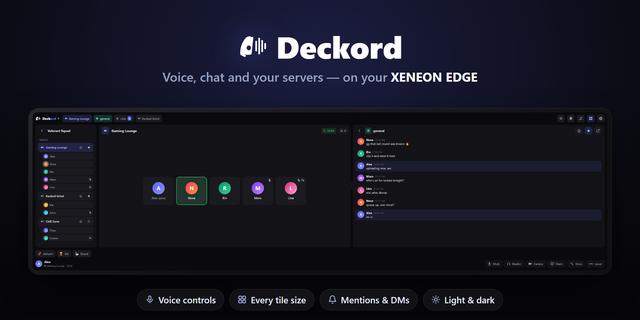
Stay in the conversation with Sidekick for Discord, an interactive XENEON EDGE widget. Keep your favorite channels, chat, and active voice call within reach while you game.
What’s Included Choose which channels appear for each server instead of displaying every channel. Keep updated on DMs, groupchats, & all your favorite channels from servers.
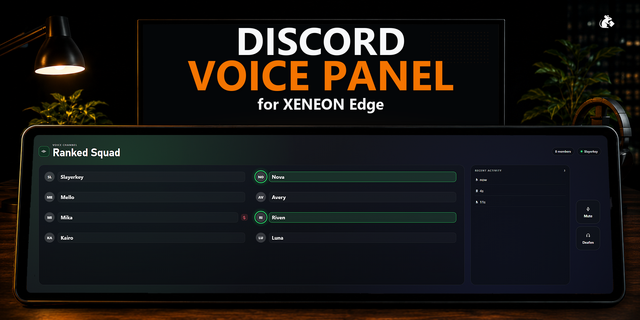
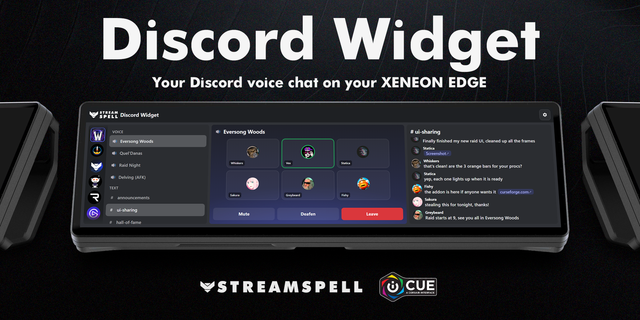
Read chat from servers, DMs, & groupchats, view voice channel participants, and see speaking, mute, and deafen indicators. Adjust individual user volume and access mute, deafen, screen sharing, camera, soundboard, and leave-call controls where Discord permits them.
Your active call takes focus when you join. Hide the channel list to give chat and call more room.
Customization Choose light or dark mode, adjust text size, and switch between solid and transparent backgrounds. Participant cards help keep your call readable over your wallpaper.
Choose whether call or chat takes the more prominent position. Sidekick adapts to different widget sizes, with a compact Servers and Channels menu for smaller layouts.
Setup and Connectivity Requires Discord’s desktop app & our light-weight background companion app on the same Windows PC.
Guided setup checks your module and Discord connection, then walks you through entering your own Discord application’s Client ID and Client Secret and approving Discord’s permission prompts. Our setup guide explains how to create your application and configure its redirect URL.
Your connection is saved for future sessions, with credentials protected locally using Windows encryption.
Compatibility Designed for XENEON EDGE on Windows with iCUE. Supports touchscreen and mouse navigation across multiple widget sizes. Discord and the Sidekick module must be running for connected features to work.
Disclaimer Sidekick for Discord is independently developed by Respawn Icons and is not endorsed by, sponsored by, or affiliated with Discord or Corsair.
Features and availability may change if Discord modifies or restricts its services. Purchasing this widget does not grant additional Discord permissions or guarantee access to restricted features.
All names, avatars, server artwork, trademarks, logos, and related intellectual property belong to their respective owners.
Version 1.9 - Minor Update
Added a "full screen" mode when in a call to hide the chat pane.
Added a voice connection indicator beside the call timer
You can now hide the server header with the eyeball button in the top left
Enlarged circular call avatars in L and XL layouts
Click a name in a chat to open that user's Discord profile
Added a charcoal theme
Version 1.9
Oct 19, 2026
Details
Type
Engagement
Gaming
Monitoring
Utilities
Device
XENEON EDGE
OS
Windows
Size
38.71 KB
Version
1.9
Language
Chinese (Simplified)
English
French
German
Italian
Japanese
Korean
Russian
Spanish
Support
Dashboard Sizes
Extra large
Large
Medium
Small
Recommended Orientation
Horizontal
Vertical
Interactive
Yes
Additional links
You might also like
-thumbnail-optimized-1b1f7846-11d5-461d-a51e-a84d748e72e9.png)