Monitoring
SimpleStats
by Crest
Overview
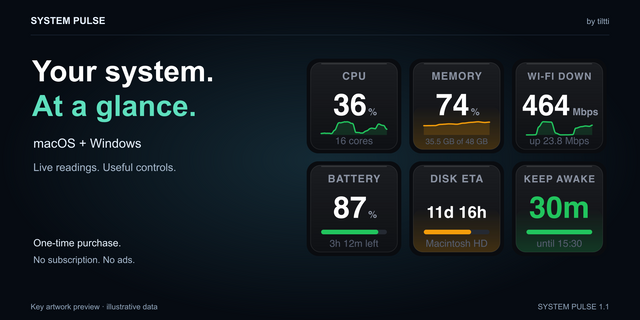
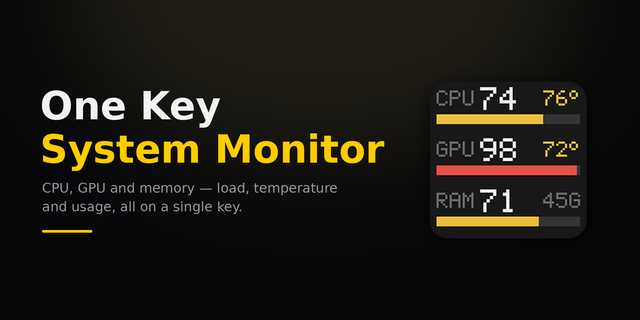
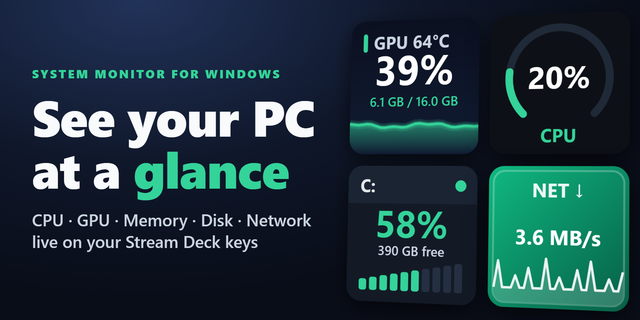
Real-time Windows system monitoring on your Stream Deck keys or Infobar. Each key becomes a live tile, like a mini Task Manager on your desk. Check your CPU, Nvidia GPU, Memory, Network, and even Disk activity. All with no special setup or other app downloads needed. Download the plugin and drag over keys and you're done. Very fast and simple to set up a whole Stream Deck to monitor your whole system without needing to customize everything.
Designed to include as many sensors as possible without needing any special third party apps, APIs, or permissions. All packed into a light weight plugin for all Windows 11 systems.
CPU
Total usage
Per-Core usage
Peak core (Which core has the highest usage)
Clock speed (including boost)
Top process (Which app is using the most of your CPU)
GPU (NVIDIA only)
Core usage
VRAM usage in % or GB.
Core temp in °C or °F
VRAM temp in °C or °F
Power draw in W
Hardware Encoder/Decoder load (NVENC/NVDEC)
Core clock
VRAM clock (Effective speed)
Fan speed in % or RPM
PCIe upload and download
Top Process (Which app is using the most of your GPU core)
Memory
Percent used or gigabytes used
Top process (Which app is using the most RAM)
Disk
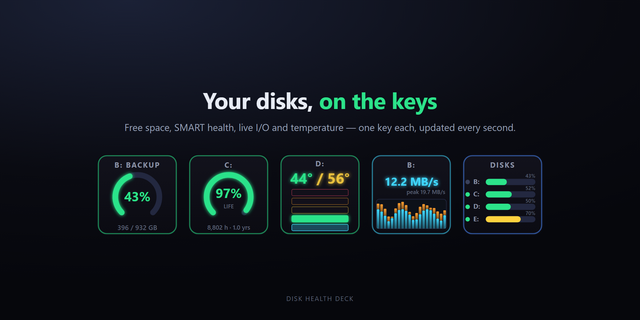
Disk Activity (busy)
Free/Used space %
Read/Write throughput
Pick a specific drive or have it always show the busiest disk
Network
Download/Upload speeds (per NIC)
Cumulative data transferred - Last 60s, 1hr, 24hr (per NIC)
Ping with configurable target and interval
System
System Uptime
8 global key color themes + two Task Manager style color themes
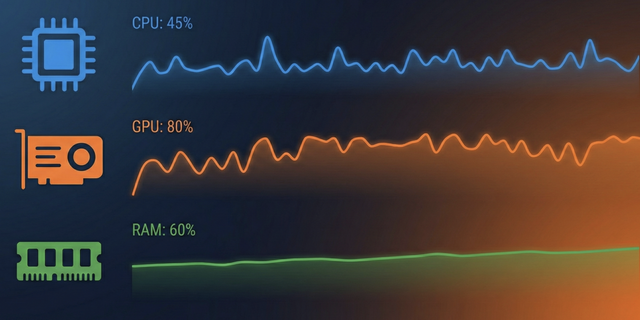
The graphs are designed to feel familiar. They scroll right to left at a steady speed same as Task Manager. New keys set up their graphs immediately with no waiting and your keys will show the graphs even if you change folders or swipe pages. Top-process keys pull in the app's actual icon so you can see things at a glance. Network totals persist across restarts.
AMD and Intel GPUs are NOT currently supported.
New
Top Process keys for CPU, Memory and GPU can now show the up to the top five busiest apps. Maybe the interesting one is number 2. 👀
You can now set a key to watch a Specific App for CPU, Memory, or GPU usage. This is pulled from currently running processes, so when the app is closed it'll be faded.
Improved
Did another pass on the Top Process logic to make it respond sooner but still avoid flickering between apps. Kinda tricky.
Fixes
Top Process can now see processes running in Admin, but still without needing admin rights.
Fixed the refresh buttons next to the GPU, disk and network lists in key settings not updating the list.
The GPU Top Process key is now titled TOP GPU, to match TOP CPU and TOP MEM. Not sure how I ever missed that.
Send me your feedback to the contact email on the product page.
Version 1.1
Oct 26, 2026
Details
Type
Monitoring
OS
Windows
Compatibility
Stream Deck 7.6 or later
Size
5.79 MB
Version
1.1
Language
English
Support
Profiles
No
Dial support
No
Neo Infobar support
Yes
You might also like