Monitoring
Solarman
by tbprojects
Overview
Displays battery status and energy storage information from Solarman PV.
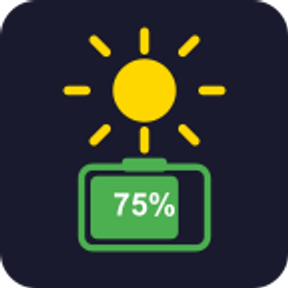
Battery view — colored background with state of charge (%) updated every 60 s 🔵 blue — charging 🟠 orange — discharging 🟢 green — fully charged (100%) ⚫ grey — standby 🟣 purple border = off-grid mode
Details view — shown on button press: ☀ PV generation power ⚡ consumption power ▲ / ▼ grid exchange
Short press — toggles between battery and details views Long press (≥ 500 ms) — opens globalhome.solarmanpv.com in the default browser
v1.1.0 — Automatic token renewal
Solarman rotates the auth token every 24 h, which meant pasting a new one into the plugin every day. That is over: the plugin now renews it on its own from a long-lived refresh token.
⚠️ Action required after updating
The Auth Token field is gone, so existing keys show cfg until a Refresh Token is set:
Open globalhome.solarmanpv.com and log in.
Press F12 → Application tab (in Firefox: Storage).
Open Cookies → https://globalhome.solarmanpv.com.
Two cookies hold a long value starting with eyJ. Copy one and paste it into Refresh Token.
If the message under the field says it is the 24 h auth token, copy the other one instead.
A refresh token is valid for about 180 days, so this is a twice-a-year chore instead of a daily one. The plugin renews the 24 h token behind it — five minutes before expiry, and again on any 401 before retrying. The Grid ID field is gone too: your plant is now read from the account.
Version 1.1
Aug 13, 2026
Details
Type
Monitoring
OS
Mac
Windows
Compatibility
Stream Deck 6.9 or later
Size
89.21 KB
Version
1.1
Language
English
Support
Profiles
No
Dial support
No
You might also like