Streaming
Solin Digital
Overview
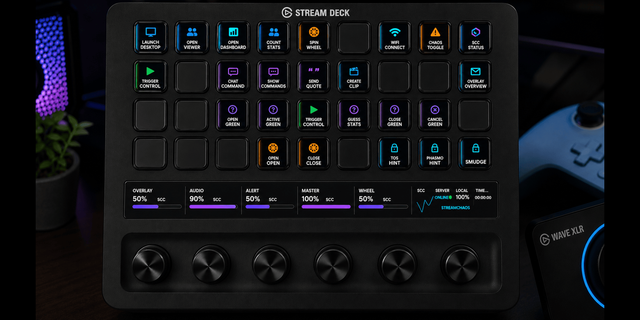
Control your supported Solin Digital stream widgets directly from Stream Deck. Start events, pause gameplay, skip encounters, manage queues, reset sessions, test interactions, and trigger widget-specific controls without switching back to your browser or StreamElements.
Stream Widget Controls currently supports Pixel Tournament, Pixel Champions, Chat Drive, Zombie Invasion, and Falling Viewers. Each widget gets a dedicated Stream Deck action with a command dropdown, so you can create exactly the controls you need while keeping your Stream Deck action list clean.
Features: • Dedicated controls for five Solin Digital stream widgets • Multiple commands from one configurable action per widget • Custom color-coded key artwork • StreamElements integration • Saved connection settings across all widget controls • Support for Twitch, YouTube, and Kick when used through supported StreamElements widgets
Requires Stream Deck 7.1 or later, StreamElements, and a supported Solin Digital stream widget. Connect using your StreamElements Account ID and JWT. Your JWT is treated as a password and is used only to authenticate requests to StreamElements.
Added Chat Monsters controls to the Solin Digital plugin.
New Chat Monsters Control action for keys.
New Chat Monsters Dial Controller for dials.
Show or hide monsters, toggle speech bubbles and accessories, run previews, and check widget status.
Protected clear action prevents accidental clearing and keeps saved looks and purchases.
Choose from five monster portraits or no artwork for each control.
Version 1.0.35
Oct 23, 2026
Details
Type
Streaming
OS
Mac
Windows
Compatibility
Stream Deck 7.1 or later
Size
2.18 MB
Version
1.0.35
Language
English
Support
Neo Infobar support
No
Profiles
No
Dial support
Yes
You might also like