Music
Sonos Control
by WDX Global
Overview
Sonos Control brings your Sonos system to Stream Deck: two core playback actions plus two experimental Spotify-sync actions. Playback and Volume control any room in any Sonos system linked to your account, from anywhere with an internet connection - no need to be on the same network as your speakers.
### What's included
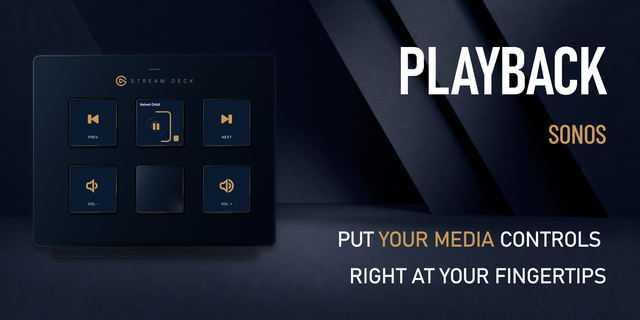
- Sonos Playback (key) - play/pause, skip forward/back, or mute a room or group with one press. Add as many as you like, each configured to its own room.
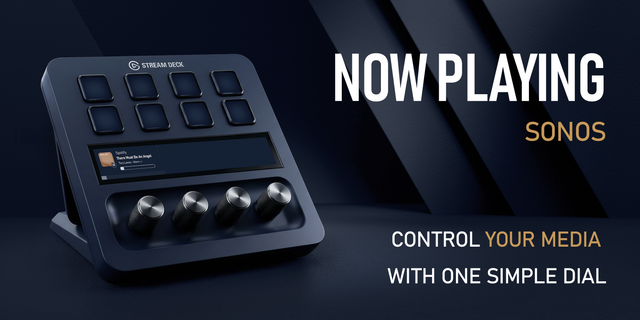
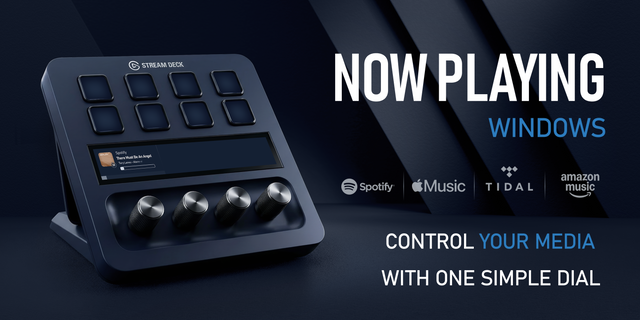
Sonos Volume (Stream Deck+ dial) - a live "Now Playing" touchscreen (album art, title, artist, album, progress, volume). Rotate for volume, press to play/pause, double-press for next track, triple-press for previous, press-and-hold to restart. Text too long to fit cycles into view a window at a time instead of truncating.
Sonos to Spotify Sync — Beta (key) - reads a saved Sonos Playlist or a room's live queue and starts it on Spotify (or saves it as a new Spotify playlist), picking up at the same track/position when syncing a live queue.
Spotify to Sonos Queue — Beta (key) - reads a Spotify queue, playlist, or Liked Songs into a Sonos room's queue via that room's own Spotify connection, picking up at the same track/position if it's the one currently playing.
### How it talks to Sonos
Playback and Volume run entirely on Sonos's official cloud Control API api.ws.sonos.com)
Systems & rooms - every household and room/group on your account is looked up automatically and listed by name; a single one auto-selects. Renaming or regrouping in the Sonos app is picked up automatically (matched by name, not a fixed ID). Topology is cached for a week, with a manual Refresh button.
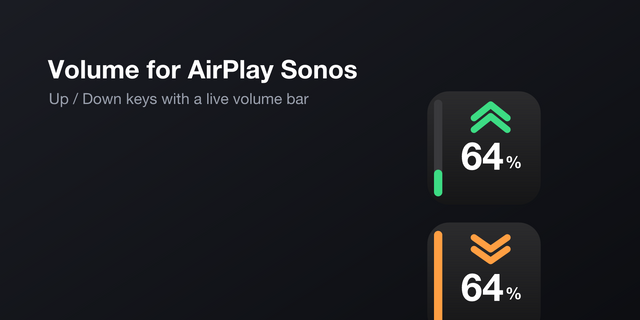
Playback/volume - play/pause/skip/mute and volume/mute both go through the group's own endpoints; rotating while muted auto-unmutes.
Now Playing - track/artist/album/art/position are polled continuously; live sources (radio) show station/service name instead of blank fields, with no progress bar.
Access tokens refresh automatically in the background after the one-time sign-in.
The two Spotify-sync actions are in Beta whilst further testing is performed to improve consistent behaviour and speed.
### Requirements
A Sonos system
For the beta Spotify actions: a Spotify account (Premium required for some playback features) and a local network connection to your speakers.
Sonos Volume requires a Stream Deck+; the other three actions work on any Stream Deck.
Playlist Browser
The source dropdown is now called "Audio Source" (was "Playlist Source")
Line-In is now selectable directly from this dial.
Double-press: cycle audio sources.
Hold: restart the current playlist from the top.
Triple-press: jump back to what you were playing before and resume where it left off.
Dial screen redesigned: speaker name up top, full (scrolling) playlist name below.
Resume-position now works for Sonos playlists, Spotify playlists, and Liked Songs.
Liked Songs is browsable when Spotify is selected; followed (not just owned) Spotify playlists now show up. Click on "Link Spotify Playlists" after connecting to Spotify to make these playlists appear.
RadioApp now has its own dedicated browse categories (Stations A-Z / Local / Location).
Favorites Browser (dial) — new action: browse Sonos favorites with a service-name tag per item, manual refresh, and a settings dropdown as an alternative to rotating.
Source Selection (dial) & signing into services — new action to browse connected music sources;
Playback buttons — "Press and hold" option (open Sonos app, open Sonos Play website, or nothing).
Spotify — playlist browsing / playback, faster Liked Songs loading.
General & setup — new "Sync System / Room" checkbox (on by default) to link room selection across tiles.
Version 1.38.23
Aug 17, 2026
Details
Type
Music
OS
Mac
Windows
Compatibility
Stream Deck 7.1 or later
Size
219.02 KB
Version
1.38.23
Language
English
Support
Profiles
No
Dial support
Yes
You might also like