Audio
SONOS Controller
by Rocklobster
Overview
Control your Sonos system directly from your Stream Deck — playback, volume, favorites, and whole speaker groups, always with the right cover art at your fingertips.
Key actions
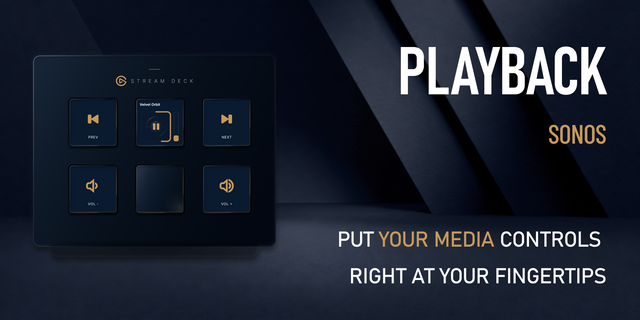
Play/Pause — cover art and scrolling track title
Playback Control — next, previous, shuffle, repeat (auto-dims during radio streams)
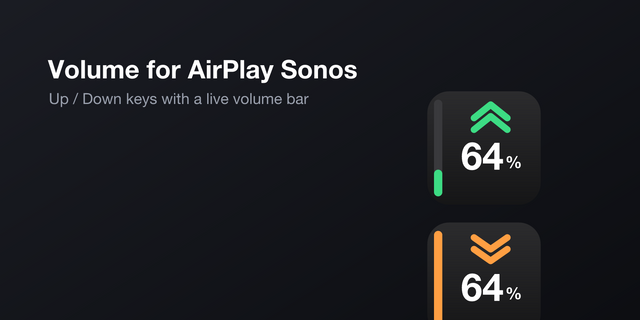
Volume — up/down/mute/preset
Play Favorite — one tap to play a saved Sonos favorite
Multi-Control — switch a speaker to Line-In (with optional fade), or turn the key into a live Battery status display for Roam/Move
Dial actions (Stream Deck+)
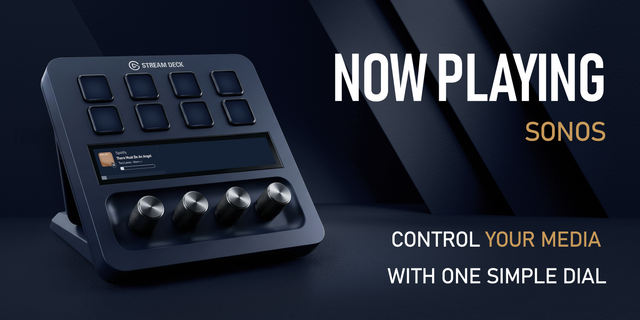
Track Dial — cover art, scrolling title/artist, seek within the track
Volume Dial — live pie-chart volume with mute and one-touch preset recall
Group Volume Dial — control an entire Sonos group's volume together, keeping each speaker's relative balance
Favorites Dial — browse your saved favorites as a cover-art list and play with a press; optionally append Line-In as a final entry for speakers that have it
Queue Dial — flip through the current queue's cover art and jump straight to any track
Smooth playlist changes with Fade out
Switching favorites doesn't have to mean a hard cut. With Fade out enabled, the music gently fades across your whole speaker group before the new favorite starts — and afterwards every speaker returns to exactly its own volume. Perfect for bars and gyms where the atmosphere should never stumble, and just as nice for anyone who simply can't stand a song ending mid-beat.
Thoughtful details
Battery badge for portable speakers (Sonos Roam, Move) on the Track Dial and Play/Pause key
Grouped speakers are handled properly — commands follow the group, volumes stay individual
Runs entirely on your local network — no cloud connection, no account required. Any Sonos speaker on the same network is discovered automatically.
And for the quiet moments: Panorama Effects (Stream Deck+)
When you're not adjusting anything, your Stream Deck+ can simply look beautiful: ambient animations — drifting Particles, the classic Boing Ball, a spinning Boing Globe, or Matrix-style code rain — span multiple adjacent LCD panels as one continuous scene, and can also run as a living background behind the Track and Volume dials.
Stream Deck+ is required for the dial actions; key actions work on any Stream Deck.
This is an independent, community-made plugin. It is not affiliated with, endorsed by, or officially connected to Sonos, Inc. or Elgato.
Fixed playing favorites from TIDAL and other streaming services (Amazon Music, Apple Music, Deezer) — playlist and album favorites previously failed to play, and radio-style favorites (e.g. an artist radio) could show an error and do nothing. Both are now fixed.
Also fixed:
Favorites occasionally failing to play when the target speaker was grouped under a different room (this affected Spotify too)
The Play Favorite list now hides a couple of non-playable "browse category" entries Sonos sometimes adds to your favorites on its own, and also picks up radio stations saved to Sonos' separate "My Radio Stations" list
Reduced log noise for offline speakers
Version 0.4.10
Sep 4, 2026
You might also like