Audio
SoundCheck
by KirjoZzZ
Overview
Check your microphone before a stream, recording or call. Record a 5, 8 or 10-second sample, listen back and see useful measurements directly on Stream Deck.
Cycle microphones with a key; the selection is shared across all SoundCheck actions. Put live level, peak, estimated voice, estimated background, voice/noise margin and the result on separate keys. Adjust the voice-level guide for your setup.
An optional local browser panel provides the same check, playback and input controls. Close it any time: the plugin keeps working. Interfaces in English, Russian, German, French, Spanish, Italian, Portuguese, Polish, Latvian, Japanese, Korean and Simplified Chinese.
Requires Windows 10/11 x64, Stream Deck 6.9+, a microphone and an audio output. Windows only. Live level runs during checks. Speak with brief pauses for a useful background estimate. Playback loudness is normalized; measurements use the original audio. These are digital input estimates, not LUFS, room loudness or what others hear in a call.
Audio stays in plugin memory and is cleared when replaced or deleted, on input change or shutdown. No audio files, uploads or extra account.
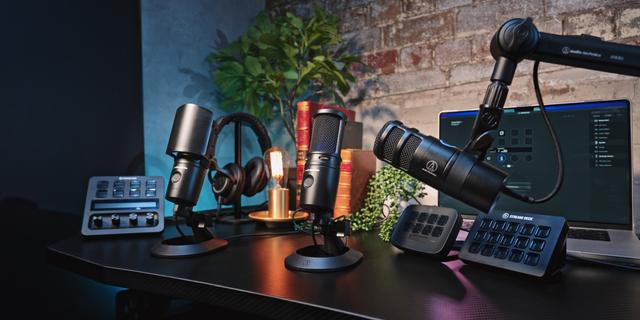
AI disclosure: AI assisted code, listing text and layouts under the maker's direction. The maker supplied requirements and tested the plugin. Device imagery is from Elgato's media kit.
Windows release with twelve interface languages, including translated keys, settings and the optional local browser panel. Includes microphone checks, local playback, shared input selection, separate measurement keys and configurable voice-level guidance. This package supports Windows 10/11 x64.
Version 0.2.15
Oct 22, 2026
Details
Type
Audio
OS
Windows
Compatibility
Stream Deck 6.9 or later
Size
574.19 KB
Version
0.2.15
Language
Chinese
English
French
German
Japanese
Korean
Spanish
Support
Neo Infobar support
No
Profiles
No
Dial support
No
You might also like