Audio
Spotify Suite
by Magoo
Overview
Skip the keyboard. Keep Spotify moving.
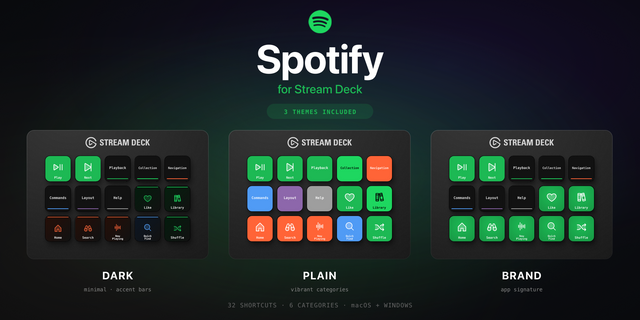
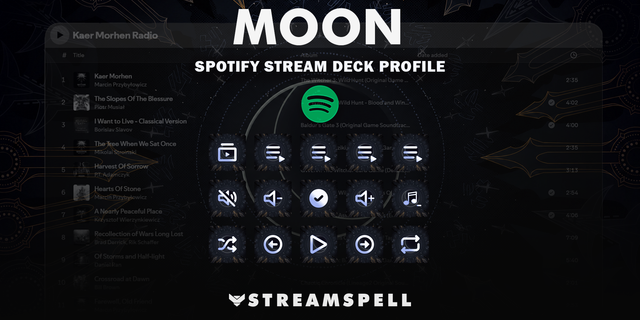
Spotify Suite is a Spotify Stream Deck profile that turns Stream Deck Mini, MK.2, Neo, or XL into a dedicated music-control surface. It puts 28 essential Spotify shortcuts—including play/pause, track navigation, search, library navigation, liked songs, queue controls, and sidebar actions—within one press, with separate macOS and Windows profiles and a clean one-page folder layout built for fast, focused listening.
One page. Four folders. 28 shortcuts.
Playback
Play or pause
Skip to the next or previous track
Like or dislike a song
Mute or unmute
Search
Open Search
Open Help
Filter results
Navigation
Jump to Library, Playlists, Podcasts, Artists, Albums, Audiobooks, Home, Preferences, Now Playing, Liked Songs, Made For You, New Releases, Charts, and Queue
Context & Layout
Select all
Open the context menu
Toggle the Now Playing and Library sidebars
Add a track to your Library or Queue
The four folders keep the layout simple and make it easy to find the right shortcut without hunting through pages. Every folder includes a Back key so you can return to the home screen quickly.
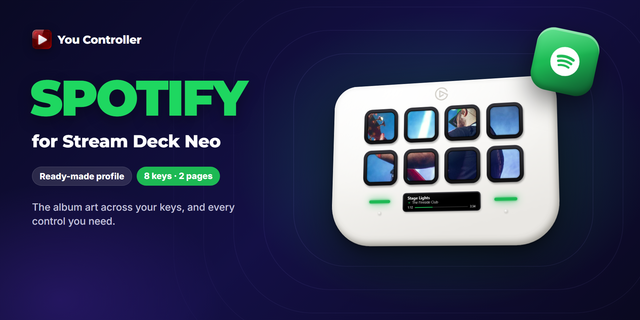
The download includes separate Stream Deck profiles for macOS and Windows. It is designed for Stream Deck Mini, Stream Deck MK.2, Stream Deck Neo, and Stream Deck XL.
Spotify is not included. Install the Spotify desktop app or use the Spotify web player, then keep Spotify focused while using the shortcuts.
Spotify Suite is an independent profile and is not affiliated with or endorsed by Spotify or Elgato. Spotify and Stream Deck are trademarks of their respective owners.
Spotify Suite v1.0.0.0
New
Added Spotify Suite Stream Deck profiles for macOS and Windows.
Added 28 Spotify shortcuts organized under one root page with four folder keys: Playback, Search, Navigation, and Context & Layout.
Added Back navigation on each folder page.
Included Tabler-derived artwork and the applicable MIT license notice.
Setup
Choose the profile matching your operating system.
Double-click the .streamDeckProfile file, or import it from the Stream Deck app.
Open Spotify and keep the Spotify desktop app or web player focused when using shortcuts.
Spotify is not included with this release.
Compatibility
The package is prepared for configuration across Stream Deck Mini, Stream Deck MK.2, Stream Deck Neo, and Stream Deck XL. Physical-device testing was not performed for every listed device. Windows host/runtime testing was closed by product-owner waiver; Windows runtime behavior remains unverified. Spotify desktop and web-player behavior depends on the active Spotify version, browser/app focus, and the shortcut support available in that environment.
Notes
Spotify Suite is an independent profile and is not affiliated with or endorsed by Spotify or Elgato.
Version 1
Oct 13, 2026
You might also like