Gaming
Star Citizen Kommand Kontrol Kit
by KVT Korp
Overview
SCK3 — Star Citizen Kommand Kontrol Kit
Star Citizen has over 1,000 bindable actions across ships, FPS, mining, salvage, and others — far more than any keyboard shortcut can keep at your fingertips. SCK3 puts that entire action space on your Elgato Stream Deck.
Star Citizen has no official game API, so no plugin can "talk" to it directly. SCK3 solves this by reading the game's own keybind configuration files and simulating the exact key presses you've already bound in-game. Every button on your deck reflects your real Star Citizen settings — no manual re-mapping, no drift between game and deck.
FEATURES
Keybind Auto-Fill Most players only bind a handful of Star Citizen's 1,000+ actions, leaving the rest inaccessible. This action scans the game's full list of possible actions alongside your current keybinds, then automatically generates collision-free key combinations for everything you haven't bound yet — and writes the result straight to your actionmaps.xml. One key press, and your entire action list becomes keyboard- and Stream-Deck-triggerable. No more digging through Options > Keybindings one action at a time. Property Inspector displays a report upon completion.
Channel Indicator Star Citizen runs on multiple channels — LIVE, PTU, EPTU,... — and it's easy to lose track of which one you're on. This action shows the active channel on your key face and lets you cycle between installed channels with a single press. Property Inspector also displays info on the discovered channel in the installation files.
Open Logs One press opens the plugin's log folder for quick troubleshooting.
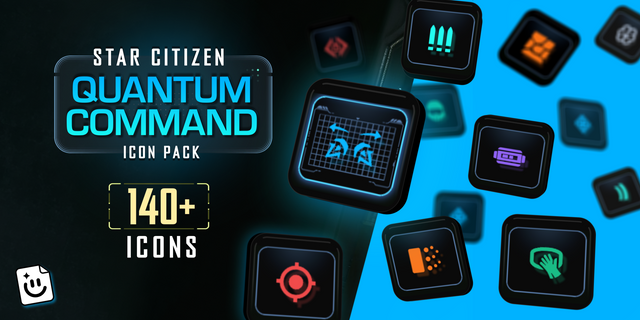
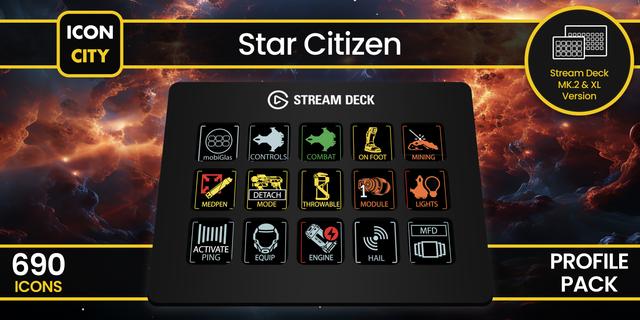
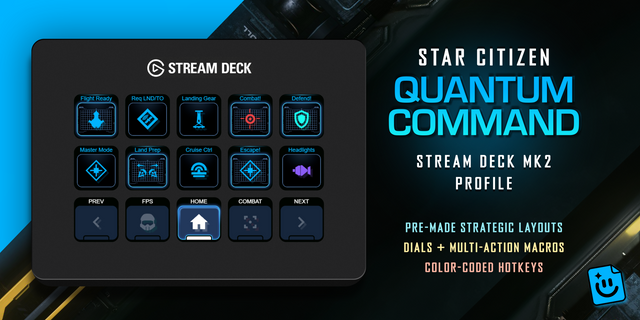
Works standalone and pairs perfectly with KVT Korp's SCK3 profiles and icon packs for a plug-and-play deck built for the verse.
REQUIREMENTS
Elgato Stream Deck app 7.1 or later
Windows 10 or later
Star Citizen installed (4.8.1)
*Made by the community - Unofficial fan-made project. Not affiliated with, endorsed by, or sponsored by Cloud Imperium Games or Roberts Space Industries. Star Citizen® is a registered trademark of Cloud Imperium Rights LLC.
Fixed
Keybind Auto-Fill custom-profile export (Controls/Mappings/*.xml) is now built from the same merge result as the live actionmaps.xml instead of a separate, independent construction — pre-existing joystick/gamepad/mouse rebinds (e.g. a multi-joystick HOTAS setup) are now preserved in the exported profile instead of being silently dropped
Keybind Auto-Fill no longer coerces every CIG activation mode it doesn't recognize down to press. The parser's whitelist was missing several real modes CIG uses (delayed_press, delayed_press_medium, delayed_hold, delayed_hold_long, delayed_hold_no_retrigger, double_tap_nonblocking, all)
Keybind Auto-Fill no longer generates lctrl+X combos in spaceship_vehicles, foot, or ui for any action. lctrl alone is always a held CIG action in these contexts (v_strafe_down/"lower" in ships, prone on foot, spectator/mapui pan-down in ui)
Keybind Auto-Fill now cross-lists player into the spaceship_vehicles context group.
MFD (and MobiGlas/Stopwatch/Hacking/Character Customizer/RemoteRigidEntityController) binds don't register via Star Citizen's own in-game "Options > Keybindings > Load profile from file" import Workaround: run Keybind Auto-Fill with Star Citizen closed — it writes directly into the live actionmaps.xml
full changelog here: https://github.com/korneliusvontastik/sck3-sd-plugin/releases/tag/v0.1.0.5
Version 0.1.0.5
Jul 21, 2026
Details
Type
Gaming
OS
Windows
Compatibility
Stream Deck 7.1 or later
Size
308.87 KB
Version
0.1.0.5
Language
English
Support
Profiles
No
Dial support
No
Additional links
You might also like