Gaming
Steam Hub
by StreamSpell
Overview
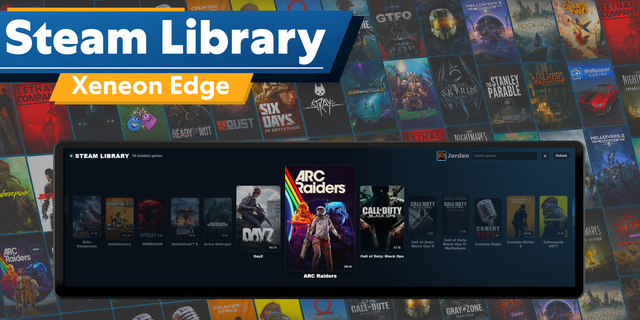
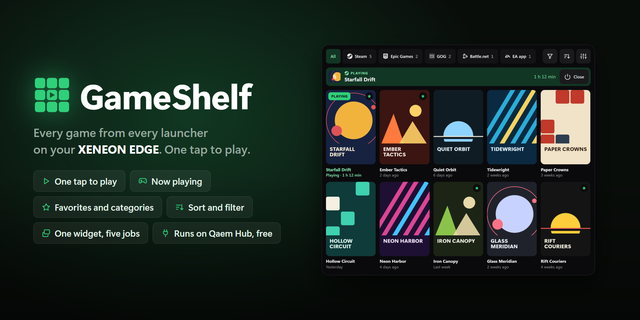
Launch games and track deals directly on Xeneon Edge by CORSAIR. Steam Hub is an interactive iCUE Widget for browsing your PC's game library, launching games and finding your next offer.
Launch games
Connect to Spellcast by StreamSpell to see Steam games installed on your PC.
Pick a game and launch it directly from the widget.
Search and sort your library, and mark your favorite games.
Switch between library and showcase views.
Track deals
Browse current Steam offers with game covers, prices and discounts.
Search games or filter offers by category.
Save games to the widget's own wishlist.
Open a game's Steam Store page for more details.
Deals work without Spellcast. The widget's wishlist is separate from your Steam account wishlist.
Built for CORSAIR iCUE
For your installed library, install and keep Spellcast running on the same PC. In Spellcast, open Links > Steam and generate a pairing code, then enter it using Connect in Steam Hub. No Steam password or Web API key is needed for this setup.
Compatibility: Windows, CORSAIR iCUE 5.47 or newer and a supported dashboard LCD device such as Xeneon Edge. The installed library and game launching also require Steam and the Spellcast companion app on the same PC.
Steam and related names are trademarks of Valve Corporation. StreamSpell is not affiliated with or endorsed by Valve Corporation.
Updated permissions for the iCUE app.
Version 1.1.1
Oct 19, 2026
Details
Type
Gaming
Monitoring
Device
XENEON EDGE
OS
Windows
Size
272.29 KB
Version
1.1.1
Language
English
Support
Dashboard Sizes
Extra large
Large
Medium
Small
Recommended Orientation
Horizontal
Vertical
Interactive
Yes
Additional links
You might also like