Streaming
Stream Dashboard
by PackRat 🐀
Overview
Stream Dashboard for CORSAIR XENEON Edge.
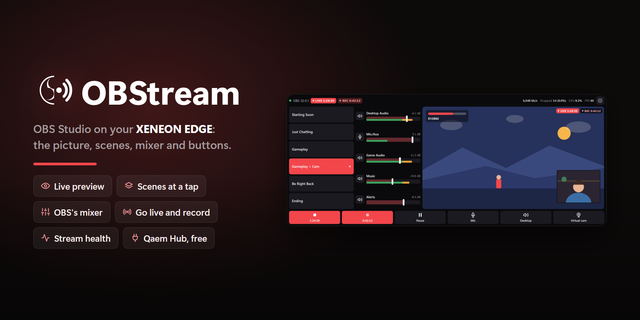
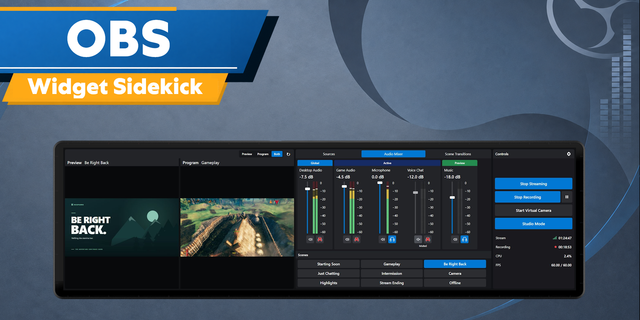
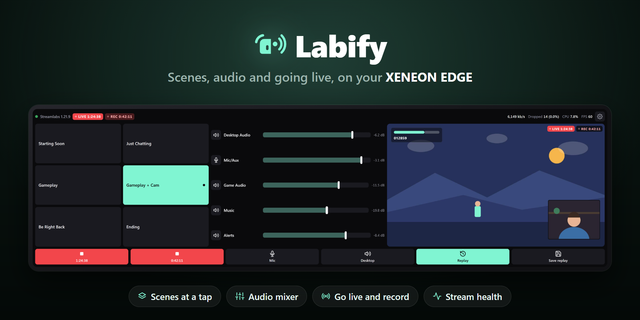
Keep OBS stream health and scene control on a dedicated touch display instead of covering your stream or alt-tabbing.
Live at a glance: see LIVE or STANDBY state, stream timer and a rolling 60 second bitrate trace calculated directly from OBS output data.
Catch problems early: dropped frames shift from normal to amber and red as they climb, while encoder lag is tracked separately from OBS output-thread statistics.
Control scenes by touch: the current program scene stays highlighted and every visible scene is a fingertip-sized target.
Safer stream control: start or stop streaming from the state pill with a required second confirmation tap.
Recording status stays visible with its timer and available recording disk space.
Connects directly to obs-websocket v5 on your PC. Enter the same WebSocket port and password you use in OBS. No helper application is required.
When OBS is closed or unreachable, the dashboard shows a deliberate disconnected state and keeps the last known readings dimmed when available.
Requires OBS Studio with its WebSocket server enabled.
Part of the PackRat 🐀 collection for CORSAIR XENEON Edge.
Initial release. OBS WebSocket v5 connection with optional password authentication. LIVE and STANDBY state with stream timer. Calculated bitrate with rolling 60 second history. Dropped frame and encoder lag health indicators. Recording state, recording timer and available disk space. Touch scene switching. Two-tap stream start and stop confirmation. Deliberate disconnected and authentication error states. Tuned layouts for S, M, L and XL in horizontal and vertical orientations.
Version 1
Aug 28, 2026
Details
Type
Streaming
Device
XENEON EDGE
OS
Windows
Size
69.21 KB
Version
1
Language
English
Support
Dashboard Sizes
Extra large
Large
Medium
Small
Interactive
Yes
You might also like