Productivity
Stream Deck Ultimate
by PackRat 🐀
Overview
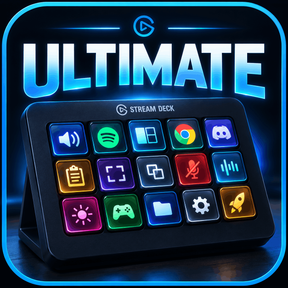
Audio, windows and clipboard control for Stream Deck: set the volume of one app on its own, snap any window to half or a corner, and keep your last four copies on four keys.
The small things add up. Hunting for the volume mixer to turn one app down, dragging a window to the right half of the screen, copying something twice because the first copy is already gone. Stream Deck Ultimate puts each of those on a key.
Works on every Stream Deck model, for Windows.
*Audio, windows and clipboard on one deck.*
**Per app volume** - Turn one app up or down on its own. Lock a key to a chosen app, or let it follow whichever window you are working in.
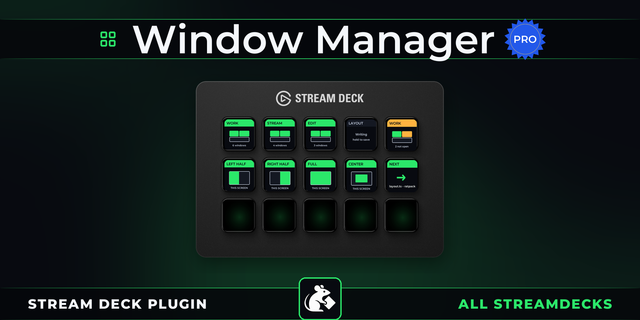
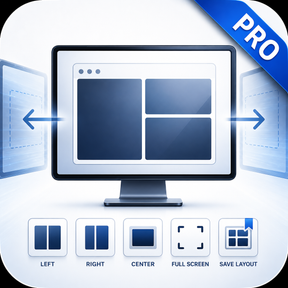
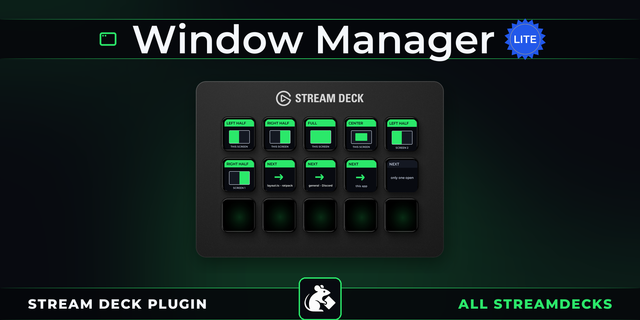
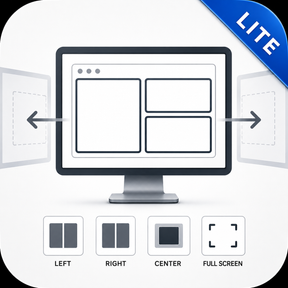
**Window snapping** - Send the window in front of you to half the screen, a corner, maximised, or the next monitor.
**Clipboard history** - Your last four copies sit on four keys with a preview of each, and a press pastes one straight back in.
**Screenshots** - Grab a region, a window or the whole screen from a key, and jump to the folder they land in.
**Audio devices and mic** - Switch output and input, and mute your microphone. Pick which microphone the key mutes, so a virtual mixer does not get in the way.
**Routines** - Work, Focus, Meeting and Gaming each open your apps, arrange the windows, and set the audio to match, in one press.
**Smart keys** - Four keys that change with the app in front of you: browser tabs, editor commands, file navigation or music controls.
For Windows, on every Stream Deck model. Everything runs on your own computer and nothing about what you copy or capture leaves it.
---
More Stream Deck profiles, plugins and tools from Packrat, all on the marketplace at @packrat.
audio, volume, windows, clipboard, smart, utilities
- Per app volume: hold a key to one app, or let it follow the window you are in.
- Window control: halves, corners, centre, maximise, minimise, always on top and next monitor.
- Clipboard history: your last four copies on four keys, each with a preview, kept after a restart.
- Screenshots: region, window or full screen, plus a key that opens the folder they land in.
- Audio devices: switch output and input, adjust volume and mute the microphone.
- Pick which microphone the mic key mutes, so a virtual mixer does not get in the way.
- Routines: Work, Focus, Meeting and Gaming open your apps, arrange them and set the audio.
- Smart keys: four keys that follow the app in front of you, in browser, editor, files and music.
- Setup page for choosing your apps and audio devices, and a diagnostics report that carries no personal data.
Version 1
Sep 14, 2026
Details
Type
Productivity
OS
Windows
Compatibility
Stream Deck 7.1 or later
Size
938.19 KB
Version
1
Language
English
Support
Profiles
Yes
Dial support
Yes
You might also like