Creative Tools
Stream Deck + XL Profiles for Davinci Resolve - Mac
by SideshowFX
Overview
THE ULTIMATE DAVINCI RESOLVE CONTROL CENTER
36 KEYS • 6 ROTARY DIALS • 1,300+ COMMANDS • 5,000 CUSTOM ICONS
Stream Deck + XL Only • MacOS Only
⚡ MORE CONTROL. LESS CLICKING. FASTER CREATIVITY.
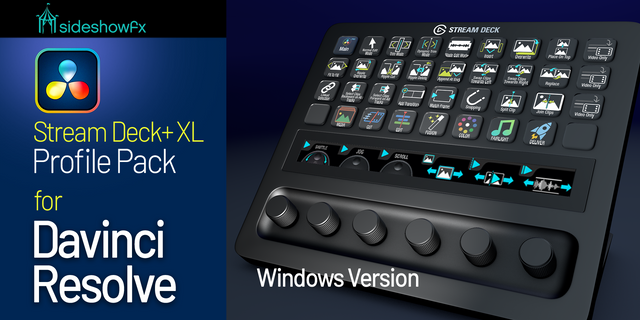
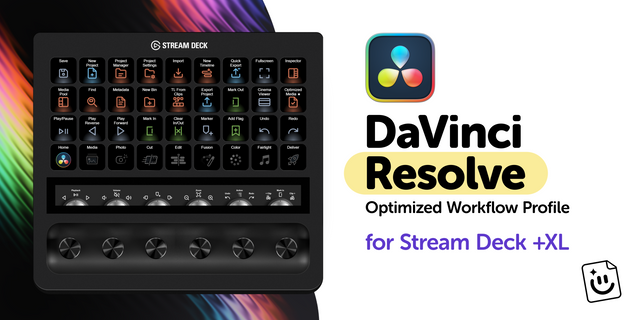
Transform your Stream Deck + XL into a powerful editing, color grading and post-production command center. The SideshowFX DaVinci Resolve Pro Pack combines the expansive command coverage of our XL profiles with the hands-on rotary dial workflow of our Stream Deck + system. With 1,300+ preprogrammed commands, 5,000 custom-designed icons, 36 LCD keys and six precision rotary dials, you get an extensive collection of creative tools within easy reach. One device. Your entire DaVinci workflow.
🎛️ 36 KEYS. 6 DIALS. TOTAL WORKFLOW CONTROL.
Why choose between extensive shortcut access and hands-on dial control?
36 CUSTOMIZABLE LCD KEYS Instantly access editing tools, trimming functions, grading commands and essential post-production shortcuts.
6 PRECISION ROTARY DIALS Bring tactile control to your workflow with responsive rotary adjustments and navigation.
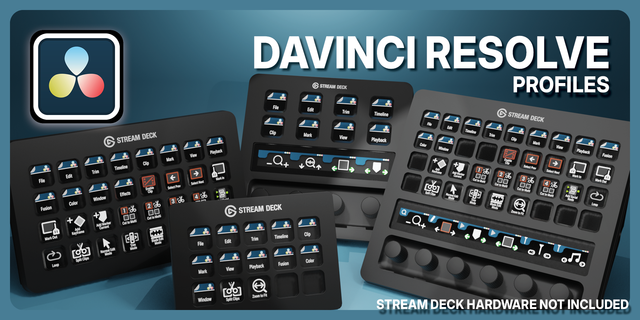
INTELLIGENT PROFILE NAVIGATION Move between organized workspaces to access the tools you need for each stage of production.
The command coverage of an XL. The dial experience of a Plus. Together.
🎬 BUILT FOR THE ENTIRE POST-PRODUCTION WORKFLOW
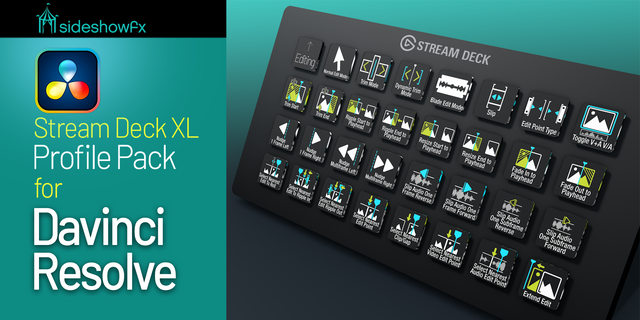
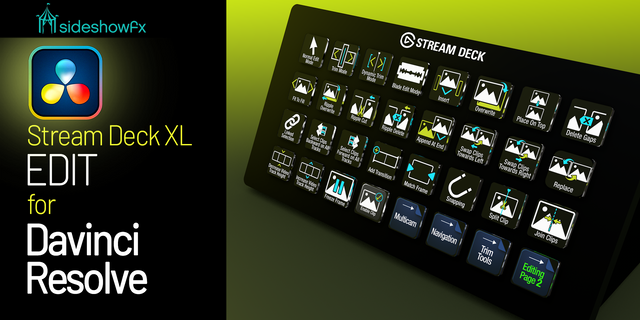
EDIT & CUT Access timeline tools, trimming modes, blade functions and essential editing commands.
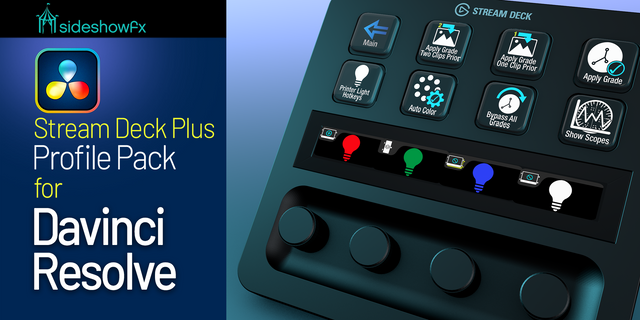
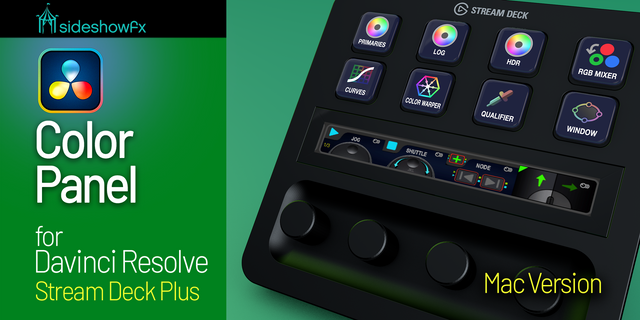
COLOR GRADING Navigate grading tools, nodes and clips, with convenient Printer Lights controls for refining your image.
FUSION Keep frequently used visual effects tools and commands within reach.
FAIRLIGHT Access audio editing and mixing
TIMELINE NAVIGATION Move efficiently between clips, markers, keyframes and editing functions without constantly reaching for your keyboard.
🎚️ HANDS-ON CONTROL THAT FEELS NATURAL
The six rotary dials add another dimension to your DaVinci Resolve workflow. Combine dial-based navigation and adjustments with 36 dedicated LCD keys for an efficient, intuitive editing experience. Keep commonly used commands visible and accessible while reducing repetitive mouse and keyboard actions.
🎨 5,000 CUSTOM-DESIGNED ICONS
Personalize your workstation with an extensive collection of professionally designed icons. Organized layouts help you recognize commands quickly, while customizable profiles let you move, group and arrange controls to match your workflow. Built for speed. Designed for clarity.
✓ WHAT YOU GET
✓ 1,300+ preprogrammed DaVinci Resolve commands ✓ Stream Deck + XL profiles for 36 keys and six dials ✓ 5,000 custom-designed icons ✓ Edit, Cut, Color, Fusion and Fairlight workflows ✓ Rotary dial navigation and adjustments ✓ Printer Lights grading controls ✓ Interconnected workflow profiles ✓ Customizable keys and layouts ✓ Installation and navigation video ✓ PDF reference guide
⚠️ BEFORE YOU BUY
• Stream Deck + XL only (36 keys + 6 dials) • Mac only — Windows not supported • Not compatible with standard Stream Deck +, XL, MK or Neo • DaVinci Resolve must be installed separately • This pack includes Printer Lights controls; it is not a replacement for our dedicated Color Panel packs
INSTALLATION & NAVIGATION VIDEO: https://youtu.be/I4VJOSZ8NIc
PDF GUIDE: https://www.dropbox.com/t/f6NV2OQ6Y7wBCJon
SIDESHOWFX — PREMIUM STREAM DECK WORKFLOWS. HANDCRAFTED & ENGINEERED SINCE 2019.
DaVinci Resolve is a trademark of Blackmagic Design Pty Ltd. SideshowFX is not affiliated with or endorsed by Blackmagic Design.
The Photo Star keys now have their proper assignments.
Photo shortcut commands have now been included.
If updating from version 1.1, import the 1.1.2 Main profile and relink. Install the 8.1 version of our Davinci keyfile into Davinci Resolve.
Version 1.1.2
Jul 15, 2026
Details
Type
Creative Tools
Video
Device
Stream Deck + XL
OS
macOS
Compatibility
Stream Deck 7.1 or later
Size
211.28 MB
Version
1.1.2
Support
Icons
Yes
Dial support
Yes
Additional links
You might also like