Streaming
Stream Hotkey Deck — Stream Deck MK.2
by panda studio
Overview
A ready-made hotkey layout for Stream Deck MK.2 on macOS. Every key sends one Control + Option + Shift shortcut, all 15 different, so you can bind them in any streaming or recording app with a hotkey box. A matching icon on every key.
SETUP, ONCE
Double-click the profile to import it. In your app's hotkey settings, click a shortcut field and press the matching Stream Deck key. Keys you have not bound yet do nothing.
REQUIREMENTS
Stream Deck MK.2 (15 keys) and the Stream Deck app on macOS.
MORE MAC DECKS FOR STREAM DECK MK.2
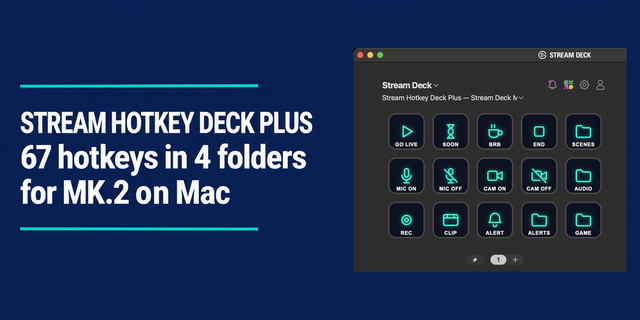
• Stream Hotkey Deck Plus — Stream Deck MK.2: 67 hotkeys across a Home page and 4 folders (scenes, audio, alerts, game). Keys shared with this deck use the same shortcuts, so the hotkeys you already bound carry over
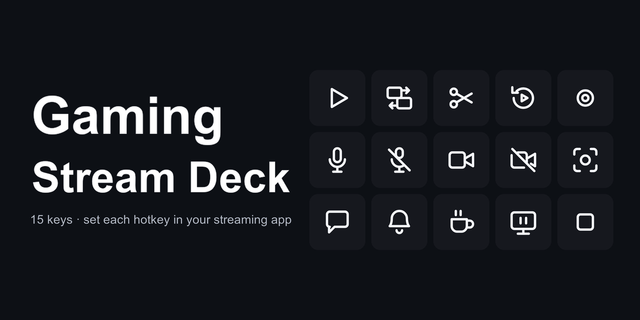
• Gaming Stream Deck — Stream Deck MK.2: clip, replay and mute keys for game streams
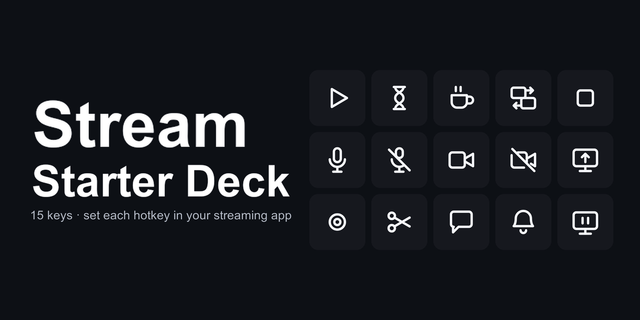
• Stream Starter Deck — Stream Deck MK.2: the 15 keys for a first stream
For editing and apps: Content Creator Editing Deck, Edit Deck, Session Deck and Build Deck.
Free: Essentials Deck for Mac (Free), 28 Mac shortcuts.
Icons to swap in: Stream Control Icons (456 icons) and Stream Control Icons Vol.2 — Dark & Light (48 icons).
Made by panda studio.
Fixed macOS key codes: every hotkey now sends the intended Control + Option + Shift + key combination on macOS.
Version 1.2
Sep 29, 2026
Details
Type
Streaming
Device
Stream Deck MK
OS
macOS
Compatibility
Stream Deck 7.1 or later
Size
123.63 KB
Version
1.2
Support
Dial support
No
Icons
Yes
AI Content
Yes
You might also like
-thumbnail-optimized-5c842357-bfba-4182-b4c8-8c5092518587.png)