Development

StreamDeck-Claude

Overview

Keep an eye on your Claude Code limits without leaving your work: StreamDeck-Claude shows your current session (5 h) and weekly utilization on a single Stream Deck button, color-coded from green to red as you approach the cap. Press the key to flip to a live countdown until your next limit resets, so you always know how much headroom is left before you hit a wall.

Features

- Combined view: session and weekly utilization side by side, each with a colored bar and reset countdown

- Reset view: countdown to the next limit reset (whichever comes first) — press the key to toggle views

- Stream Deck+ support: dedicated LCD-strip layout; rotate the dial to adjust the polling interval (15 s – 15 min), push to toggle views

- Zero setup: uses your existing Claude Code login from the macOS keychain — no API key to create or paste

- Private by design: talks exclusively to Anthropic endpoints; no telemetry, no third-party servers

Requirements

- macOS 12 or later

- Stream Deck software 6.9 or later

- Claude Code installed and logged in once

Good to know

- On first use, macOS asks once to allow keychain access ("Always Allow") for the bundled helper.

- Usage data comes from Anthropic's rate-limit response headers; each poll consumes a tiny sliver (~1 token) of the budget it measures.

First release. See your Claude Code usage on a single Stream Deck key: session (5 h) and weekly utilization with color-coded bars, plus a countdown to the next limit reset. Press to toggle views; on Stream Deck+, rotate the dial to set the polling interval. Uses your existing Claude Code login — no API key needed.

Version 0.1.0.7

Jul 1, 2026

Details

Type

Development

Monitoring

Productivity

Utilities

OS

Mac

Compatibility

Stream Deck 6.9 or later

Size

110.3 KB

Version

0.1.0.7

Language

English

Support

Profiles

No

Dial support

Yes

You might also like
  • Claude & Codex Usage
    Claude & Codex Usage app icon

    Claude & Codex Usage

    by singerous

    ∙

    Development

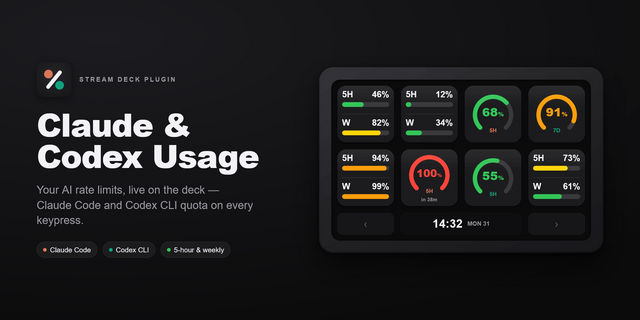
    Claude & Codex Usage puts your AI coding assistant limits right on your Stream Deck. See at a glance how much of your ro...

    Free

  • ClauDeck Lite
    ClauDeck Lite app icon

    ClauDeck Lite

    by onavascuez

    ∙

    Development

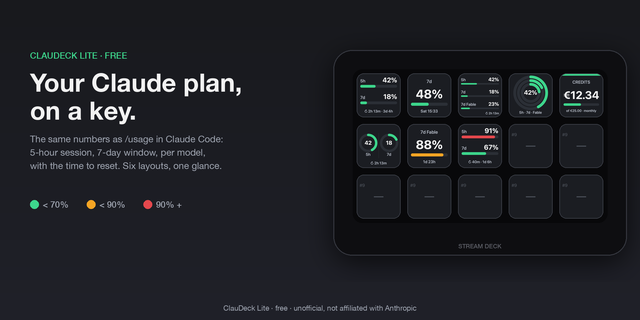
    Your Claude plan usage on a Stream Deck key: the same numbers as /usage in Claude Code, without leaving your editor. See...

    Free

  • Claude Peak Ticker
    Claude Peak Ticker app icon

    Claude Peak Ticker

    by VROTEK OÜ

    ∙

    Development

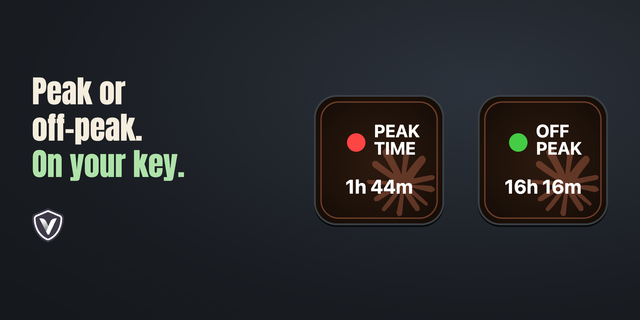
    See Claude’s peak and off-peak schedule from promoclock.co on your Stream Deck, with a countdown to the next change. Cho...

    Free

  • Burndown: AI Usage Monitor
    Burndown: AI Usage Monitor app icon

    Burndown: AI Usage Monitor

    by Kuberstar

    ∙

    Development

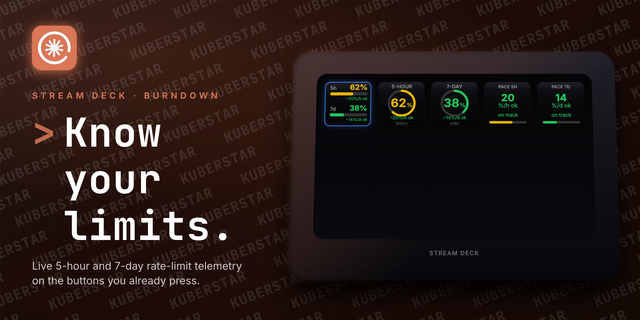
    Know your Claude.ai limits before they know you. With the Burndown plugin, your 5-hour and 7-day rate-limit windows fill...

    Free

  • Claude Code Usage
    Claude Code Usage app icon

    Claude Code Usage

    Claude Code Usage turns your Stream Deck into a live control surface for Claude Code — not just a usage monitor. See you...

    $3.99

  • Claude Usage
    Claude Usage app icon

    Claude Usage

    by PackRat 🐀

    ∙

    Development

    Know your Claude usage at a glance. Live limits, themeable, calm by design. Stop guessing whether you are about to hit a...

    $7.99

  • Claude Code Approver
    Claude Code Approver app icon

    Claude Code Approver

    by Mlifell

    ∙

    Development

    Claude Code Approver brings Claude Code's permission prompts to your Stream Deck. When Claude Code pauses to ask before ...

    $3.99

  • Auto Queue for Claude Code
    Auto Queue for Claude Code app icon

    Auto Queue for Claude Code

    by PackRat 🐀

    ∙

    Productivity

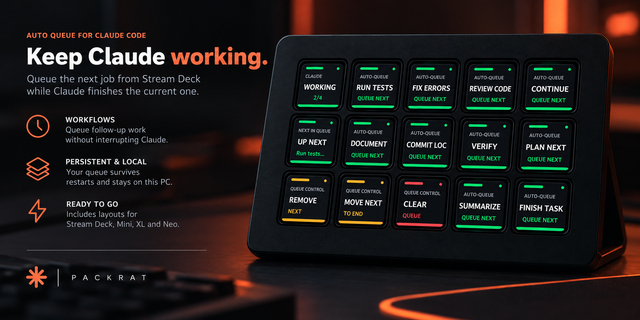
    Keep Claude working without going back to your keyboard. Auto Queue for Claude Code lets you line up follow-up work from...

    $5.99