Gaming
System Monitor for Windows
by GRAMSHIFT
Overview
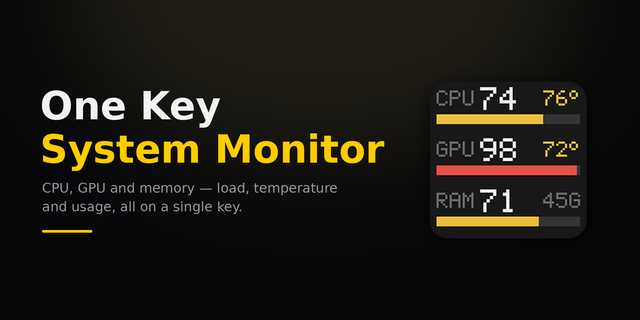
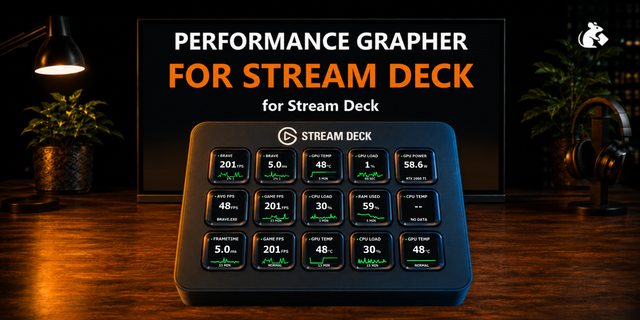
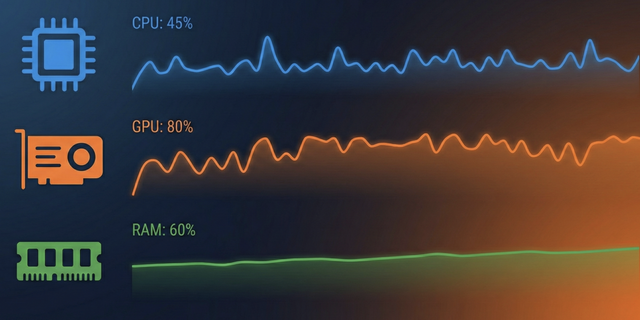
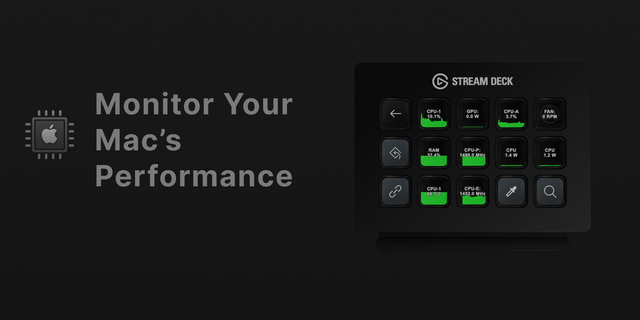
See how hard your PC is working without switching windows. System Monitor for Windows puts CPU usage, GPU usage and GPU temperature, RAM in use, disk space and network speed (Ethernet and Wi-Fi) on your Stream Deck keys, in a look you pick per key. Everything is read locally from Windows every 2 seconds, so PC performance is always in view. No extra software to install.
Features
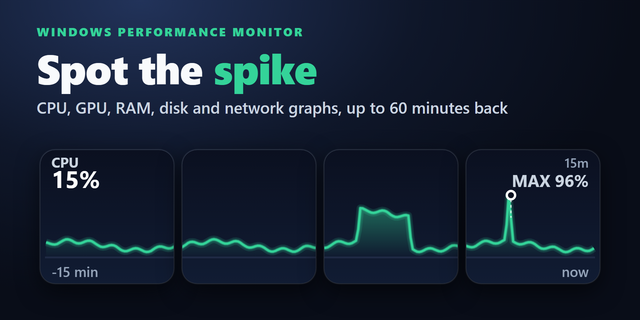
CPU: total usage with a 60-second graph
GPU: usage, temperature and VRAM in use, with a 60-second graph; choose the GPU if you have several; °C or °F
Memory: percent and GB in use, with a 60-second graph
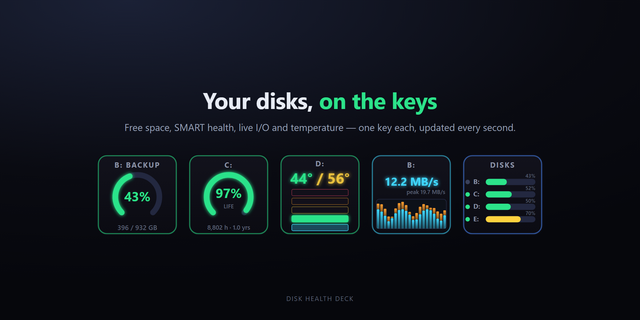
Disk: used % and space left; pick the drive in the key's settings, or press for the next drive
Disk activity: busy %, read and write speed, with a 60-second graph (pick "activity" in the Disk key's settings)
Network: download or upload speed with a graph; pick the direction in the settings, or press to switch
Dashboard: 2 to 4 different readings on one key, in rows or a 2 x 2 grid. Pick from CPU, GPU, memory, disk space, disk activity, download and upload
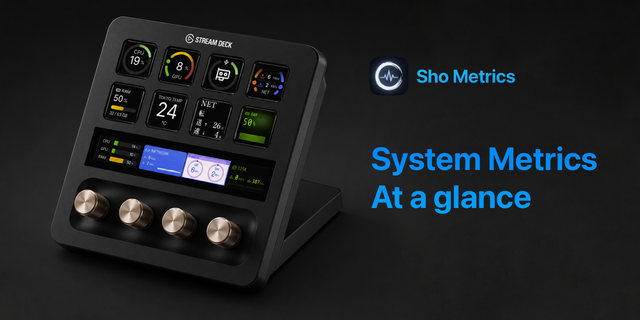
Stream Deck +: every key also goes on a dial. The touch strip shows the value with its 60-second graph (disk space: a level bar). Press = same as the key; turn to switch download / upload, space / activity, the GPU (with several), or the Dashboard reading shown
Stream Deck Neo: every monitor also goes on the Infobar, the screen between the keys. It shows the reading with its graph; a Dashboard shows all of its readings at once
Looks per key: Classic, Neon, Ring, Bars, Solid (Ring, Bars: a gauge instead of the graph on keys)
Colors: yellow at 70%, red at 90% (disk space: 80%, 95%)
Light: measuring stops when no key is shown
FAQ
Does it need HWiNFO or other software? No. Every reading comes from Windows itself, so there is nothing else to install or keep running.
Which GPU does the GPU key show? Automatic shows the GPU with the most video memory, usually the graphics card. With two GPUs, pick one in the key's settings.
Why does my GPU show --°C? Some GPUs do not report a temperature to Windows. The key then shows --°C and still shows usage and VRAM.
Does it match Task Manager? GPU usage is counted the same way (the busiest engine). CPU usage is "% Processor Time"; Task Manager on Windows 11 uses "Processor Utility" and can read higher.
Can one key show several readings? Yes. Add the Dashboard key and pick 2 to 4 different readings. Four fit in a 2 x 2 grid; fewer are shown in rows. Each reading keeps its yellow and red warnings.
What does disk activity show? How busy the physical disk that holds the drive is, and how fast it reads and writes, from Windows' own disk counters. Existing Disk keys keep showing space left until you switch them.
Does it work with Stream Deck + dials? Yes. Drag any monitor onto a dial. The strip shows the reading with its graph (disk space: a level bar); a Dashboard on a dial shows one reading at a time, turn for the next.
Does it work with the Stream Deck Neo Infobar? Yes. Drag any monitor onto the Infobar, in any look; disk space shows a level bar. The Infobar cannot be pressed, so choose the drive or the download / upload direction in the settings.
Privacy
Runs entirely on your PC: no account, no online service, no data collection.
Requirements
Windows 10 or later, Stream Deck app 7.6 or later
Network, GPU and disk activity readings go through Windows PowerShell (part of Windows). If it is blocked, those keys show "--" and the others keep working. GPU temperature appears when the GPU reports it, otherwise --°C. On a laptop, a graphics card that is switched off to save battery shows idle until it is in use again.
Idea or bug? Use the Support link. Every message is read.
New in 1.4.0: on a Stream Deck Neo, every monitor now also works on the Infobar, the screen between the keys. It shows the reading with its 60-second graph (disk space: a level bar) in the look you picked, and a Dashboard shows all of its readings at once. The Disk and Network settings now let you choose the drive and the download / upload direction (a key press still switches them too). Needs Stream Deck app 7.6 or later. Keys you already set up look and work as before.
Version 1.4
Nov 2, 2026
Details
Type
Gaming
Monitoring
Utilities
OS
Windows
Compatibility
Stream Deck 7.6 or later
Size
132.14 KB
Version
1.4
Language
English
Japanese
Support
Profiles
No
Dial support
Yes
Neo Infobar support
Yes
Additional links
You might also like