Monitoring
System Pulse
by Tiltti
Overview
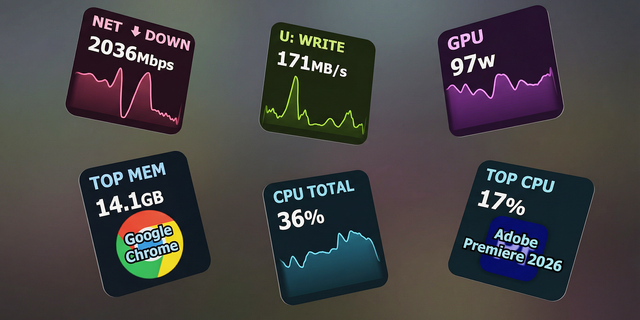
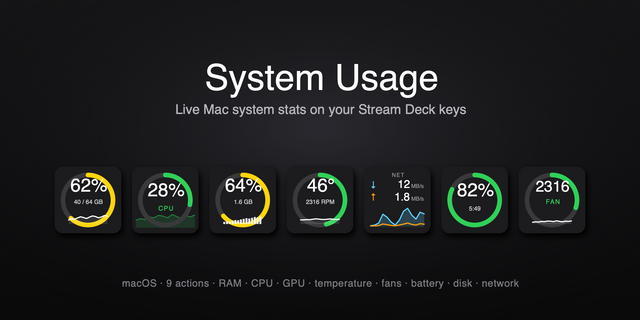
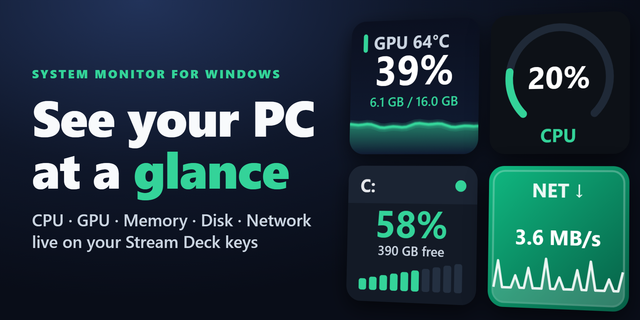
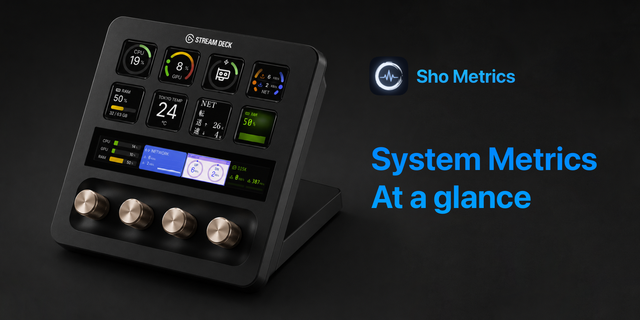
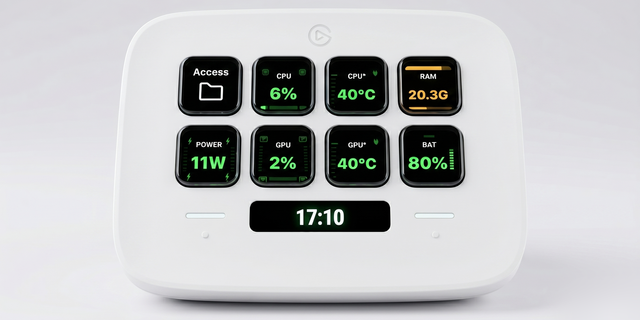
System Pulse turns Stream Deck into a system and network dashboard for macOS and Windows. See CPU, GPU, memory, storage, network and battery at a glance, follow useful trends, and keep everyday controls close. Choose your keys, with three styles and a larger-text option.
How it works
Add actions to your profile. Shared collectors read local operating-system data only for visible keys. Disk trends and observed network totals persist locally. Only Ping sends probes to your chosen host, gateway and DNS. No account or telemetry.
What's included
37 actions on Mac; 30 on Windows, with platform differences explained in settings.
CPU, GPU, memory, top process, disk space/activity, network speed, data totals, ping, gateway/DNS latency, Wi-Fi, VPN, uptime and battery.
Disk and battery forecasts; honest learning or unavailable states when data is insufficient.
Security checks and cached software-update counts; no update downloads or installation.
Keep Awake timers, appearance, Lock Screen and confirmed computer sleep.
Windows radio, audio, display and eject keys open Settings. Mac also has native switches, P/E cores, power, thermal state, battery health, Bluetooth batteries and per-process traffic.
Deck Wall across adjacent keys; Glass, Mono and Signal styles.
Settings/help in English, Finnish, Swedish, German, French and Spanish. Key text stays English.
Requires Stream Deck 6.9+, macOS 13+ or Windows 11 x64. Windows ARM is not supported. One-time purchase; no subscription or ads.
Windows 11 x64 support: 30 actions with local CPU, GPU, memory, process, disk, network, Wi-Fi, VPN, battery, security and update measurements. macOS retains all 37 actions.
Windows Keep Awake timers, appearance, Lock Screen and confirmed PC Sleep. Wi-Fi, Bluetooth, audio, display and eject keys clearly open Windows settings instead of claiming direct control.
Windows security names Firewall and Defender. Updates shows the local software-update cache and last successful check; it does not scan online, download or install updates. Unknown data stays unknown.
Windows CPU and memory keys cycle styles; unavailable macOS views and actions are hidden. DNS timing uses the Windows system resolver.
Deck Wall keeps whole meters, labels and history values inside individual keys, with larger single-key readouts.
Clearer DISK ETA forecasts with LEARNING, STEADY and NO TREND states; improved battery percentage and full-charge artwork.
Keys and Deck Wall recover after USB reconnect without losing settings; idle or disconnected keys stop measurements.
Six offline settings/help languages: English, Finnish, Swedish, German, French and Spanish. The saved settings language is plugin-wide; key artwork stays English.
Updated product gallery and animated feature trailer for macOS and Windows. One-time purchase, no subscription or ads.
Version 1.1
Oct 21, 2026
Details
Type
Monitoring
Utilities
OS
Mac
Windows
Compatibility
Stream Deck 6.9 or later
Size
610.76 KB
Version
1.1
Language
English
French
German
Spanish
Support
Neo Infobar support
No
Profiles
No
Dial support
No
Additional links
You might also like