Audio

Tally Ho

Overview

Tally Ho turns any Stream Deck key into a shared, synced indicator between two or more people. Press a key and every other key with the same ID lights up to match — instantly, across every Stream Deck and mobile device connected to your computer.

Built for on-air tally, but just as useful for any quick binary signal between people who can't easily talk mid-show: a musician flagging the sound engineer to raise or lower a specific channel, a stage manager cueing a performer, or a simple "standing by / go" between two stations.

Features:

Toggle, momentary, or exclusive (radio-button) button modes

Fully customizable colors and label text per key

Group support for exclusive switching between multiple sources

Instant sync across unlimited Stream Decks and mobile devices on the same computer

Example uses:

On-air / live tally for cameras or sources

A performer signaling "raise guitar" or "lower piano" to an audio engineer, with the engineer's deck lighting up to match

Cueing between backstage and front-of-house

Any simple status flag shared between two people at different Stream Decks

Use it to keep track of staff or availability.

Version 0.1.0 — Initial Release

Shared tally light action, synced instantly across every Stream Deck and mobile device connected to the same computer

Three button modes: Toggle, Momentary (active while held), and Exclusive (radio-button switching within a group)

Fully customizable active/inactive colors and label text per key

Group support for exclusive switching between multiple sources (e.g. camera or channel selection)

Version 0.1

Sep 29, 2026

Details

Type

Audio

Monitoring

Productivity

Utilities

OS

Mac

Windows

Compatibility

Stream Deck 7.1 or later

Size

157.66 KB

Version

0.1

Language

English

Neo Infobar support

No

Profiles

No

Dial support

No

You might also like
  • OmniFocus for Stream Deck
    OmniFocus for Stream Deck app icon

    OmniFocus for Stream Deck

    by MeenTeen

    ∙

    Productivity

    Current Marketplace version: 0.28.2, with an English interface. Version 0.28.5 is pending review and adds startup and co...

    $14.99

  • Display Switcher
    Display Switcher app icon

    Display Switcher

    by Fugutarosan

    ∙

    Utilities

    Switch between all your monitors and just one, with a single Stream Deck key or dial. Works on Mac and Windows. Use only...

    $700.00

  • OmniFocus Task Manager
    OmniFocus Task Manager app icon

    OmniFocus Task Manager

    by Magoo

    ∙

    Business

    Focus Faster. Finish More. OmniFocus Task Manager is a macOS Stream Deck plugin for OmniFocus, the focused task manager ...

    $12.99

  • TextTap: Snippet Expander
    TextTap: Snippet Expander app icon

    TextTap: Snippet Expander

    by Magoo

    ∙

    Business

    Reusable text, ready at a tap. Stop retyping the same replies, instructions, links, signatures, code, and everyday text....

    $4.99

  • Camtasia Pro Profiles Stream Deck Neo

    Camtasia Pro Profiles Stream Deck Neo

    by SideshowFX

    ∙

    Creative Tools

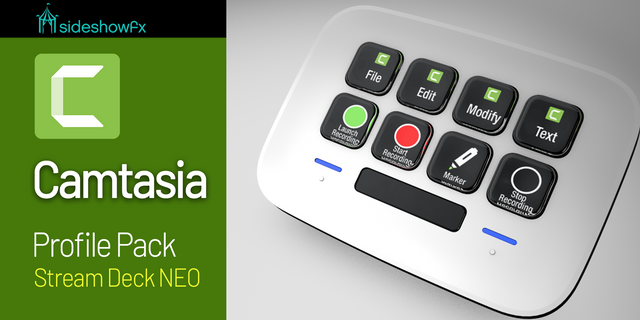
    PUT CAMTASIA AT YOUR FINGERTIPS 100+ PROGRAMMED COMMANDS • STREAMLINED VIDEO EDITING • BUILT FOR STREAM DECK NEO ...

    $14.99

  • AI Usage Monitor
    AI Usage Monitor app icon

    AI Usage Monitor

    by Joshua Clarke

    ∙

    Monitoring

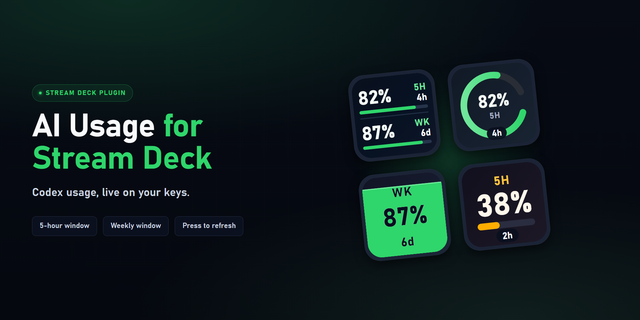
    Temporary notice: OpenAI is currently providing weekly usage limits only on PRO Plans. The 5-hour limit tiles will displ...

    $1.99

  • xTool Laser Deck
    xTool Laser Deck app icon

    xTool Laser Deck

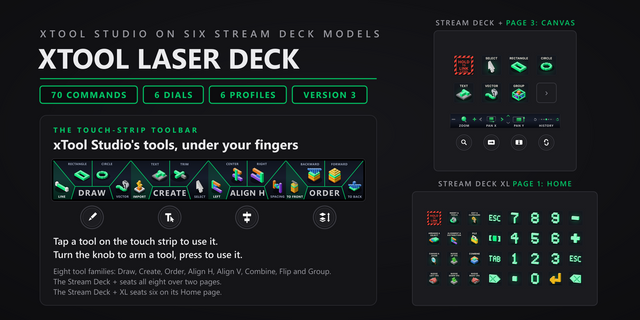
    xTool Laser Deck puts xTool Studio's tools on the touch strip of your Stream Deck + and Stream Deck + XL: tap Line, Rect...

    $6.13

  • Camtasia Pro Profiles

    Camtasia Pro Profiles

    by SideshowFX

    ∙

    Creative Tools

    PUT CAMTASIA AT YOUR FINGERTIPS ANIMATED EFFECT PREVIEWS • 100+ PROGRAMMED COMMANDS • INSTANT CREATIVE ACCESS Bui...

    $19.99