Audio
Tap Tempo 2
by Schwab Music
Overview
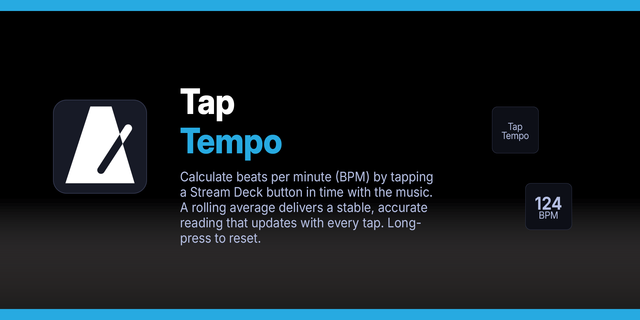
Tap the Stream Deck key to calculate BPM in real-time. Long-press to open a companion browser page with a full tempo display and note duration table, updated live via WebSocket. Designed for audio producers, sound designers, and mix engineers who need tempo-synced timing values in milliseconds.
How it works
1. Tap the key — each press registers a tap. BPM is calculated from the average interval between taps (up to 8 taps buffered).
2. Key icon updates — the Stream Deck key shows the current BPM with an SVG-rendered display.
3. Long-press the key (hold 1 second) — opens the companion page in your default browser.
4. Companion page — connects to a local WebSocket server run by the plugin. Taps from either the key or the browser page are synced bidirectionally.
5. Auto-reset — the tap buffer resets after a configurable period of inactivity (default 5 seconds).
Features
- Real-time BPM on the Stream Deck key (SVG rendering)
- Companion browser page with note duration table (whole, dotted half, half, quarter, eighth, sixteenth + triplets)
- Click any table row to copy the duration in milliseconds
- Preset BPM buttons (60, 90, 112, 120, 140, 160)
- Manual BPM entry via input field
- Keyboard support on the browser page (Space / Enter to tap)
- Bidirectional sync — tap on the key or the page, both update
- Connection status indicator on the browser page
- Configurable auto-reset timer (3s to 60s, or never)
- Configurable WebSocket port (advanced)
- Auto-reconnect if the plugin restarts
- Cross-platform: macOS and Windows
Port
The plugin runs a local WebSocket server on port 9876 by default. If this conflicts with another service, change the port in the Advanced section of the Property Inspector. A Stream Deck restart is required after changing the port.
SDK 3, DRM compliant.
Version 1.0.1
Apr 30, 2026
Details
Type
Audio
Utilities
OS
Mac
Windows
Compatibility
Stream Deck 6.9 or later
Size
101.16 KB
Version
1.0.1
Language
English
Support
Dial support
No
Profiles
No
Additional links
You might also like