Gaming
Tarkov Cultist Status
Overview
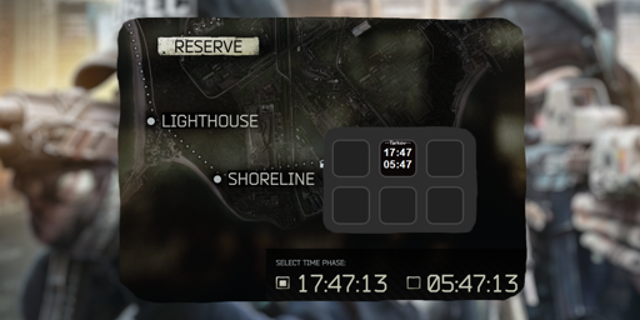
Escape from Tarkov presents two possible raid times, twelve in-game hours apart. Tarkov Cultist Status calculates both clocks and compares them with a configurable activity window. The default window is 22:00–06:00.
The Stream Deck key shows whether the selected raid clock or clocks are:
DORMANT — with a countdown until the next active window
ACTIVE — with a countdown until the window ends
Countdowns use HH:MM:SS and represent accelerated in-game time, not real-world waiting time.
Important
This plugin identifies a possible activity window only. It cannot determine whether cultists actually spawned in a particular raid.
Features
Tracks both selectable Tarkov raid clocks
Calculates time locally using Tarkov's accelerated 7× clock rate
Counts down to the next Active or Dormant transition
Supports custom activity-window start and end times
Supports overnight windows crossing midnight
Displays both clocks, the left clock, the right clock, or a compact combined status
Can show current Tarkov time instead of transition countdowns
Optional green flashing while potentially active
Uses no game files, account credentials, API keys, or network services
Continues calculating while Escape from Tarkov is closed, provided the Stream Deck application is running
Enjoying Tarkov Cultist Status? [Buy Me A Coffee](https://buymeacoffee.com/smellslikecoffee). Your support is appreciated, but never required.
Version 1.0.0.1 release notes
- Changed transition countdowns to the compact HH:MM format.
- Removed the active-state flashing option.
- Added an optional creator-support link to the settings panel.
Version 1.0.0.1
Aug 27, 2026
You might also like